Description
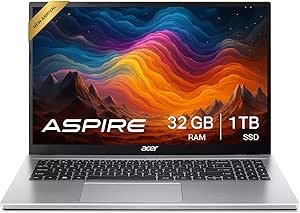
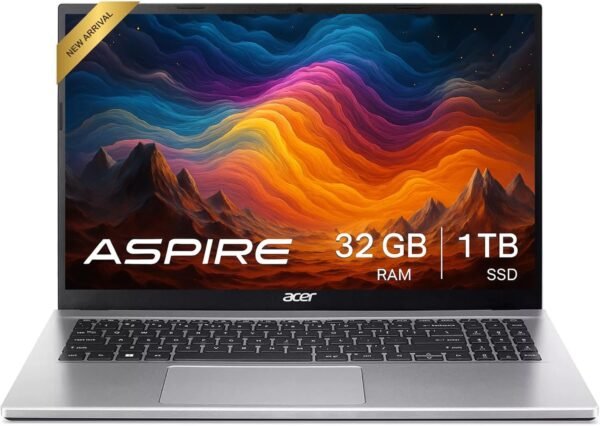
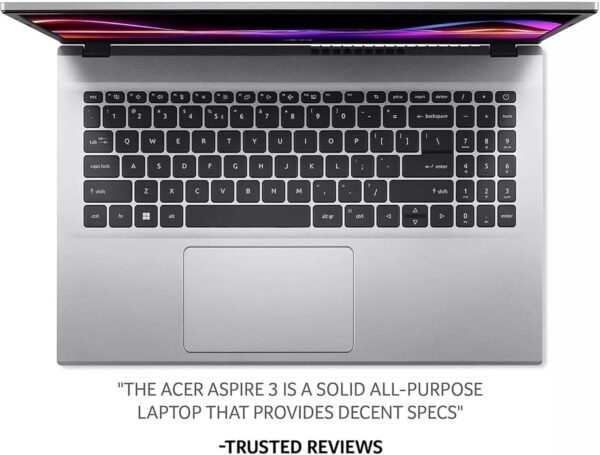
The Acer Aspire 3 is a mainstream 15.6 inch laptop, and this configuration is unusually well specified for the line: an AMD Ryzen 5 7430U with Radeon integrated graphics, 32GB of DDR4 memory, a 1TB solid state drive and Windows 11 Pro. Acer lists a 1920 x 1080 ComfyView LED-backlit display, Wi-Fi 6 with Bluetooth 5.2, a backlit full size keyboard, a 720p webcam, a microSD card reader and up to 9 hours of battery life. The chassis is silver, measures 14.19 by 9.42 by 0.78 inches and weighs 3.92 pounds.
What This Configuration Buys You
Aspire is Acer’s volume consumer line and the 3 is its entry tier. Machines in this range normally ship with 8GB of memory and a 256GB or 512GB drive, which is the specification that makes budget laptops feel slow within a year. This configuration ships with 32GB and 1TB instead, and that is the single most consequential thing about it.
Thirty two gigabytes is more memory than most people will use, and it removes the ceiling that usually defines this class of machine: many browser tabs, several applications open at once, a video call running alongside everything else. A terabyte of solid state storage likewise removes the storage anxiety that a 256GB drive creates within months.
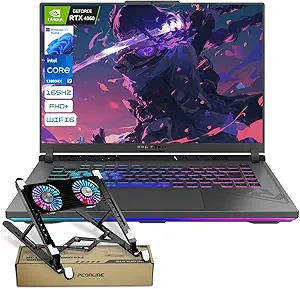
The processor is a Ryzen 5 7430U, a U series mobile part, which the specification block lists at up to 4.5 GHz across 6 cores. U series processors are designed for battery life and quiet running rather than sustained heavy load, and paired with Radeon integrated graphics this is a productivity machine rather than a gaming or content creation one. For documents, browsing, video calls and light photo work it is well matched; for video editing or games it is not, and the ASUS ROG Strix G16 is the shape of machine those tasks need.
Display, Ports and Build
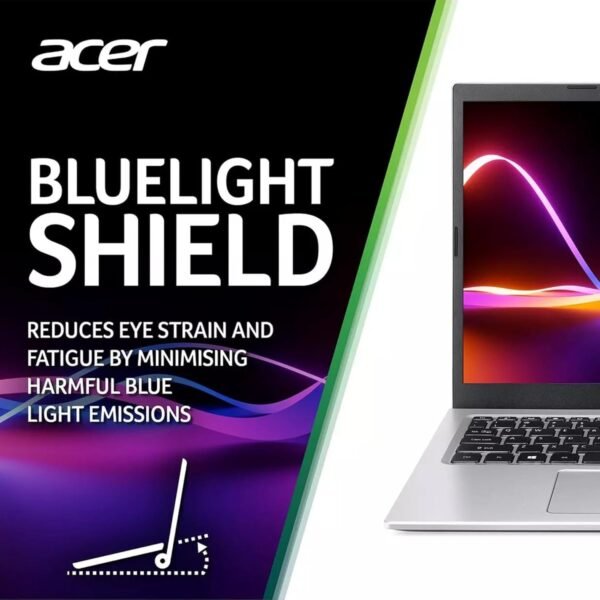
Acer specifies the panel as 15.6 inch, 1920 x 1080, described as high-brightness Acer ComfyView LED-backlit. ComfyView is Acer’s name for a matte, non reflective finish, which is the right choice for office and outdoor light. Note what is absent: no panel technology such as IPS is stated, no brightness figure in nits, no color gamut coverage and no refresh rate. Panels at this tier are frequently the weakest component, and without those figures this review makes no claim about viewing angles or color.
The port list is generous for the class: two USB 3.2 Gen1 ports, two USB 2.0 Type-A ports, one USB 3.2 Gen2 Type-C, one HDMI and a headphone and microphone combination jack, plus a microSD card reader. Six USB ports on a laptop this size is more than most, and the card reader is useful for photography. What the listing does not say is whether the USB-C port supports power delivery, charging or DisplayPort output, which are the three functions that determine whether the machine works with a modern dock. Ask before assuming.
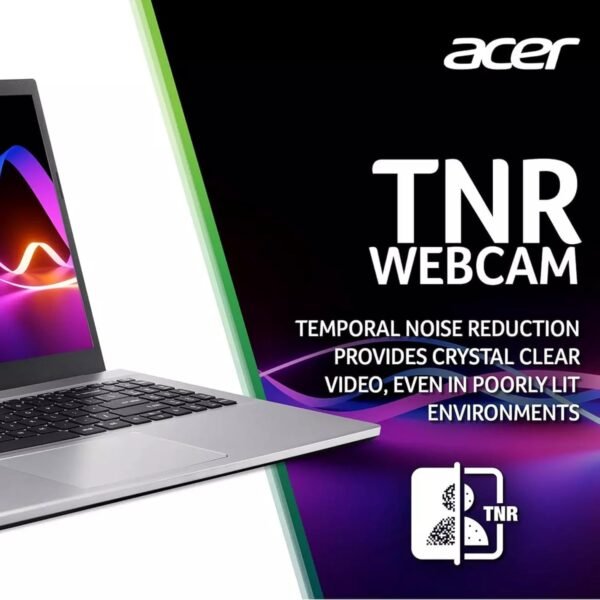
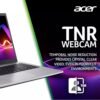
Audio is two 1.5W stereo speakers, which is modest, and the webcam is 1280 by 720 at 720p. A 720p camera is the budget standard and noticeably behind the 1080p cameras appearing on business machines such as the Dell Latitude 3550. Battery is quoted at up to 9 hours, which is a manufacturer figure under light use rather than a working day guarantee.
Highlights
- AMD Ryzen 5 7430U with AMD Radeon integrated graphics.
- 32GB of DDR4 memory and a 1TB solid state drive.
- 15.6 inch 1920 x 1080 ComfyView matte LED-backlit display.
- Windows 11 Pro rather than Home.
- Backlit full size US English keyboard.
- Wi-Fi 6 and Bluetooth 5.2 wireless.
- Two USB 3.2 Gen1, two USB 2.0, one USB 3.2 Gen2 Type-C, HDMI and a combo audio jack.
- MicroSD media card reader and a 720p webcam.
- Listed at 3.92 pounds and 0.78 inches thick, with up to 9 hours of quoted battery life.
Things To Consider
The specification block contradicts the product in several places. The chipset brand field reads “Intel” on a laptop with an AMD processor. The number of processors field reads 6, which is the core count. Dimensions appear as 14.29 x 9.5 x 0.78 inches in the specification block and 14.19 x 9.42 x 0.78 inches in Acer’s own description; the description is the more precise source.
One field is worth pausing on rather than dismissing: the hard drive interface reads “Serial ATA”. Acer’s description says only “1TB Solid State Drive” without stating whether it is a SATA or an NVMe drive. Those perform very differently, with NVMe drives several times faster in sequential transfers. If drive speed matters to you, confirm the interface with the seller, because the listing genuinely does not settle it.
The product title mentions Copilot AI Chat. That is a Windows software feature available on the operating system rather than a hardware specification, and the listing states no neural processing unit or AI accelerator. Do not read it as a hardware capability.
Two more practical points. First, the memory is DDR4 rather than DDR5, which is consistent with the processor generation and is not a problem, but it is worth knowing if you are comparing against DDR5 machines. Second, note that 32GB in a budget chassis may be fitted as a single module or as two, and single channel memory reduces integrated graphics performance noticeably. The listing does not say. Ask.
Finally, a housekeeping note about this site rather than the product: we list a second Acer Aspire 3 configuration separately, and the two pages describe different machines with different specifications. Check which configuration you are looking at before ordering.
Who Should Buy It, and Who Should Not
Buy this Aspire 3 if you want a mainstream 15.6 inch laptop with far more memory and storage than the price class usually provides, you work in documents, browsers and video calls, and Windows 11 Pro is useful to you. The port count, the backlit keyboard and the matte screen are all sensible for daily work, and 32GB with 1TB means the machine will not feel cramped in three years.
Do not buy it for gaming, video editing or color critical work, and do not buy it if you need a documented panel specification or a high quality webcam. Comparable machines at this size include the HP Essential 255 G10, the Lenovo IdeaPad and the HP 14 inch Windows 11 laptop, and the other Acer Aspire 3 configuration we cover is worth comparing directly. Our traditional laptops category covers the full range.