Description
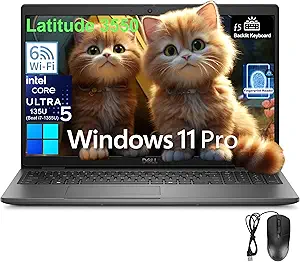
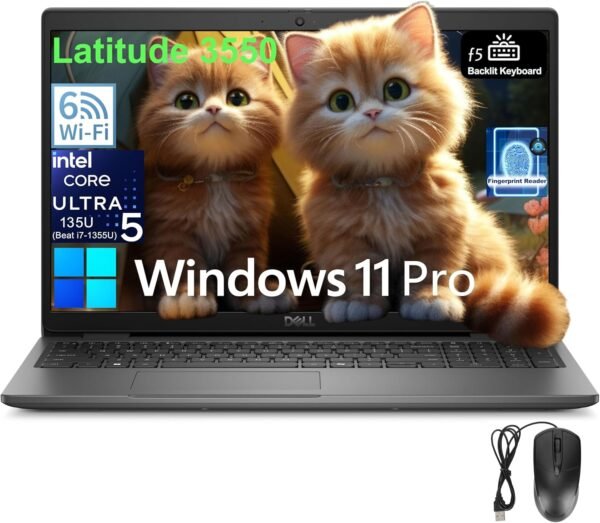
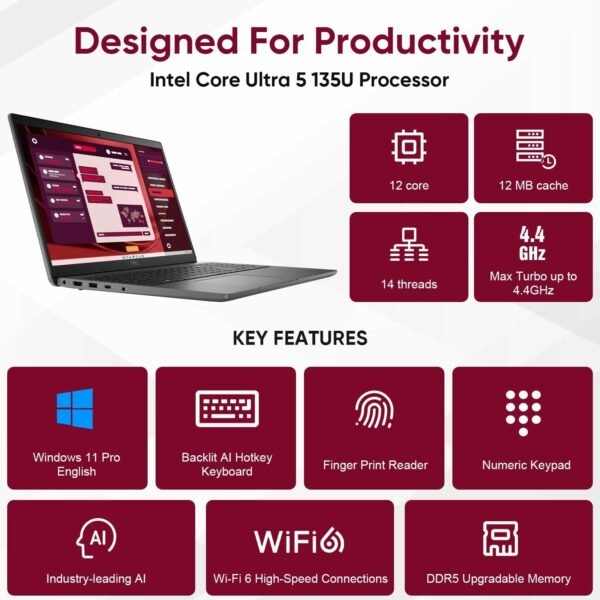
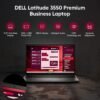
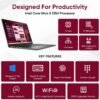
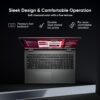
The Dell Latitude 3550 is a 15.6 inch business laptop. This configuration pairs an Intel Core Ultra 5 135U processor with 32GB of DDR5 memory and a 1TB M.2 PCIe NVMe solid state drive, running Windows 11 Pro. Dell gives the processor as 12 cores, 14 threads, 12MB of cache and up to 4.3 GHz maximum turbo, with Intel integrated graphics. The chassis measures 14.10 by 9.40 by 0.71 inches with a starting weight of 3.99 pounds, and it includes a backlit keyboard with a numeric keypad and a fingerprint reader in the power button.
Where the Latitude 3550 Sits
Latitude is Dell’s business line, and the 3000 series is its entry tier, below the 5000 and 7000 series in build materials and features. What you get from the Latitude branding regardless of tier is the business feature set: Windows 11 Pro rather than Home, a fingerprint reader, wired Ethernet, and a chassis designed for fleet deployment rather than for looks.
The Core Ultra 5 135U is a U series processor, which is Intel’s low power mobile tier. Dell lists 12 cores and 14 threads with a maximum turbo of 4.3 GHz. U series parts prioritize battery life and cool, quiet running over sustained peak throughput, which is the correct choice for a machine that spends its day in documents, spreadsheets, browsers and video calls. It is not the choice for sustained rendering or compilation, where an H series processor in a machine such as the ASUS ROG Zephyrus G16 would do considerably more work per hour.
Graphics are Intel integrated, with no discrete option in this configuration. That is standard for the class and appropriate for office work.
Memory, Storage and Ports
Thirty two gigabytes of DDR5 is generous for an entry business laptop, where 8GB or 16GB is more typical, and it is the specification that most affects how the machine feels three years from now. A 1TB NVMe drive is likewise comfortable. Together they mean this machine will not need upgrading for capacity reasons within a normal deployment cycle.
The port selection is the strongest part of the specification and Dell lists it precisely: one USB4 Gen 2 Type-C port with power delivery and DisplayPort, one USB 3.2 Gen1 with PowerShare, two further USB 3.2 Gen1 ports, one HDMI 1.4, one universal audio port, one RJ-45 Ethernet port and a wedge shaped lock slot.
Three things stand out there. USB4 with power delivery and DisplayPort means the laptop charges and drives an external display over a single cable, so a proper dock works. Built-in RJ-45 Ethernet is increasingly rare on thin laptops and genuinely useful in an office. And the wedge lock slot matters for anyone leaving machines on desks overnight. Note that the HDMI port is version 1.4, which is an older specification and limits what it can drive at high resolution and refresh rate; use the USB-C DisplayPort output for a demanding second monitor. A straightforward office panel such as the Dell E2423H is well within either connection.
Wireless is Intel Wi-Fi 6 AX201 in a 2×2 MIMO configuration with Bluetooth 5.3. Power comes from a 65W USB Type-C adapter, which is a positive: a laptop that charges from a standard USB-C power delivery supply can borrow a charger from almost anywhere.
Display, Camera and Keyboard
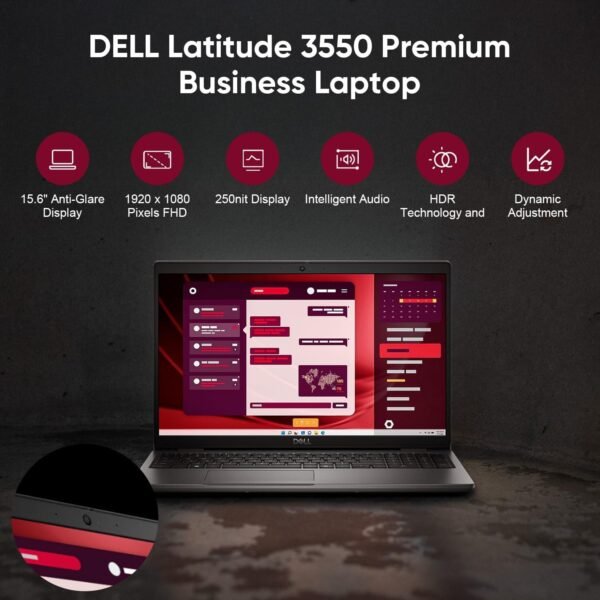
Dell specifies the panel in full, and it is worth reading carefully: 15.6 inch, 1920 x 1080, 60 Hz, IPS, non-touch, anti-glare, 250 nits, 45 percent NTSC. IPS and anti-glare are both good news, giving wide viewing angles and usable performance under office lighting. The two numbers to weigh are the 250 nit brightness and the 45 percent NTSC color coverage.
Two hundred and fifty nits is adequate indoors and dim by current standards; it will struggle near a bright window and outdoors. Forty five percent NTSC is a narrow color gamut, roughly the entry level panel specification, and it means colors will look muted next to a wide gamut screen. Neither matters for spreadsheets and documents. Both rule the machine out for photo or video work where color accuracy is required.
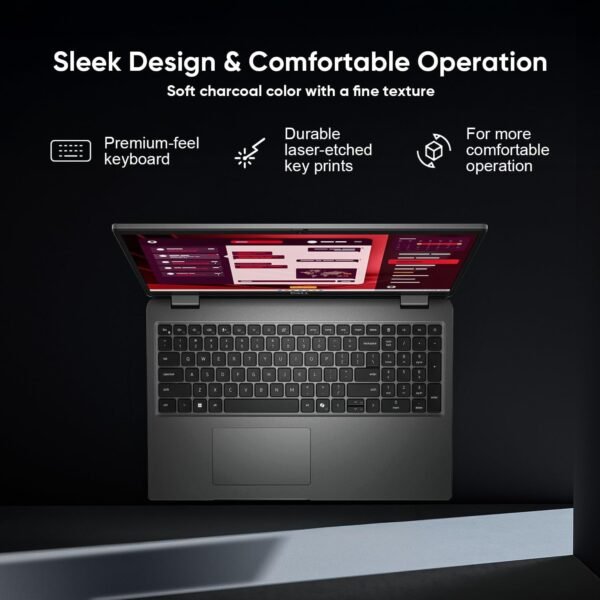
The camera is specified as 1080p at 30 frames per second with HDR, temporal noise reduction and dual array microphones. That is a better webcam specification than many business laptops carry, and on a machine bought partly for video calls it is worth more than a faster processor. The keyboard is a 99 key backlit layout with a numeric keypad, and the fingerprint reader sits in the power button, tied to Dell’s ControlVault 3 security hardware. Audio is stereo speakers with Realtek Waves MaxxAudio, listed at 2W per channel for 4W total.
Highlights
- Intel Core Ultra 5 135U with 12 cores, 14 threads, 12MB cache and up to 4.3 GHz.
- 32GB DDR5 memory and a 1TB M.2 PCIe NVMe solid state drive.
- 15.6 inch 1920 x 1080 IPS anti-glare panel, 60 Hz, 250 nits, 45 percent NTSC.
- USB4 Gen 2 Type-C with power delivery and DisplayPort, plus three USB 3.2 Gen1 ports.
- HDMI 1.4, RJ-45 Ethernet, universal audio port and a wedge shaped lock slot.
- Intel Wi-Fi 6 AX201 2×2 MIMO with Bluetooth 5.3.
- 1080p HDR webcam at 30 fps with dual array microphones.
- 99 key backlit keyboard with numeric keypad, fingerprint reader in the power button.
- Windows 11 Pro, 65W USB Type-C adapter, EPEAT registered.
Things To Consider
The product title includes the phrase “Beat i7-1355U” as a comparative claim about the processor. That is a seller’s marketing assertion, not a Dell or Intel specification, and no benchmark or test is cited to support it anywhere in the listing. This review does not repeat it as fact. If processor performance relative to a specific alternative matters to your decision, compare the two parts on Intel’s own published specifications rather than on a phrase in a product title.
Weight is listed two ways: 5 pounds in the specification block and a starting weight of 3.99 pounds in Dell’s own description. The lower figure is Dell’s and is qualified with “starting at”, which means the lightest configuration; the actual weight of this configuration sits somewhere at or above it. The specification block also lists memory simply as “32 GB DDR” while the description correctly says DDR5, and reports a “number of processors” of 12, which is the core count.
Three genuine limitations to weigh. The panel is dim and narrow gamut, as covered above. There is no optical drive, which Dell states plainly. And no battery capacity or quoted runtime appears anywhere in this listing, which is a notable omission on a business laptop where all day use is the selling point. Ask Dell or the seller for the battery watt hour rating before ordering if that matters.
Who Should Buy It, and Who Should Not
Buy the Latitude 3550 if you want a business laptop with more memory and storage than the class usually offers, you value wired Ethernet and USB4 docking, and Windows 11 Pro with a fingerprint reader is a requirement rather than a preference. For a professional whose work is documents, communication and browser based applications, this configuration is comfortably specified and will stay that way for years.
Do not buy it if you need a bright or color accurate screen, if your work is sustained heavy computation, or if you want a light machine for daily commuting at around four pounds plus an adapter. Alternatives in the same family include the Dell Latitude 5420 and the larger Dell Latitude 5550, while the Lenovo ThinkPad E16 Gen 2 is the closest competitor from another manufacturer. Our traditional laptops category covers the wider field.