
Description
What The IdeaPad Slim 3 Chromebook Is
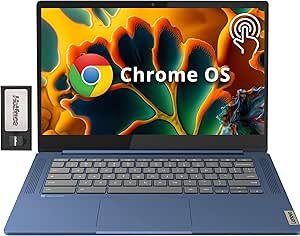
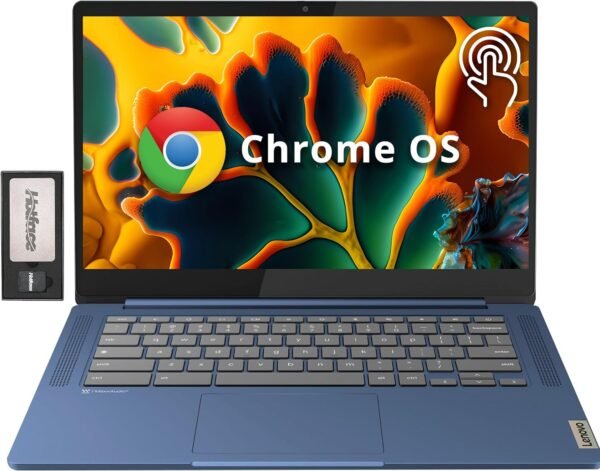
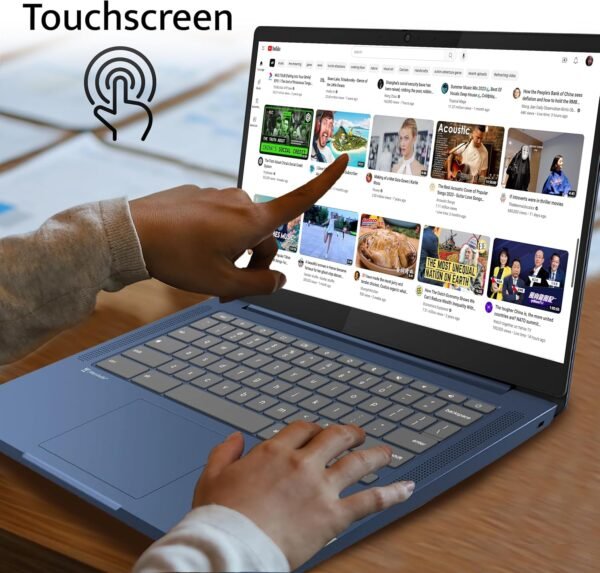
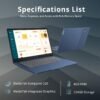
The Lenovo IdeaPad Slim 3 Chromebook is a 14 inch Chrome OS laptop with a touchscreen, aimed at browsing, schoolwork, streaming and document editing rather than heavy local applications. The configuration on this listing pairs a MediaTek Kompanio 520 processor with 4GB of LPDDR4X memory and 64GB of eMMC storage, in a blue chassis weighing 2.9 pounds. The display is the specification most likely to sell it: a 1920 by 1080 IPS panel with an anti glare finish and touch input, which is a step above the low resolution glossy screens common at this end of the market.
Chrome OS is the defining constraint and the defining benefit. It boots quickly, updates in the background and resists the slow degradation that affects budget Windows laptops with 4GB of memory. It also cannot run Windows software. Anyone who needs a specific desktop application should be looking at the traditional laptops category and at Windows machines such as the HP 15 inch laptop or the Acer Aspire 3 instead.
The Display
Lenovo describes the 14 inch FHD IPS anti glare touchscreen as offering clarity and brilliance for both work and entertainment. Stripped of the marketing, the useful facts are these: 1920 by 1080 resolution across 14 inches gives a reasonable pixel density for text, IPS means color and contrast hold up when viewed off center, and the anti glare coating helps under overhead lighting or near a window. Touch is included, which matters on Chrome OS because Android applications from the Play Store are often designed for touch first.
Processor And Memory
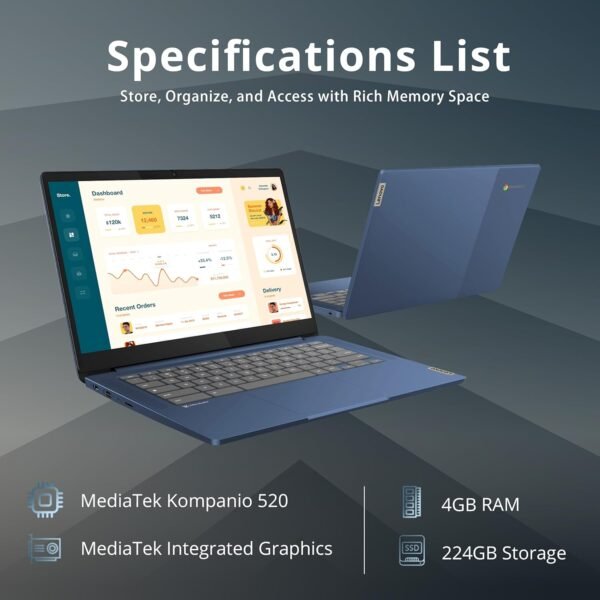
The processor is listed as the MediaTek Kompanio 520, and Lenovo describes it as balancing performance with power efficiency for everyday computing. The specification table complicates this: it identifies the processor as mediatek_mt8183 at 2 GHz, which is a different MediaTek part from the Kompanio 520 named in the product title, and it lists Number of Processors as 8, which is almost certainly a core count entered in the wrong field. Buyers who care about the exact silicon should confirm the model with Lenovo, because the listing names two different chips.
Memory is 4GB of LPDDR4X. On a Chromebook that is workable for a moderate number of browser tabs and light Android applications, and it is the figure that most limits the machine. It is soldered memory on this class of laptop, so the amount bought is the amount owned for the life of the device. The specification table describes the memory type as DDR4 SDRAM, which conflicts with the LPDDR4X named in the product title, and LPDDR4X is the more specific of the two.
Storage, And What The 224GB Figure Means
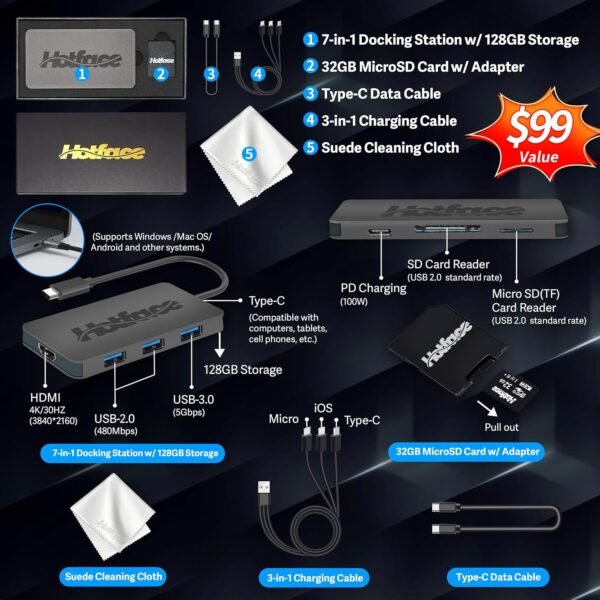
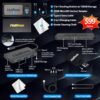
This deserves care, because the advertised storage number is a sum of two different things. The product title says 224GB Storage, then immediately breaks that down as 64GB eMMC plus a 160GB docking station set. The internal drive is 64GB of eMMC. The remaining 160GB comes from a bundled docking station included with the purchase, which is external hardware and not part of the laptop. A buyer who unplugs the dock has a 64GB Chromebook.
That is worth stating plainly because 64GB of eMMC is modest, and eMMC is slower than the NVMe storage in a mainstream laptop. In normal Chrome OS use much of the working data lives in cloud storage, so 64GB is often enough, but anyone downloading large Android applications, offline media or Linux development tools will feel the limit. Wireless is listed as 802.11ax, which is Wi-Fi 6, and that is a genuinely current specification at this price level.
Battery life, charging method and port selection are not listed on this page, which is a notable gap for a portable machine. Chromebooks in this class typically rely on USB-C charging and carry a small number of ports, but the listing does not confirm either, so a buyer who needs a specific port or a stated battery figure has to find it in the Lenovo specification sheet for this model number.
Highlights
- 14 inch 1920 by 1080 IPS panel with anti glare coating and touch input.
- MediaTek Kompanio 520 processor as named in the product title.
- Wi-Fi 6 wireless, listed as 802.11ax.
- Chrome OS with background updates and fast startup.
- 2.9 pounds and 0.73 inches thick.
- Integrated webcam.
- Docking station included in the bundle.
- MediaTek integrated graphics for video playback and light Android applications.
Things To Consider
The largest issue here is not a flaw in the hardware but in how the listing counts storage. Presenting 64GB of internal eMMC and a 160GB docking station as 224GB Storage in the product title invites a buyer to think the laptop itself holds 224GB. It does not. Beyond that, the specification table contradicts the product title twice, naming mediatek_mt8183 where the title names the Kompanio 520, and DDR4 SDRAM where the title names LPDDR4X.
- 4GB of memory is the practical ceiling on how many tabs and applications run at once, and it cannot be upgraded.
- Internal storage is 64GB eMMC, not the 224GB figure in the title.
- Chrome OS cannot run Windows or macOS software.
- The processor is identified two different ways on the same page.
- eMMC storage is slower than the SSDs used in mainstream laptops.
- Chrome OS devices carry an automatic update expiration date, which is worth checking for this model before buying.
- No discrete graphics, so this is not a machine for gaming or video editing.
Who Should Buy It And Who Should Not
This Chromebook suits a student, a second household laptop or a travel machine where the work is web based: documents, email, video calls, research and streaming. The 1080p IPS touchscreen and Wi-Fi 6 are better than the class usually offers, the weight is easy to carry daily, and Chrome OS keeps maintenance close to zero. Pairing it with an external mouse such as the Logitech M220 Silent makes longer sessions more comfortable.
It is not the right laptop for anyone who needs Windows applications, large local storage, heavy multitasking or any kind of 3D work. Those buyers should look at Windows notebooks with 8GB or more of memory and SSD storage, including options such as the Lenovo IdeaPad or the Acer Aspire 3 Windows model, both of which sit in a different software world from Chrome OS.