
Description
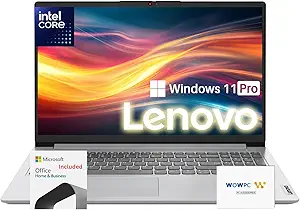
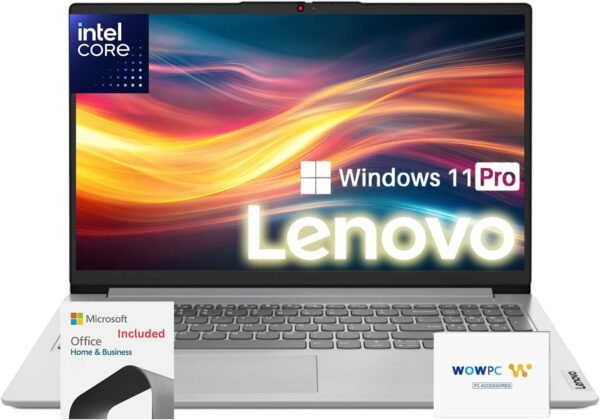
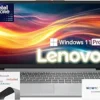
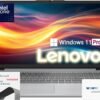
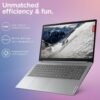
This is a Lenovo IdeaPad 15.6 inch laptop sold with a bundle that adds a one year Office 365 subscription with 1TB of cloud storage and a WOWPC recovery USB drive. The configuration listed pairs an Intel Celeron N4500 dual core processor with 36GB of DDR4 memory and a 1.1TB solid state drive, running Windows 11 Pro on a 15.6 inch 1366 x 768 anti-glare display.
That combination needs explaining before anything else, because the product title and the specification sheet do not describe the same class of machine.
The Processor Is a Celeron, Not a Core
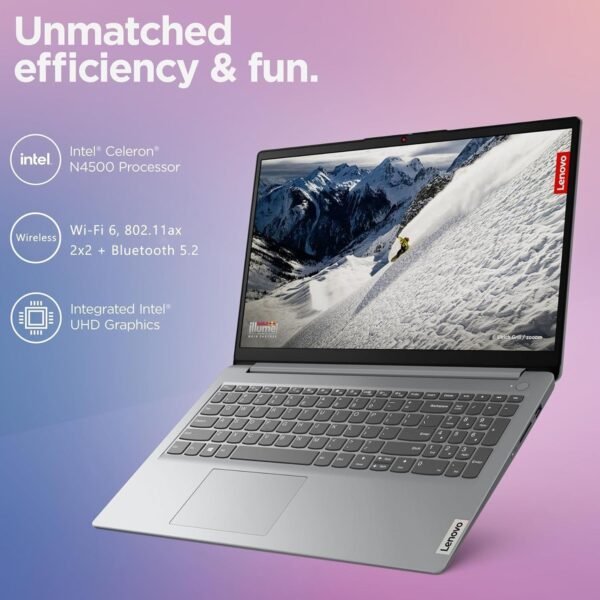
The product title on this listing includes the phrase “Intel Core”. Lenovo’s own specification text in the description states the processor is an Intel Celeron N4500, a dual core part running at 1.1 GHz with a boost to 2.8 GHz and a 4MB cache. The specification block agrees, listing “2.8 GHz celeron” and a processor count of 2.
Celeron and Core are different Intel product families with very different performance. A dual core Celeron N4500 is an entry level chip designed for low cost and low power, suited to web browsing, documents, email and video streaming. It is not comparable to a Core i3, i5 or i7 in any generation. If you are buying on the strength of the words “Intel Core” in the title, stop and check the processor model with the seller before ordering. This review treats the description’s specification as the accurate one, since it names a specific part number.
Set expectations from that: this machine will handle one task at a time comfortably and will slow noticeably under several demanding applications at once, regardless of how much memory is fitted. Anyone needing more should look at a machine with a mainstream processor, such as the Acer Aspire 3 with a Ryzen 5 or the Dell Latitude 3550.
The Unusual Memory and Storage Figures
Thirty six gigabytes of RAM and 1.1TB of storage are not standard configurations from any manufacturer, and the odd numbers are informative. Configurations like 36GB typically arise from a small amount of soldered memory combined with an added module, and 1.1TB likewise suggests a small onboard drive plus a fitted SSD. That points to a reseller upgraded machine rather than a Lenovo factory build.
None of that is inherently a problem, and the extra capacity is real. What it does mean is three things worth confirming with the seller: who fitted the upgrades, whether the manufacturer warranty is affected, and whether the memory runs in single or dual channel. That last point matters more than usual here, because integrated graphics performance depends heavily on memory bandwidth and a mixed memory configuration often runs partly in single channel.
It is also worth saying plainly that 36GB of memory does not help a dual core Celeron. Memory removes one bottleneck; the processor remains the other, and it is the tighter one in this configuration. If the choice were available, a Core processor with 16GB would outperform a Celeron with 36GB for almost any task.
Display, Ports and Everything Else
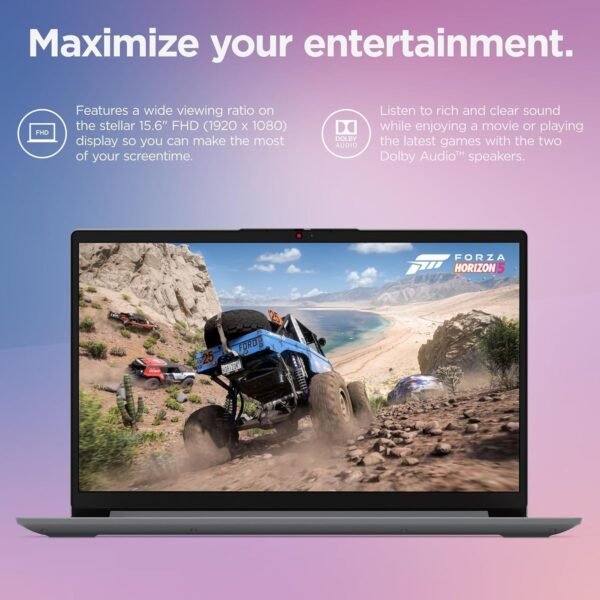
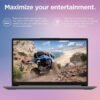
Lenovo specifies the panel as 15.6 inch HD at 1366 x 768, anti-glare, 220 nits. That resolution on a 15.6 inch screen is low by current standards, and it shows: text is less sharp and less fits on screen than on a 1920 x 1080 panel of the same size. The 220 nit brightness figure is dim and suited to indoor use only. Anti-glare is a positive, reducing reflections under office lighting.
The port list is: one USB-C 3.2 Gen 1, one USB 3.2 Gen 1, one USB 2.0, an AC smart pin power connector, one HDMI 1.4b, a headphone and microphone combo jack and a card reader. Read the USB-C entry carefully: Lenovo states it supports data transfer only. That means no charging over USB-C and no DisplayPort video output, so the machine charges only through its barrel style connector and drives an external display only through HDMI 1.4b. Docking through a single USB-C cable is not possible.
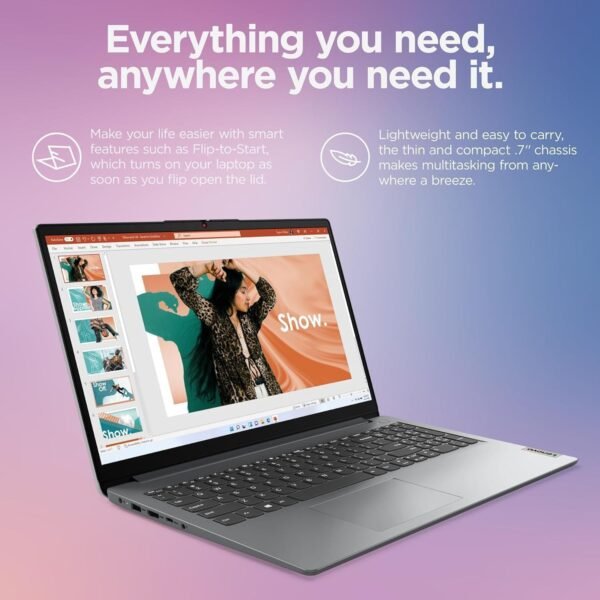
Other specifications: Wi-Fi 6 with 2×2 antennas and Bluetooth 5.2, stereo speakers at 1.5W per channel with Dolby Audio, a 720p webcam with a privacy shutter, and a non-backlit full size keyboard. Battery is quoted at up to 10 hours, and the machine weighs 3.42 pounds at 14.14 by 9.28 by 0.70 inches in Cloud Grey.
Highlights
- 36GB of DDR4 memory and a 1.1TB solid state drive as configured.
- Windows 11 Pro rather than Home.
- 15.6 inch 1366 x 768 anti-glare panel at 220 nits.
- Wi-Fi 6 with 2×2 antennas and Bluetooth 5.2.
- 720p webcam with a physical privacy shutter.
- Card reader, HDMI 1.4b and three USB ports of mixed generations.
- Quoted battery life of up to 10 hours, at 3.42 pounds.
- Bundle adds one year of Office 365 with 1TB of cloud storage and a recovery USB drive.
Things To Consider
The processor discrepancy above is the main issue and it is the one to resolve before buying. Beyond it, three limitations are worth weighing honestly.
The screen is the weakest component. A 1366 x 768 panel at 220 nits is the specification that will bother you daily, more than the processor, because it affects every minute of use. If you spend hours in documents or spreadsheets, the reduced vertical space is a constant cost.
The keyboard is not backlit. That is a small thing until you work in a dim room, and it is worth noting that Lenovo states it explicitly rather than leaving it ambiguous.
The USB-C port carries data only. On a laptop bought in 2025 that is a real limitation, ruling out USB-C charging and single cable docking. Check that the HDMI 1.4b output supports the resolution and refresh rate of any external monitor you plan to use.
On the bundle: a one year Office 365 subscription and a recovery USB have genuine value, but the subscription expires and the recovery drive is a third party item rather than Lenovo media. Confirm what the recovery drive actually contains and how support is handled.
A note about this site rather than the product: we carry a second Lenovo laptop page under a similar slug describing a different configuration. Check which machine you are looking at before ordering.
Who Should Buy It, and Who Should Not
Buy this machine if you need a cheap Windows 11 Pro laptop for browsing, email, documents and video, you value the large storage capacity, and you have confirmed with the seller exactly which processor is fitted. For a student who mostly writes and researches, or a second machine for light use, it works and the storage means you will not run out of space.
Do not buy it expecting Core class performance, and do not buy it if screen quality matters to you. Comparable budget machines with better displays include the HP Essential 255 G10 and the HP 14 inch Windows 11 laptop, and our other Lenovo 15.6 inch listing covers a different configuration. Our traditional laptops category covers the range.