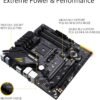
Description
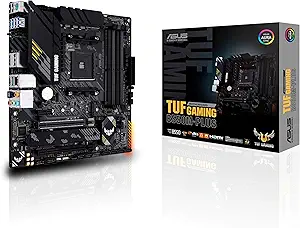
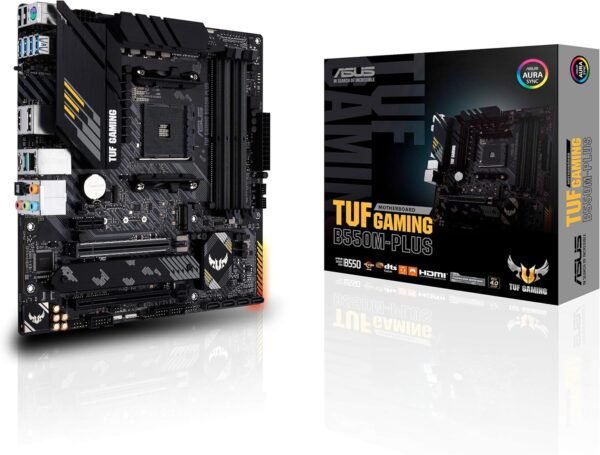
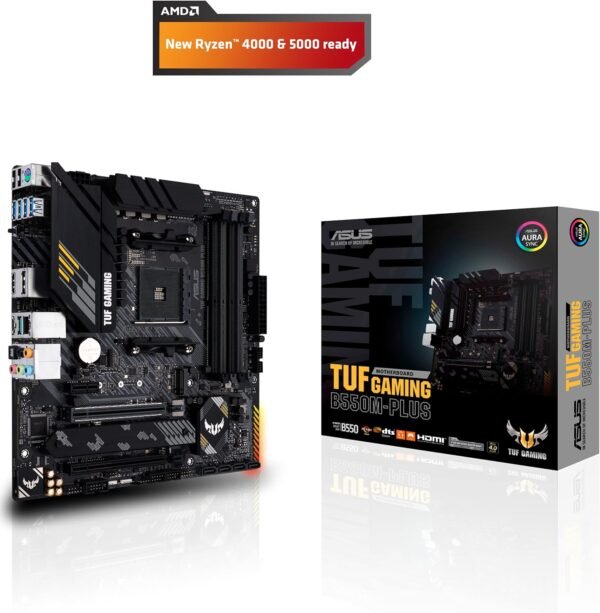
The ASUS TUF Gaming B550M-PLUS is a Micro ATX motherboard for AMD’s AM4 socket, built on the B550 chipset. ASUS lists it for 3rd Generation Ryzen processors with DDR4 memory, PCIe 4.0, 2.5 Gb Ethernet, HDMI 2.1, USB 3.2 Gen 2, an addressable Gen 2 RGB header and Aura Sync lighting control. The TUF Gaming line is ASUS’s durability focused range, positioned below the ROG boards and above the Prime series, and the listing dates this board to June 2020.
Compatibility, and the BIOS Question
Start with the socket and chipset, because they decide everything else. This is an AM4 board with a B550 chipset. AM4 takes DDR4 memory and is the previous generation AMD platform; it is not compatible with AM5 processors, and the memory types are not interchangeable. The form factor is Micro ATX, so check that against your case before ordering.
On processors, ASUS names 3rd Generation Ryzen in the product title. The listing does not enumerate other generations, so if you plan to fit a different Ryzen family, look the exact processor up on ASUS’s own CPU support list for this board. That page also records which BIOS revision each processor requires, and on AM4 that detail matters as much as the socket itself.
This listing is unusually helpful on firmware, and it is worth quoting what it actually says. ASUS lists BIOS 2423 for this board, describing it as updating AMD AM4 AGESA V2 PI 1.2.0.3 Patch C and improving system performance. It also gives a practical instruction: before running the USB BIOS Flashback tool, rename the BIOS file, which is TGB550MP.CAP for this model, using ASUS’s BIOSRenamer utility. That is a real procedural detail rather than marketing, and following it is the difference between a Flashback update that works and one that does not.
Why BIOS Flashback Matters Here
USB BIOS Flashback is arguably the most valuable feature on this board and it deserves its own explanation. It updates the motherboard firmware from a USB stick without a processor, without memory and without a graphics card installed. You plug in the power supply, insert a correctly named BIOS file on a USB drive in the designated port, press the Flashback button and wait.
The reason this matters on AM4 is the classic upgrade trap: you buy a board and a newer processor, the board ships with older firmware that does not recognize that processor, and the system will not post, which means you cannot enter the firmware to update it. Without Flashback the answer is borrowing an older compatible processor. With Flashback, it is a five minute job. If you are pairing this board with anything other than the processor generation ASUS names in the title, Flashback is the feature that makes the purchase safe.
Connectivity and Expansion
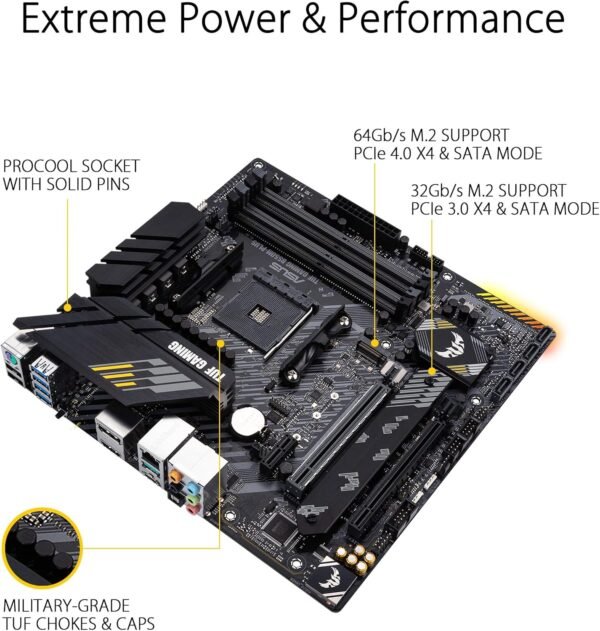
PCIe 4.0 is the headline of the B550 chipset generation. It provides doubled bandwidth per lane over PCIe 3.0 to the primary graphics slot and to one M.2 slot, with the chipset’s own downstream lanes running at the older generation. For a build with one graphics card and one fast NVMe drive, that arrangement covers the parts that benefit.
Networking is 2.5 Gb Ethernet, which is a step above the gigabit port still common at this tier and requires a 2.5 Gb capable switch or router to deliver anything extra. Note what is absent: this board has no onboard Wi-Fi. If wireless is required, budget for a card such as the TP-Link Archer TX3000E, and check that you have a free PCIe slot for it on a Micro ATX board, or choose a board with wireless included such as the ASUS Prime B550M-A WiFi II or the MSI MAG B550M Mortar MAX WiFi.
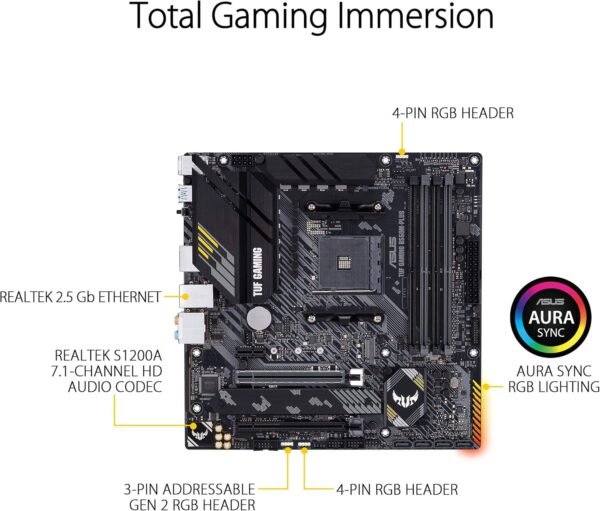
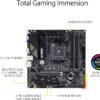
HDMI 2.1 is listed for display output. As on any AMD board, that output only works with a processor that includes integrated graphics; many Ryzen desktop parts do not, and those require a discrete graphics card for any display at all. USB 3.2 Gen 2 covers fast external storage, and an addressable Gen 2 RGB header with Aura Sync handles lighting if you want it.
Highlights
- AMD AM4 socket with the B550 chipset in a Micro ATX form factor.
- Listed support for 3rd Generation Ryzen processors, with a documented BIOS 2423 release.
- USB BIOS Flashback for firmware updates with no processor installed.
- PCIe 4.0 support for the primary graphics slot and fast NVMe storage.
- DDR4 memory, with a 4400 overclocked figure quoted in the specification block.
- 2.5 Gb Ethernet networking and USB 3.2 Gen 2 connectivity.
- HDMI 2.1 display output for processors with integrated graphics.
- Addressable Gen 2 RGB header with ASUS Aura Sync control.
Things To Consider
ASUS describes the board as engineered with military grade components and delivering rock solid performance with unwavering gaming stability. That is marketing language, and this page does not treat it as a measured result. The concrete specifications above are what a purchase should rest on.
Several things the listing does not state should be checked in ASUS’s documentation before ordering: the number of M.2 slots, the number of SATA ports, the number of memory slots and maximum capacity, the full rear panel port list, and how populating M.2 slots affects SATA availability. None of these can be inferred from the chipset name alone.
The specification block carries the usual import problems. Product dimensions of 10.83 x 10.49 x 2.66 inches and a weight of 1.81 pounds describe the retail box; Micro ATX boards measure 9.6 x 9.6 inches. A voltage field reads 12 volts, which is a power supply rail rather than a board specification. The memory speed field reads 4400 with no unit, and on AM4 that is an overclocked target dependent on the memory kit and the processor’s memory controller, not a guaranteed operating speed.
The larger consideration is platform lifespan. AM4 is mature, inexpensive and very well supported, and it is also finished as an upgrade path. Buying it today makes sense if you already have AM4 parts or DDR4 memory, or if the total system cost matters more than future upgrades. Buying it as the base for a machine you expect to upgrade in a few years does not, because the next processor generation will require a new board and new memory anyway.
Who Should Buy It, and Who Should Not
Buy the TUF Gaming B550M-PLUS if you are building on AM4, you want PCIe 4.0 and 2.5 Gb Ethernet without paying for the enthusiast tier, and you value BIOS Flashback as insurance against a firmware mismatch. For a mid range gaming or general purpose build reusing DDR4 memory, it covers the important parts without excess.
Do not buy it if you need onboard Wi-Fi and have no free slot for a card, if you need more expansion slots than Micro ATX provides, or if you are starting a build from scratch with an eye on future processor upgrades. Other options on the same chipset include the Gigabyte B550 Gaming X V2 and the ASRock B550M Steel Legend. Our motherboards category covers both AM4 and current generation boards.