Description
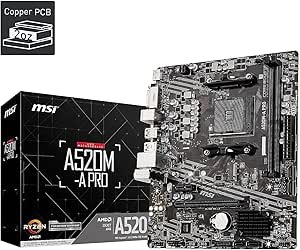
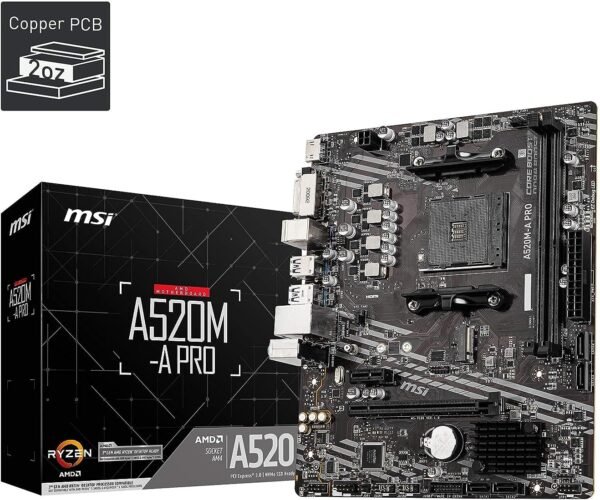
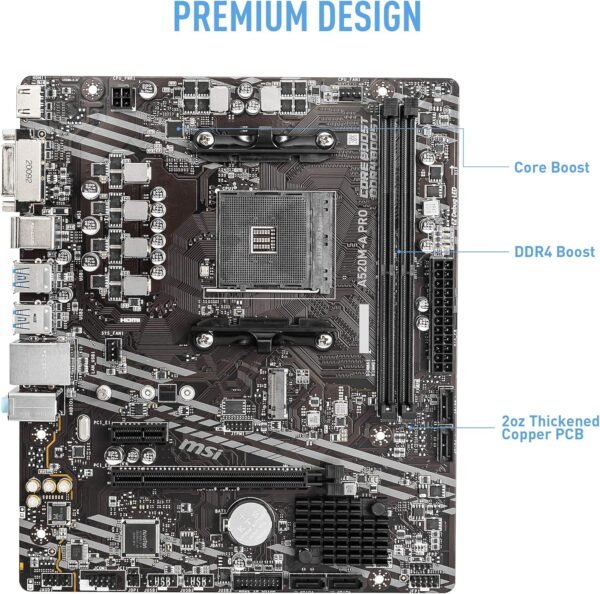
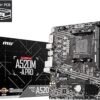
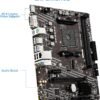
The MSI A520M-A PRO is an entry level Micro ATX motherboard for AMD’s AM4 socket, built on the A520 chipset. MSI lists it for AMD Ryzen 5000 series processors with DDR4 memory, PCIe 3.0, SATA 6Gb/s, M.2 storage, USB 3.2 Gen 1, and DVI plus HDMI video outputs. It is part of MSI’s PRO line, which the company positions around stable, straightforward operation rather than gaming features. The listing dates to August 2020.
Compatibility First
The socket is AMD AM4. The chipset is A520. The form factor is Micro ATX, and the listed 9.6 inch dimension matches that standard. Memory is DDR4, which is not interchangeable with DDR5. MSI names AMD Ryzen 5000 series processors in the product title.
The listing does not enumerate other AM4 processor generations and says nothing about BIOS versions anywhere. If you intend to pair this board with a processor from a different Ryzen generation, look your exact model up on MSI’s own CPU support list for this board and note the BIOS revision it requires. On AM4 that step is not optional, because processor support across generations is a firmware question, and this board has no advertised mechanism for updating firmware without a working processor installed.
Be clear also that AM4 is the previous generation AMD platform. It takes DDR4 memory and there is no upgrade path from this board to a current Ryzen 9000 series processor, which uses the AM5 socket. That is the platform rather than a fault, and it is the reason boards like this remain attractive when you already own AM4 parts or want the lowest total system cost.
What the A520 Chipset Means
This is the entry chipset of its generation, below B550 and X570, and two differences define it.
First, PCIe 3.0 rather than PCIe 4.0. The primary graphics slot and the M.2 storage slot both run at the older generation. For current graphics cards, the practical performance difference at PCIe 3.0 versus 4.0 is small. For storage it is more visible: a fast NVMe drive capable of PCIe 4.0 speeds will run at roughly half its rated sequential throughput in a Gen3 slot. Whether that matters depends on what you do; for gaming and general use it is barely noticeable, and for large file transfers it is.
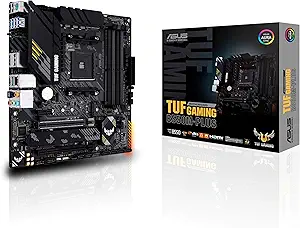
Second, no processor overclocking. A520 does not support raising the processor multiplier. If you buy an unlocked Ryzen part specifically to overclock it, this board will not let you, and a B550 board such as the ASUS TUF Gaming B550M-PLUS or the MSI MAG B550M Mortar MAX WiFi is the appropriate step up. Memory tuning is a separate matter, and the specification block quotes a DDR4 figure of 4600 MHz, which should be read as an overclocked ceiling under favorable conditions rather than a guaranteed speed. Check MSI’s memory support list before buying a kit for its rated speed.
Ports, Storage and Video Output
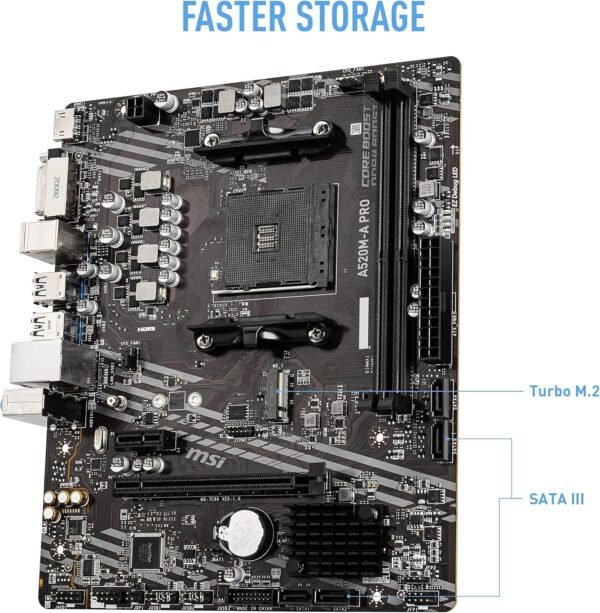
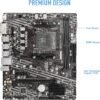
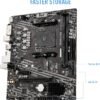
The board provides M.2 storage and SATA 6Gb/s ports, and MSI’s description references its M.2 SHIELD FROZR heatsink, which covers the M.2 slot to keep a drive from throttling under sustained writes. That is a useful inclusion at this tier, where M.2 heatsinks are often omitted. As on any board, populating the M.2 slot can affect SATA port availability, and MSI’s manual holds that allocation table.
USB is listed as 3.2 Gen 1, which is the 5 Gbps tier, alongside two USB 2.0 ports. That is adequate rather than generous; external drive throughput will be capped accordingly.
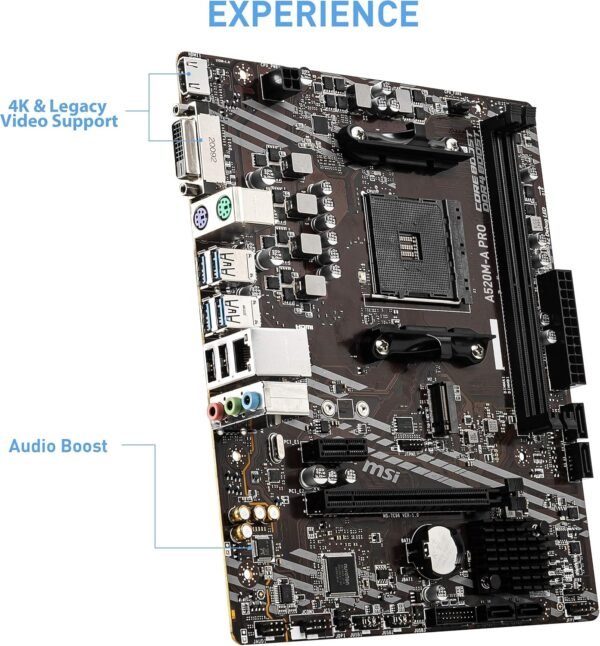
Video output is DVI and HDMI. DVI is a legacy connector and its presence here is genuinely useful for anyone with an older monitor or a projector that has no HDMI input. Both outputs require a processor with integrated graphics; many Ryzen desktop parts have none, and with such a processor a discrete graphics card is mandatory for any display output.
Note what is not on the board: there is no onboard Wi-Fi mentioned anywhere in the listing. If wireless is required, budget for a PCIe card such as the TP-Link Archer TX3000E, and check that a Micro ATX board leaves you a free slot for it alongside a graphics card.
Highlights
- AMD AM4 socket with the A520 chipset in a Micro ATX board.
- Listed support for AMD Ryzen 5000 series processors.
- DDR4 memory with a quoted 4600 MHz overclocked ceiling.
- PCIe 3.0 for the graphics slot and M.2 storage.
- M.2 slot with MSI’s M.2 SHIELD FROZR heatsink.
- SATA 6Gb/s storage ports and USB 3.2 Gen 1 connectivity.
- DVI and HDMI video outputs for processors with integrated graphics.
- MSI PRO series positioning, aimed at stability rather than gaming features.
Things To Consider
MSI’s description for this board is generic PRO series marketing text rather than a specification: it describes working smarter, stable functionality and high quality assembly without quantifying anything. Treat it accordingly. The concrete facts are in the product title and they are what this review works from.
Several specifications are simply not stated and should be checked in MSI’s documentation before ordering: the number of memory slots and maximum capacity, the number of SATA ports, the exact rear panel port list, the power delivery configuration, and whether the board carries any RGB headers. None can be inferred from the chipset name.
The specification block also contains a nonsense entry: a voltage field reading “1 Volts”. Listed dimensions of 9.6 x 8.3 x 1.5 inches and a weight of 14.1 ounces describe the packaged product; a Micro ATX board measures 9.6 by 9.6 inches.
The larger consideration is where an entry chipset makes sense. If your build is a graphics card, one NVMe drive and a couple of SATA disks, A520 does everything you need and the money saved is better spent elsewhere. If you plan several fast drives, a PCIe 4.0 SSD you want at full speed, or processor overclocking, the chipset becomes a real constraint and a step up is worth the difference.
Who Should Buy It, and Who Should Not
Buy the A520M-A PRO if you are building a budget AM4 system, you already own or intend to buy DDR4 memory, and your build has straightforward storage and expansion needs. For a first PC, an office machine or a low cost gaming build around a Ryzen 5000 processor, it covers the fundamentals with an M.2 heatsink and DVI output that cheaper boards often omit.
Do not buy it if you want to overclock the processor, if you have a PCIe 4.0 NVMe drive you want to run at full speed, or if you need onboard Wi-Fi. Do not buy it as the base for a system you expect to upgrade to a current AMD processor, since AM4 is at the end of its life. Alternatives include the ITX sized ASRock A520M-ITX/AC on the same chipset and the older GIGABYTE B450M-DS3H. Our motherboards category covers boards across both AMD sockets.