Description
What The HP Pro Tower 290 G9 Is
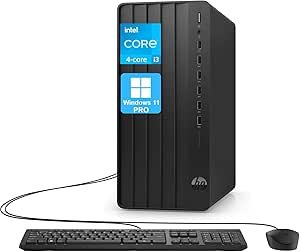
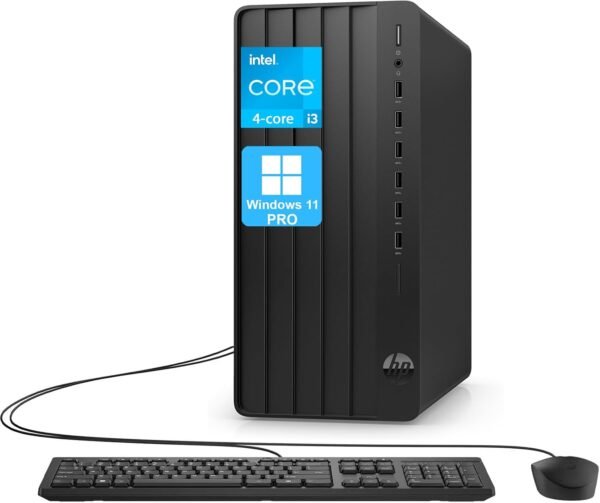
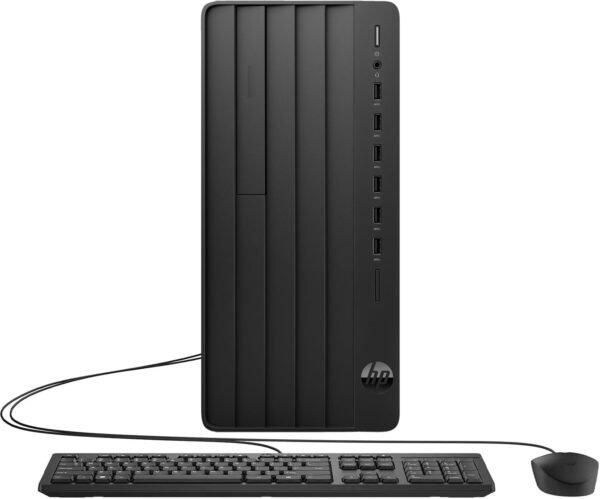
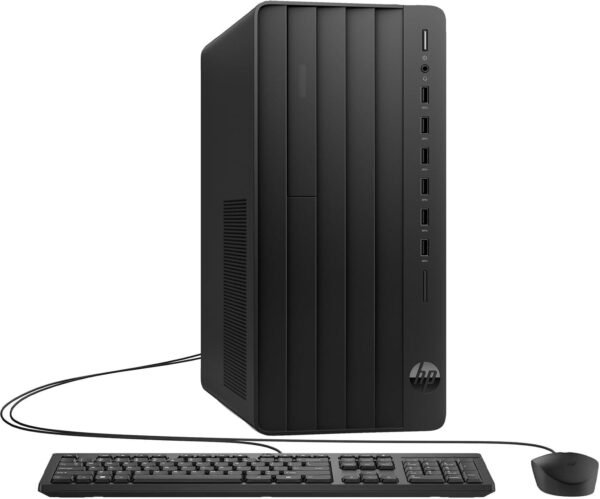
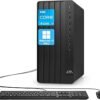
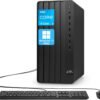
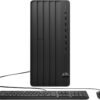
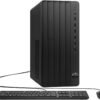
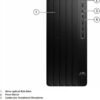
The HP Pro Tower 290 G9 is a small business desktop built for office work: documents, spreadsheets, browser applications, email and video calls. The configuration on this listing pairs a 13th Generation Intel Core i3-13100 with 16GB of DDR4 memory and a 512GB PCIe M.2 solid state drive, running Windows 11 Pro, with a wired HP keyboard and mouse in the box.
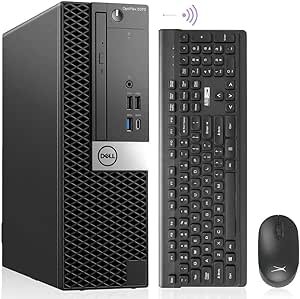
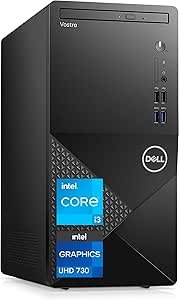
It is deliberately unglamorous. There is no discrete graphics card, no optical drive and no Wi-Fi 6. What it has instead is a full size tower chassis, eight USB ports, wired Ethernet and Windows 11 Pro, which is the combination a small office actually uses. It sits in the same bracket as the Dell Vostro 3910 and competes with refurbished business machines such as the Dell OptiPlex 5070.
Processor And Memory
HP lists the Core i3-13100 with 4 cores and 8 threads, 12MB of Intel Smart Cache, 5MB of L2 cache, a base frequency of 3.4 GHz and a maximum turbo frequency of up to 4.5 GHz. For office workloads that is a comfortable specification: a 3.4 GHz base clock on a current generation core handles single threaded work well, which is what most office applications depend on.
Memory needs reading carefully. The configuration includes 16GB of DDR4, while the description separately says up to 64GB DDR4 RAM. The second figure is the platform maximum, not what ships. The same pattern applies to storage: the listing includes a 512GB PCIe M.2 SSD while the description mentions up to 4TB. Those ceilings are useful because they tell a buyer the machine can be upgraded later, but neither is what arrives in the box.
Graphics
Graphics come from Intel UHD Graphics 730 integrated into the processor. That is enough for office applications, multiple browser windows, video playback and video conferencing across two monitors. It is not enough for 3D work, video editing or gaming. The tower format at least leaves the option of adding a card later, subject to the power supply and slot layout, neither of which is described on this listing.
Ports And Connectivity
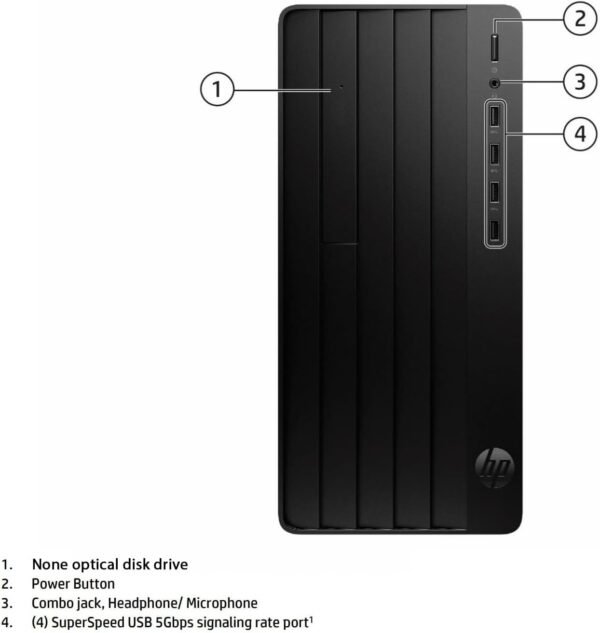
The port layout is generous for the price and worth listing in full. On the front there are four SuperSpeed USB Type-A ports at a 5Gbps signaling rate and one combined microphone and headphone 3.5mm jack. On the rear there are four USB Type-A 2.0 ports, one VGA port, one HDMI port, one Ethernet RJ-45 port, one audio line out and one audio line in. Wireless is Wi-Fi 5 and Bluetooth 5.
The two video outputs deserve a note each. HDMI covers any current monitor. VGA is an analog legacy connector, and its presence here is a deliberate choice for offices still running older displays or projectors rather than an oversight. What is missing is DisplayPort and any USB Type-C port, so a modern single cable monitor connection is not available. A conventional office panel such as the Dell P2219H connects without adapters.
One more point about serviceability. A full size tower is easier to open, clean and upgrade than a mini PC or an all in one, and on a business machine that matters over a five year life. Memory and storage upgrades are the two most likely changes, and the listing states ceilings for both. What it does not state is how many memory slots are fitted or whether the 16GB is a single module or a pair, which decides whether an upgrade means adding memory or replacing it.
Highlights
- 13th Generation Intel Core i3-13100 with 4 cores and 8 threads.
- Base frequency of 3.4 GHz with up to 4.5 GHz turbo.
- 16GB DDR4 memory as configured.
- 512GB PCIe M.2 solid state drive.
- Windows 11 Pro rather than Home.
- Eight USB Type-A ports across front and rear.
- HDMI and VGA outputs for two monitors.
- Wired Ethernet plus Wi-Fi 5 and Bluetooth 5.
- Wired keyboard and mouse included.
- Upgrade ceilings quoted at 64GB memory and 4TB storage.
Things To Consider
The specification table on this listing has several fields that do not describe the product. Item weight is given as 18 pounds while HP’s own description says 10.4 pounds, and the 25 by 16 by 8 inch figure is package dimensions rather than the 6.12 by 11.93 by 13.28 inch chassis. Hard Drive Rotational Speed is listed as 7200 on a machine with a solid state drive and no mechanical disk. Graphics Card Ram Size is listed as 64 and Flash Memory Size as 64 GB, neither of which corresponds to anything in the configuration. Number of Processors is listed as 4, which is the core count in the wrong field.
- Integrated graphics only. Not suitable for gaming, 3D or video editing.
- Wi-Fi 5 rather than Wi-Fi 6, which is behind current standards.
- No DisplayPort and no USB Type-C anywhere on the machine.
- Rear USB ports are USB 2.0, so fast external drives should use the front ports.
- VGA is a legacy analog output and will look softer than a digital connection.
- Power supply wattage and expansion slot layout are not described, so adding a graphics card cannot be planned from this page.
- Weight and dimensions are each stated two different ways.
Who Should Buy It And Who Should Not
The Pro Tower 290 G9 suits a small business, a home office or a reception desk that needs a reliable Windows 11 Pro machine with plenty of USB ports and room to add memory or storage later. The tower format makes servicing easy compared with a mini PC, the included keyboard and mouse mean it works out of the box, and the VGA output is genuinely useful in offices with older monitors still in service.
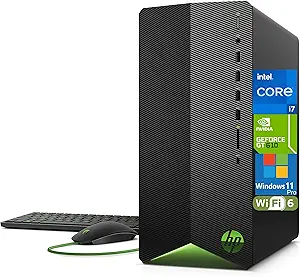
It is the wrong machine for creative work, gaming or anything needing a discrete GPU, and the wrong machine for anyone who wants Wi-Fi 6 or USB Type-C. Buyers who want a smaller footprint should compare the HP Elite Mini 800 G9, those who want more graphics capability should look at the HP Pavilion TG01, and the rest of the towers category covers both new and refurbished options.