Description
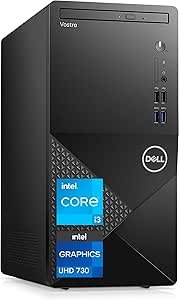
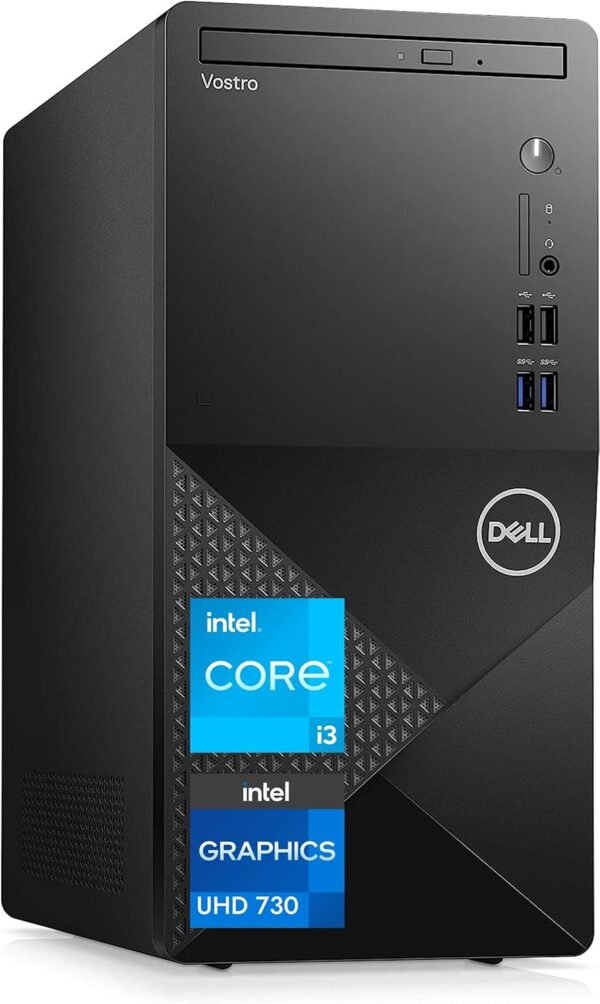
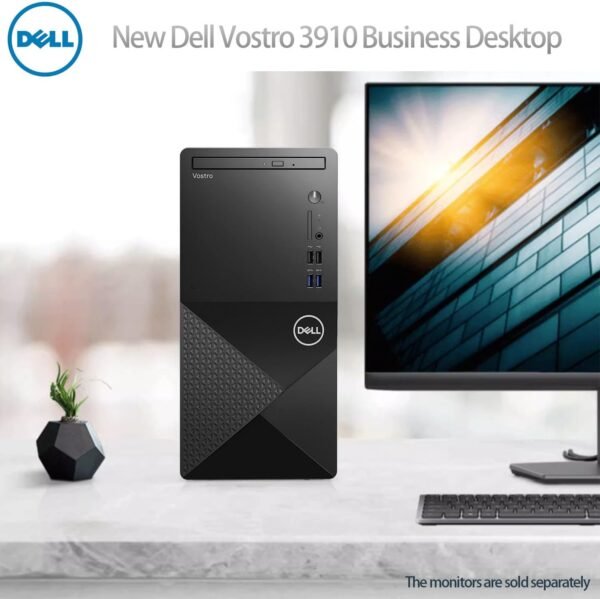
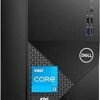
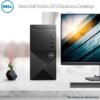
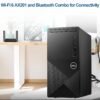
The Dell Vostro 3910 is a business tower desktop. The configuration on this listing pairs a 12th generation Intel 4-core processor with 16GB of DDR4 memory, a 256GB solid state drive alongside a 1TB mechanical hard drive, Intel UHD Graphics 730, Wi-Fi 6, a DVD-RW optical drive, HDMI and DisplayPort outputs, and Windows 11 Pro. Vostro is Dell’s small business line, sitting below the OptiPlex range in management features and above the consumer Inspiron desktops in warranty and support expectations.
A note on sources: the specification block and the description field on this listing are both empty. Everything stated below comes from the product title itself, and where a detail is not in that title, this review says so rather than guessing.
What This Configuration Is For
The specification reads as a general office machine. A 4-core 12th generation processor with integrated UHD 730 graphics handles documents, spreadsheets, browsers with many tabs, video calls and light photo work comfortably. It is not a gaming or 3D workstation configuration: UHD 730 is entry level integrated graphics, and there is no discrete graphics card in this listing.
The 16GB of memory is the specification that makes the difference in daily use. Eight gigabytes is the point at which Windows starts swapping under a heavy browser load; sixteen gives real headroom for the kind of multitasking an office machine actually does. The listing does not state how many memory slots are populated or what the maximum capacity is, so if you plan to expand later, check Dell’s own service documentation for this model.
The Storage Arrangement
A 256GB SSD paired with a 1TB hard drive is a deliberate combination and it is worth understanding rather than reading as a compromise. The solid state drive holds Windows and applications, which is where the responsiveness comes from: boot times, application launches and file browsing all depend on the drive holding the operating system. The mechanical drive holds bulk data, where capacity per dollar matters and speed does not.
The practical caution is that 256GB fills faster than people expect once Windows, Office and a few applications are installed, and Windows updates need free space to work with. Plan to keep documents, photos and downloads on the 1TB drive from the start rather than discovering the problem later. It is also worth knowing that a mechanical hard drive is the component most likely to fail first in a machine of this type, so back up anything stored only on the 1TB drive.
The listing does not state the SSD interface, so it does not indicate whether the drive is NVMe or SATA, and it does not state the hard drive’s rotational speed. Both affect real performance and neither is available from this page.
Connectivity and the Chassis
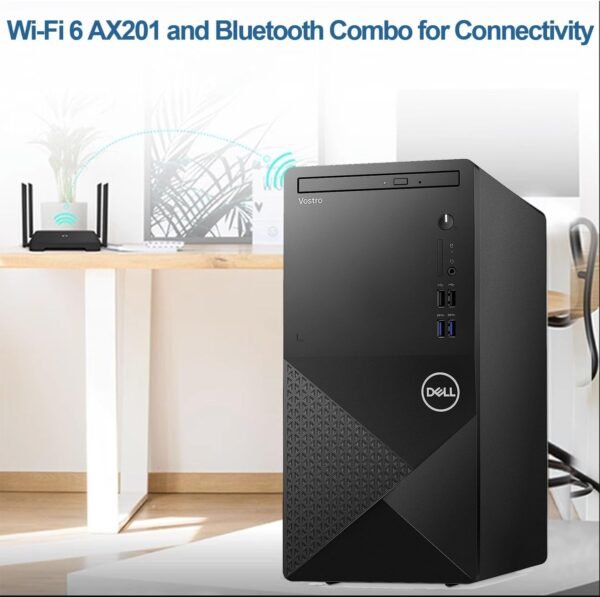
Wi-Fi 6 is listed, which is current wireless and worth having even on a machine that will mostly sit on Ethernet. Both HDMI and DisplayPort outputs are present, so a dual monitor setup is possible without adapters, and that is a meaningful specification for office use. A pair of screens does more for daily productivity than most processor upgrades; a straightforward panel such as the Dell E2423H is the sort of thing this machine is designed to drive.
The DVD-RW drive is a genuinely notable inclusion in a current desktop. Most manufacturers dropped optical drives years ago, and organizations that still handle discs, whether for archives, legacy software or records, have a shrinking set of options. If that describes your work, it is a real reason to choose this machine.
Windows 11 Pro rather than Home is the other business signal. Pro adds domain join, Group Policy, BitLocker device encryption and Remote Desktop hosting. If the machine is going into a managed environment, that edition is required rather than optional. For a home user it makes little difference.
Highlights
- 12th generation Intel 4-core processor with Intel UHD Graphics 730 integrated graphics.
- 16GB of DDR4 memory in the listed configuration.
- 256GB solid state drive for the system, plus a 1TB hard drive for data.
- Windows 11 Pro preinstalled, with domain and management features included.
- Wi-Fi 6 wireless networking.
- DVD-RW optical drive, which is increasingly rare on current desktops.
- HDMI and DisplayPort outputs for a dual display setup.
- Full tower chassis, with the internal expansion room that implies.
Things To Consider
The dominant issue with this listing is missing information. There is no specification block and no description at all, which means none of the following is stated: the exact processor model, base and turbo frequencies, the number and type of memory slots, the maximum memory capacity, the SSD interface, the number of USB ports and their generations, whether there is a wired Ethernet port, the power supply wattage, the chassis dimensions, the expansion slot count, or the warranty terms. Several of those matter.
Two are worth singling out. First, the exact processor: “12th Gen Intel 4-Core” covers more than one part, and the difference between them shows up in sustained work. Ask the seller or check Dell’s own configuration page before ordering if processor model matters to you.
Second, the power supply. Business towers of this class typically ship with modest power supplies sized to the configuration as sold, which limits what graphics card can be added later. If you are considering this machine as a base to upgrade with a discrete graphics card, confirm the power supply wattage and the physical slot clearance first. Many small business towers cannot accommodate a full size card at all.
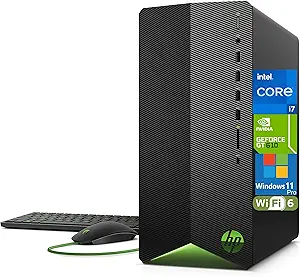
Third, the integrated graphics ceiling. UHD 730 drives office displays without difficulty and will not run modern games at meaningful settings. If gaming is part of the plan, this is the wrong machine; a tower built around a discrete card such as the HP Pavilion tower is the different category.
Who Should Buy It, and Who Should Not
Buy the Vostro 3910 if you want a straightforward office desktop with enough memory to be comfortable, a sensible split between fast and bulk storage, Windows 11 Pro for a managed environment, and an optical drive you cannot easily get elsewhere. For a small business replacing an aging tower, it covers the fundamentals without paying for features an office machine never uses.
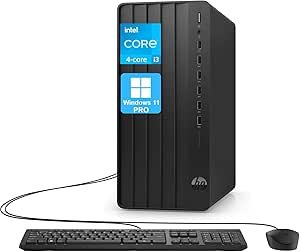
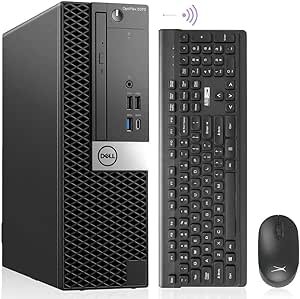
Do not buy it for gaming, video editing or anything that needs discrete graphics, and be cautious about buying it as an upgrade platform without checking the power supply first. If you want a smaller footprint, the Dell OptiPlex 5070 small form factor and the HP Elite Mini 800 G9 take the same office role in far less desk space, and the HP Pro Tower 290 G9 is the closest direct comparison. Our towers category covers the alternatives.