Description
What The EDUP EP-AX1672 Is
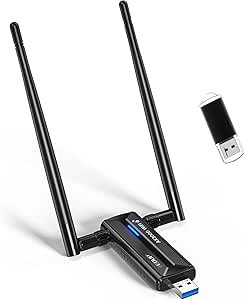
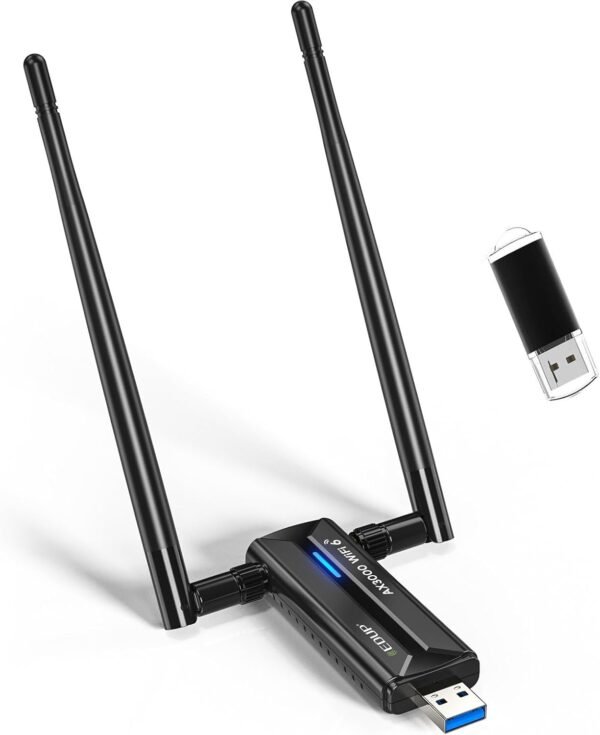
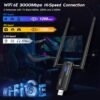
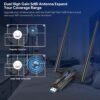
The EDUP EP-AX1672, sold under the AX3000M name, is a USB WiFi 6E adapter for desktop PCs and laptops. It plugs into a USB 3.0 port, supports the 802.11ax standard, and carries dual 5dBi external antennas. The reason to buy an adapter like this is usually one of two things: adding wireless to a desktop that has none, or replacing an older built in card that is stuck on an earlier standard.
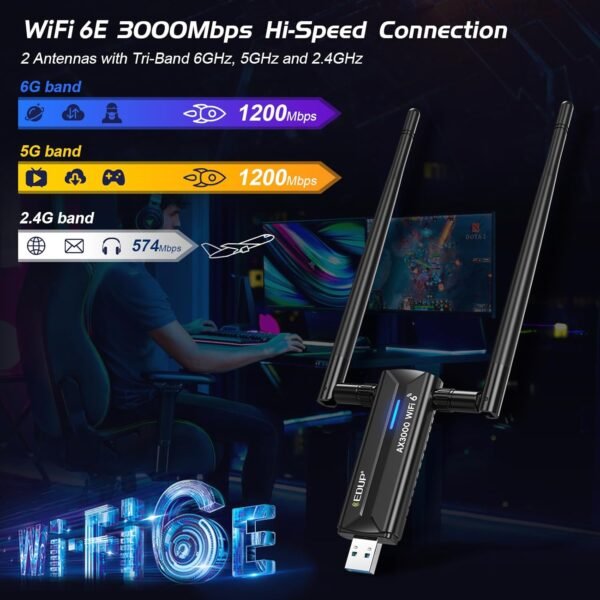
WiFi 6E is the specification that distinguishes it. Where WiFi 6 works on the 2.4GHz and 5GHz bands, 6E adds the 6GHz band, which is newer, less congested and carries wider channels. That is a genuine advantage in a crowded apartment block or an office with many networks, but it only exists if the router also supports 6GHz. A card like the TP-Link Archer TX3000E takes a different approach, fitting inside a desktop instead of hanging off a USB port.
The Windows Limitation, Stated By The Manufacturer
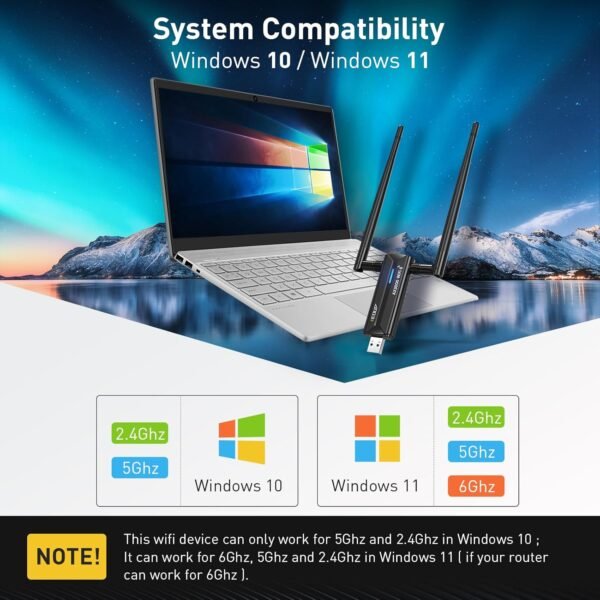
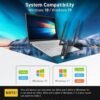
EDUP includes a note in its own feature bullets that a buyer should read before anything else. It states that this device can work only on 5GHz and 2.4GHz in Windows 10, and that it works on 6GHz, 5GHz and 2.4GHz in Windows 11 provided the router supports 6GHz.
That is a significant restriction and it is the single most important line on the listing. The 6GHz band is the reason to choose a 6E adapter over a cheaper WiFi 6 model, and on Windows 10 that band is unavailable. A Windows 10 user buying this adapter is effectively buying a WiFi 6 adapter at a 6E price. Combined with the compatibility list, which names only Windows 10 and Windows 11 in 64 bit form, the audience narrows considerably: there is no macOS support listed, no Linux support listed, and no support listed for any 32 bit system.
Drivers
EDUP also states that the driver must be downloaded and installed before use, either from a supplied storage device or from the manufacturer website, and notes that decompression software is needed to extract it. This is worth flagging because it creates a familiar problem: a computer with no working wireless cannot easily download a wireless driver. The supplied storage device solves that, provided it is present in the box and the machine can read it. Anyone installing this on a machine with no other network connection should extract the driver in advance.
Antennas And Interface
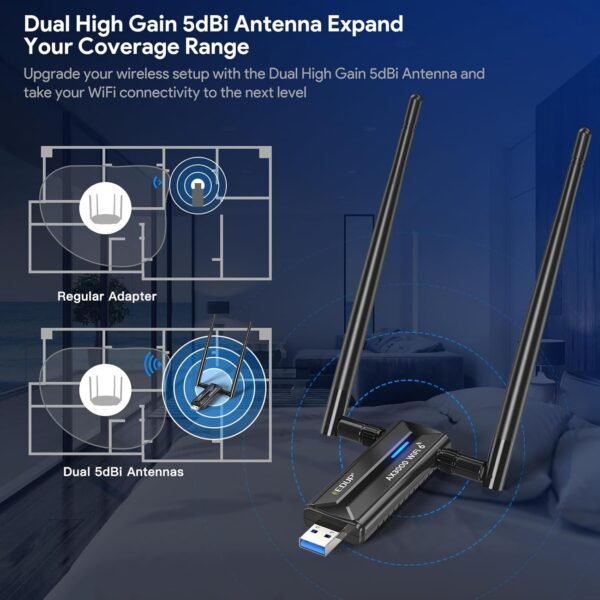
Two 5dBi antennas are fitted externally. External antennas on a USB adapter are a meaningful advantage over the flat stick format, because they can be angled toward a router and are not blocked by the body of a desktop case sitting under a desk. EDUP describes them as extending range and stability.
The USB 3.0 interface matters more than it might appear. EDUP quotes it as ten times faster than USB 2.0, and while that is a manufacturer comparison of interface ceilings rather than a measured wireless result, the underlying point is sound: a USB 2.0 port cannot carry the throughput a WiFi 6E adapter is capable of, so plugging this into a USB 2.0 port would cap it well below its rating. The port used is part of the specification, not an afterthought.
One more practical point concerns placement. A USB adapter plugged directly into the back of a desktop tower sits behind the case, close to the floor and often behind a desk, which is one of the worst positions in a room for wireless reception. Many users get more from a short USB extension cable that lifts the adapter onto the desk than from any specification on the box. This listing does not mention whether a cable or cradle is included, so that is worth checking. A wired route is also worth considering: for a stationary desktop, running an Ethernet cable from a router such as the Ubiquiti Dream Machine Special Edition will beat any wireless adapter.
Highlights
- WiFi 6E with 6GHz, 5GHz and 2.4GHz band support.
- 802.11ax standard with backward compatibility to ax, ac, a, b, g and n devices.
- AX3000M rated wireless.
- Dual 5dBi external antennas that can be aimed.
- USB 3.0 interface.
- Compact at a listed 2.46 ounces.
- Three year manufacturer replacement warranty stated.
- 90 day return policy stated in the listing.
Things To Consider
Beyond the Windows restriction described above, this listing publishes very little technical data. There is no chipset name, no antenna connector type, no statement about whether the antennas are removable or upgradable, no USB cable or dock mentioned, and no per band speed breakdown behind the AX3000M figure. The AX3000M number itself is a combined theoretical maximum across bands rather than a speed any single connection will reach, which is how all such ratings work and is worth remembering when comparing adapters.
- 6GHz is unavailable on Windows 10 according to the manufacturer note.
- No macOS or Linux support is listed.
- Only 64 bit Windows is listed.
- A driver must be installed before the adapter works.
- The 6GHz band requires a router that supports it.
- Plugging into a USB 2.0 port would limit throughput.
- The wireless chipset is not named.
- AX3000M is a combined theoretical figure, not a single connection speed.
Who Should Buy It And Who Should Not
This adapter suits a Windows 11 desktop user with a 6GHz capable router who wants to use the newest band without opening the case. External antennas that can be aimed are a real advantage over a card with rear panel antennas buried behind a desk, and the USB format makes it portable between machines. For a desktop with no wireless at all, it is a straightforward upgrade.
It is the wrong purchase for a Windows 10 machine, where the 6GHz band is unavailable and a cheaper WiFi 6 adapter would do the same job, and the wrong purchase for macOS or Linux users, neither of which is listed. It is also pointless without a 6GHz capable router, so anyone upgrading should sort the router first, comparing options such as the ASUS RT-AX1800S, the NETGEAR Nighthawk C7000 or an outdoor access point such as the TP-Link EAP225-Outdoor. The USB network adapters category covers the alternatives.