Description
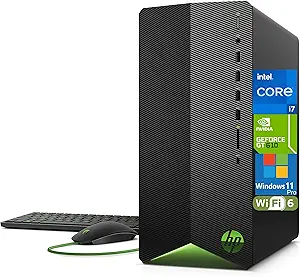
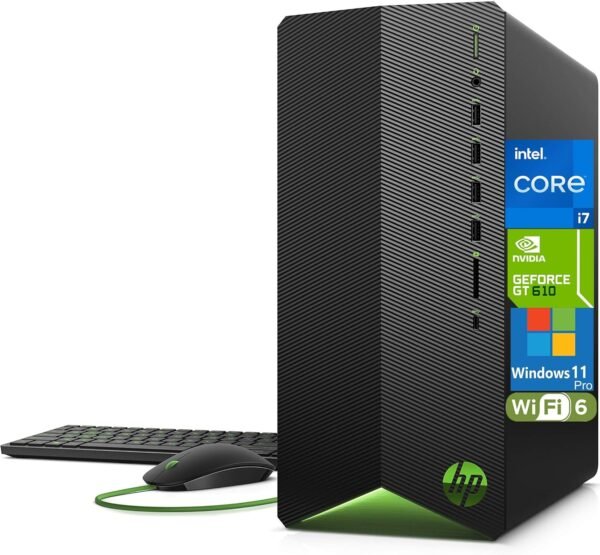
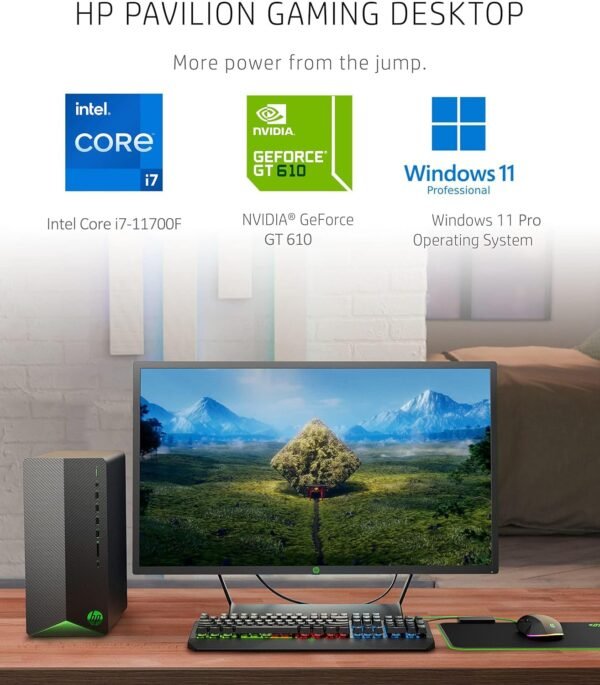
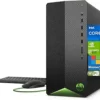
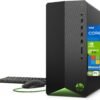
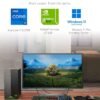
This is an HP Pavilion tower, model series TG01, in a configuration that needs explaining rather than simply listing. The processor is an Intel Core i7-11700F with 8 cores, a 2.5 GHz base frequency, up to 4.9 GHz with Turbo Boost and 16 MB of L3 cache. Alongside it sit 64GB of DDR4 memory and a 4TB PCIe NVMe solid state drive. The graphics card is a GeForce GT 610 with 2GB. Windows 11 Pro is preinstalled, and the machine ships with a wired keyboard and mouse.
That graphics card is the thing to understand before anything else, and the section below deals with it directly.
The Graphics Card Is the Whole Story
The GeForce GT 610 is a low end graphics card from an era long predating the rest of this configuration. Pairing it with 64GB of memory and a 4TB NVMe drive is an unusual combination, and it produces a machine that is fast at everything except anything involving graphics.
There is a reason a discrete card is present at all. Intel processors carrying the F suffix, as this one does, ship without integrated graphics. That means the machine has no display output of its own and a graphics card is mandatory rather than optional. The GT 610 appears to be filling that requirement at minimum cost, which explains the pairing but does not change what it means for the buyer.
Practically: this configuration will handle office work, browsers, spreadsheets, virtual machines, code compilation, file serving and anything else bounded by processor, memory or storage speed, and it will do those things very well indeed with 64GB and a fast drive. It will not run modern games at meaningful settings, it will not accelerate video editing timelines the way a current card does, and it will struggle with anything that expects modern graphics driver support. Anyone buying this machine for graphics work should plan on replacing the card as part of the purchase.
That replacement has a constraint attached. The listing specifies a 400W Smart AC power adapter, which is an external power brick rather than an internal power supply. External adapter systems limit graphics card upgrades sharply, both by available wattage and by whether the card’s power connectors exist at all. Before assuming you can drop in a card such as the MSI GeForce RTX 4070 Super, check HP’s documentation for this chassis on supported card length, slot clearance and available power connectors.
Processor, Memory and Storage
The i7-11700F is an 11th generation desktop processor with 8 cores. HP gives a 2.5 GHz base frequency, up to 4.9 GHz with Turbo Boost and 16 MB of L3 cache. That is a capable mainstream processor, a generation or more behind current parts but entirely adequate for office and productivity work.
Sixty four gigabytes of DDR4 is a large amount of memory for a Pavilion, well beyond HP’s typical configuration for this chassis, and 4TB of NVMe storage is likewise unusual. Both point to a configuration assembled or upgraded by a reseller rather than shipped this way from HP. The listing does not state who fitted the memory and storage, whether the parts are HP’s own, or how the upgrade affects the manufacturer warranty. Ask the seller before ordering, because that question determines who you call if something fails.
If the workload genuinely benefits from 64GB, this is a lot of capability for the size of machine. Virtual machines, large datasets, many browser tabs alongside heavy applications, and photo libraries all use memory rather than graphics.
Ports and Connectivity
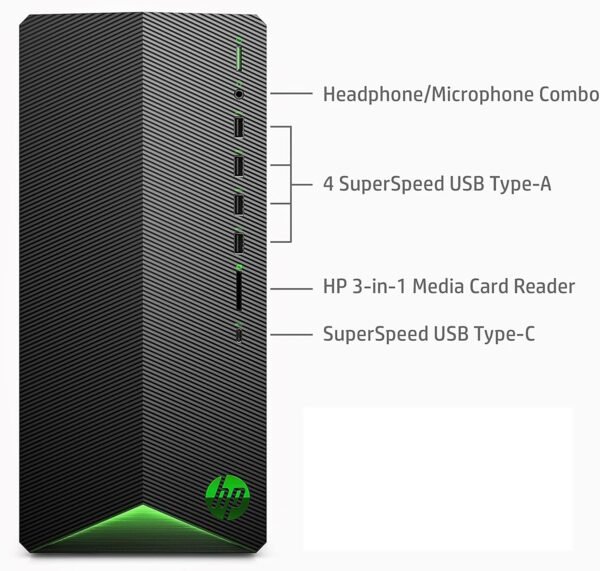
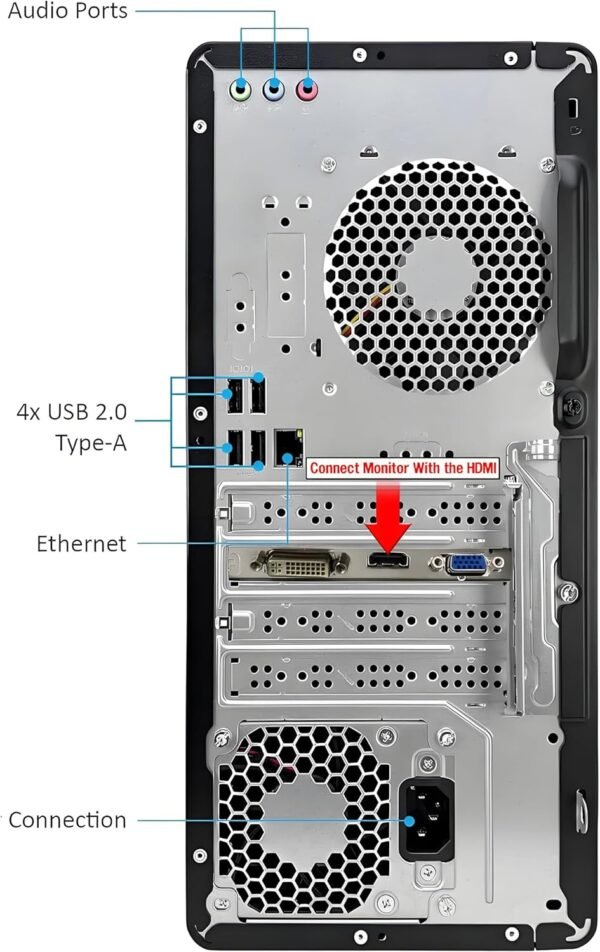
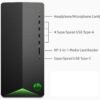
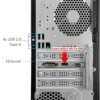
HP lists the port arrangement in detail. On the front: one headphone and microphone combination jack, four SuperSpeed USB Type-A 3.2 Gen1 ports, an HP 3-in-1 memory card reader and one SuperSpeed USB Type-C port at 5 Gbps. On the rear: audio in, audio out, a microphone jack, one HDMI, one VGA, four USB 2.0 Type-A ports and an RJ-45 Ethernet port.
Four front USB-A ports plus a card reader is a genuinely useful front panel, and the USB-C port covers modern peripherals. The rear ports are USB 2.0 rather than higher speed, which is fine for keyboards, mice and printers and slow for external drives. Note the HDMI and VGA outputs on the rear, which reflect the graphics card fitted. Wireless is Wi-Fi 6 AX201 with Bluetooth, and there is a wired LAN interface. There is no optical drive.
Highlights
- Intel Core i7-11700F, 8 cores, 2.5 GHz base, up to 4.9 GHz, 16 MB L3 cache.
- 64GB of DDR4 memory and a 4TB PCIe NVMe solid state drive.
- Windows 11 Pro preinstalled, with a wired keyboard and mouse in the box.
- Wi-Fi 6 AX201 and Bluetooth, plus wired Ethernet.
- Four front USB-A 3.2 Gen1 ports, a USB-C port and a 3-in-1 card reader.
- HDMI and VGA display outputs from the fitted graphics card.
- 400W Smart AC external power adapter.
Things To Consider
The specification block for this listing contains errors that would confuse a reader:
- The processor field reads “2.5 GHz apple_ci7”. This is an Intel processor, not an Apple one.
- The card description field reads “Integrated” while the graphics coprocessor field names a discrete GeForce GT 610.
- A hard drive rotational speed of 7200 is listed for what the description correctly identifies as an NVMe solid state drive.
- Weight appears as 15 pounds in the specification block and approximately 13.14 pounds in HP’s own description.
- Dimensions appear as 12.1 x 3.7 x 10.6 inches in the specification block and 12.09 x 6.12 x 13.28 inches in the description. The second set is the credible one for a tower.
- A “number of processors” field reads 8, which is the core count.
Beyond the data, the substantive issues are the graphics card and the provenance of the upgrades. Both are addressable: the card can be replaced within the limits of the power adapter and chassis, and the upgrade question can be answered by the seller. Neither is hidden, but neither is obvious from a quick read of the title either, which is why they lead this review.
One further point on longevity: an 11th generation processor on a DDR4 platform in a proprietary HP chassis has essentially no processor upgrade path. What you buy is what you keep, apart from graphics, storage and memory.
Who Should Buy It, and Who Should Not
Buy this machine if your work is bounded by memory, storage and processor rather than graphics, and 64GB with 4TB of fast storage is genuinely useful to you. For virtual machines, large document and photo work, development environments or a home server that also runs a desktop, this is a lot of capability. Windows 11 Pro and the port selection support that use well.
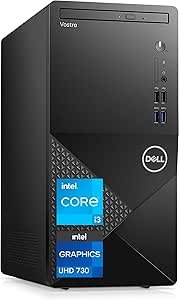
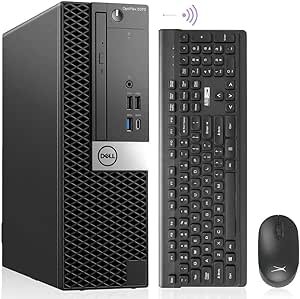
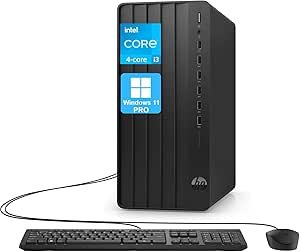
Do not buy it for gaming or graphics work without budgeting for a card replacement and confirming what the 400W external adapter and chassis will accept. Do not buy it if manufacturer warranty coverage on the upgraded parts matters to you and the seller cannot confirm it. For a conventional business tower with a standard configuration, the Dell Vostro 3910 and the HP Pro Tower 290 G9 are the straightforward comparisons, and the Dell OptiPlex 5070 covers the same job in a smaller case. Our towers category and graphics cards category cover both halves of that decision.