
Description
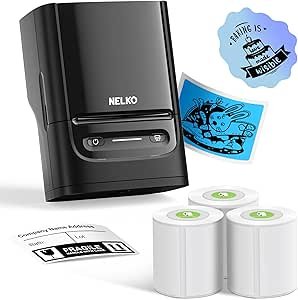
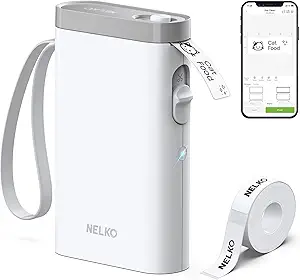
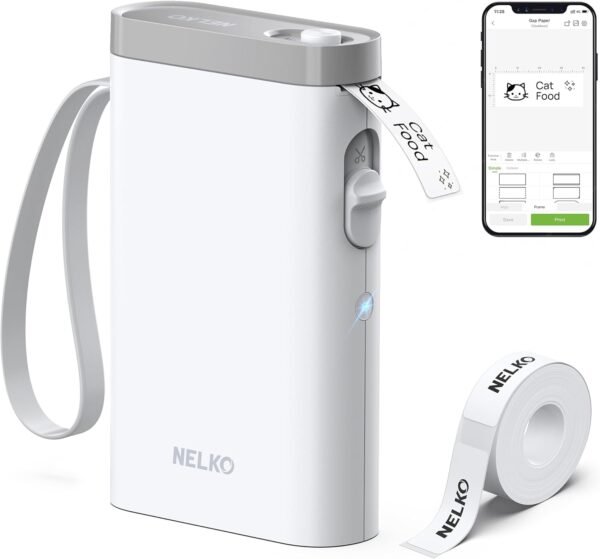
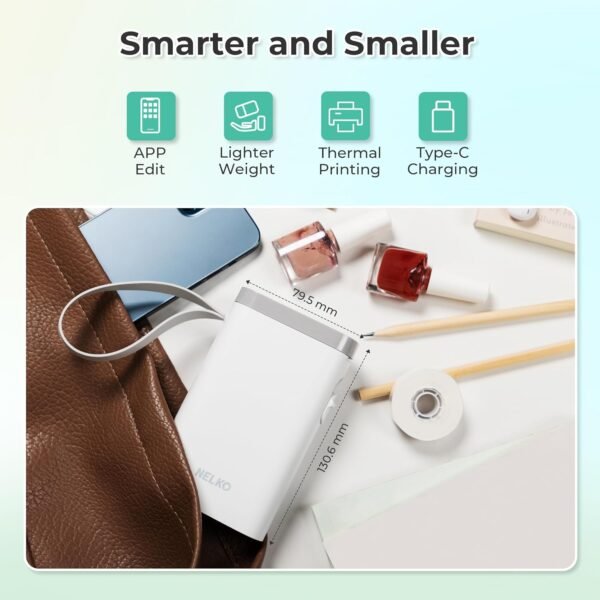
The Nelko P21 is a pocket sized Bluetooth label maker driven from a phone. There is no keyboard, no screen and no computer connection: labels are designed in the Nelko app on iOS or Android and sent to the printer over Bluetooth. It uses direct thermal printing at 203 dpi, so there is no ink and no toner, and the whole unit weighs 9.9 ounces and measures 6.65 by 4.5 by 1.9 inches.
That app driven design is the fundamental decision a buyer has to accept or reject. Anyone who wants a self contained label maker with its own keyboard should look at the Brother PT-D600 or the DYMO LabelManager 210D, and offices needing a networked desktop unit should compare the Brother QL-820NWB.
How It Prints And What It Prints On
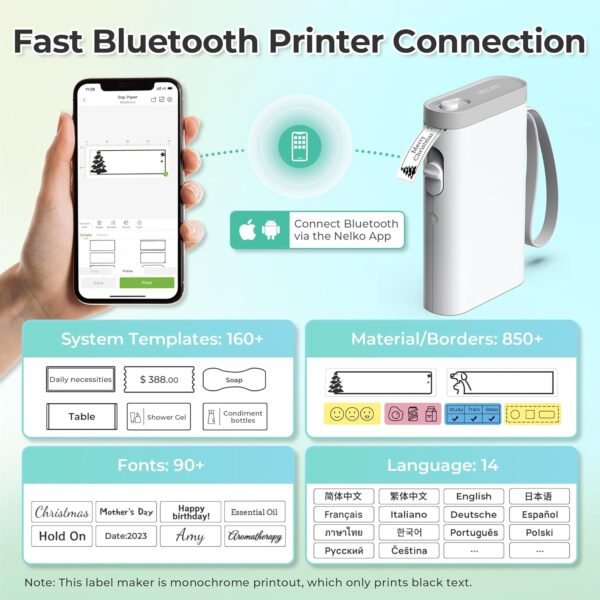
Direct thermal printing means heat applied to a coated label darkens the surface, so there is no consumable beyond the label roll itself. Nelko describes the media as BPA free and rates the print head at 203 dpi, which is the standard resolution for this class and adequate for text, small barcodes and QR codes. Output is monochrome only. Nelko is explicit that the printer prints black text only, and that colored labels are achieved by buying pre colored label tape rather than by printing in color.
The media constraint is more significant than the resolution. Nelko lists supported label sizes as 12 by 40 mm, 14 by 40 mm, 14 by 50 mm and 14 by 75 mm, describes the label lengths as fixed, and states directly that continuous label tapes are not supported. That means a label cannot be made longer than 75 mm, which rules out long file spine labels and long cable markers. Nelko also warns not to tear or damage the green sticker on the back of the label strip, since doing so affects printing.
The App And Its Limits
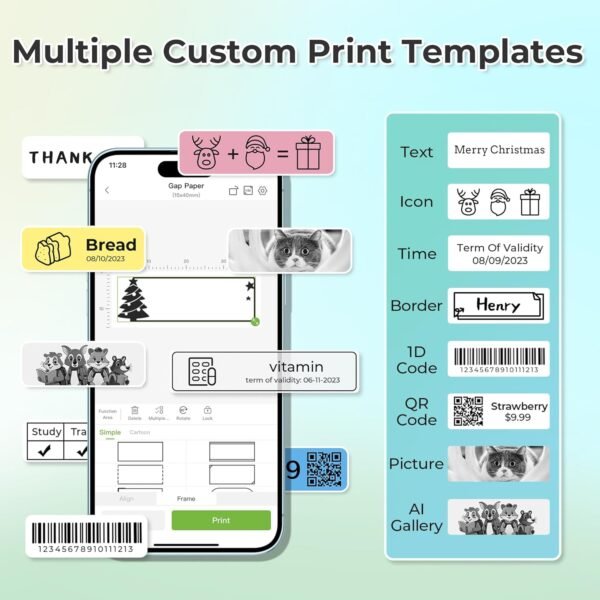
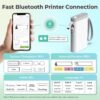
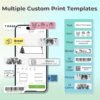
Setup is four steps by Nelko’s own account: install the app from Google Play or the App Store, load the paper roll, connect the P21 in the app over Bluetooth, then choose a template and print. The app includes more than 90 fonts, 10 or more languages and 450 or more materials, and supports labels built from text, QR codes, barcodes, images, time stamps and borders.
Two compatibility warnings appear in Nelko’s own copy and both are worth knowing before purchase. The first states the printer is not compatible with Google phones on Android 14. The second addresses an iOS app defect, noting that on Nelko iOS version 2.7.0 printing multiple copies behaves abnormally and instructing users to update to version 3.3.0. A manufacturer disclosing a software fault on the listing is more honest than most, but it does underline that this hardware depends entirely on the vendor’s app remaining functional and maintained.
Power And Portability
Nelko builds in a rechargeable battery and supplies a USB Type-C charging cord, and the unit is small enough to slip into a pocket. What is not supplied is a charging adapter, and Nelko explicitly states the device is not suitable for a fast charging adapter. That is an unusual and important instruction: plugging this into a high wattage phone charger is something the manufacturer advises against, so a modest 5 volt source or a computer USB port is the safer option.
The included box contents are a guide card, the P21 unit, one roll of white label paper, a Type-C charging cord and a user manual. Memory storage is listed at 8 MB, which is enough for buffering a label rather than for storing designs on the device. Nelko recommends its own thermal label paper.
Highlights
- 203 dpi direct thermal printing with no ink or toner required.
- Bluetooth control from the Nelko app on iOS and Android.
- Built in rechargeable battery charged over USB Type-C.
- Labels built from text, QR codes, barcodes, images, time stamps and borders.
- More than 90 fonts and a large in app template library.
- 9.9 ounces, pocket sized at 6.65 by 4.5 by 1.9 inches.
- BPA free label media per Nelko.
Things To Consider
The specification block on this listing is largely nonsense and should be disregarded. Dualsided printing reads Yes and Duplex reads Automatic, on a device that prints one side of a peel off label. Additional Printer functions reads All In One, on a printer that only prints. Scanner Type reads Portable, though there is no scanner. Max Copy Speed Black and White reads 30 ppm, though there is no copier. Control Method reads Remote. The Batteries field reads one A battery required and included, on a unit with a built in rechargeable cell. Nelko’s own written bullets are far more reliable than the structured data on the same page.
The real limitations are the ones Nelko states clearly. This device does not work with computers, which rules out bulk label runs from a spreadsheet. Labels are fixed length and capped at 75 mm. Continuous tape is unsupported. Printing is black only. And thermal labels fade over time with heat and sunlight, which is a property of the media rather than a fault, but it makes this a poor choice for permanent asset tagging.
The evidence base is strong, which is unusual in this catalog: 4.5 stars across 14,120 ratings, and a top placement in the desktop label printer ranking. That is a large sample and a good average. Nelko first listed the product in April 2023 and describes the current stock as a 2025 version. Readers can compare other options in the label makers category and the label printers category.
Who It Suits
The P21 suits home organizing, classroom and teacher labeling, small business price tagging and personal item identification, done from a phone, in short runs, on small labels. For that pattern it is genuinely convenient and the app template library saves real time.
It is the wrong device for anyone who needs to print from a computer, for long labels or continuous tape, for permanent asset tags that must last years, for color output, and for anyone unwilling to depend on a vendor app that the manufacturer itself has documented defects in. Buyers should also budget for a charging adapter, since none is included.