Description
What The Logitech Rally Camera Is
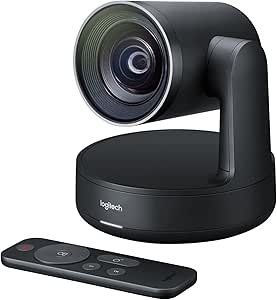
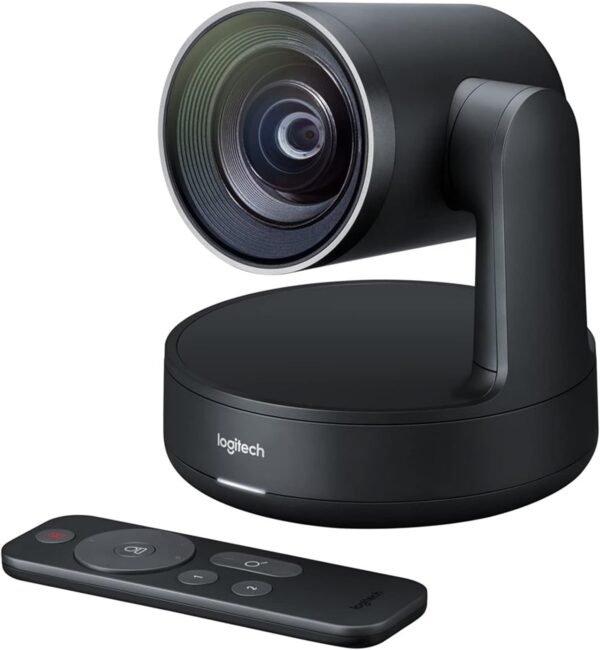
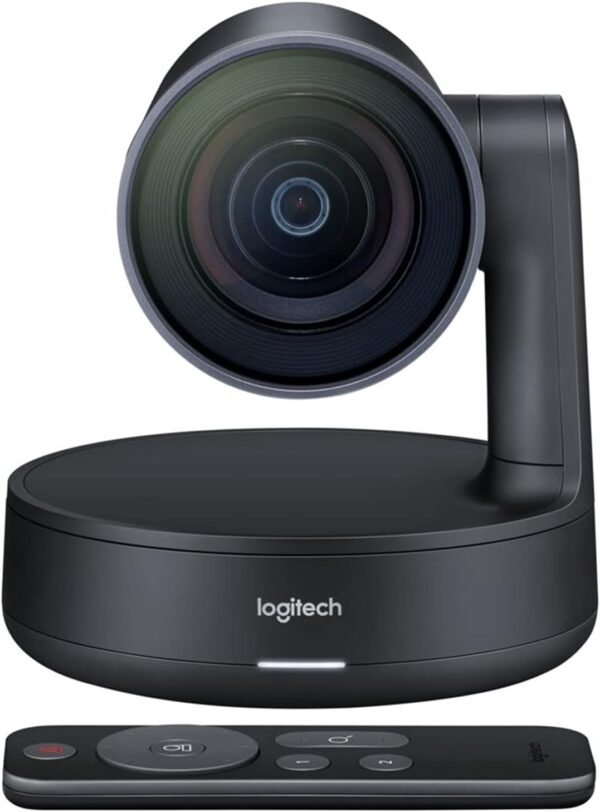
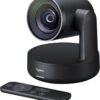
The Logitech Rally Camera, model 960-001226, is a pan, tilt and zoom camera built for meeting rooms rather than for a desk. Logitech describes it as a premium PTZ camera with an Ultra HD imaging system and automatic camera control, intended for professional meeting spaces of varying shapes and sizes and compatible with most conferencing services. It belongs to the Rally family, which is Logitech’s modular room system, and it is sold as a camera on its own.
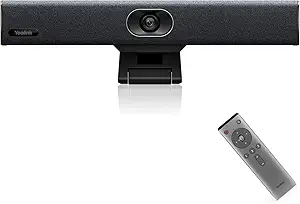
That last point is the most important one for a buyer. Logitech states that the Rally Camera complements third party audio systems. There are no room microphones and no speakers in this product. A room built around it needs a separate audio solution, whether that is a Logitech Rally audio component, a ceiling microphone array or a speakerphone such as the Jabra Speak2 55. Anyone expecting an all in one video bar should look at a device like the Yealink UVC34, which integrates camera, microphones and speaker in a single unit.
Optics And Automation
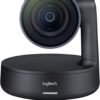
Logitech’s description centers on three things: the lens, the sensor and the automation. The lens is described as exquisitely engineered with expansive pan, tilt and zoom coverage designed to capture every seat in a room. The imaging system is described as Ultra HD, delivering sharp video, strong color and high optical accuracy.
The automation is grouped under the RightSense name and split into two functions. RightLight handles automatic light balance and color optimization, which matters in rooms with window glare or mixed lighting. RightSight handles automatic framing, adjusting the shot so participants are composed in frame without someone reaching for a remote. Both are described by Logitech as automatic behaviors of the camera rather than software features that require a host application, which is what makes the camera workable in a room that different teams use each hour.
A Resolution Contradiction Worth Flagging
The listing states the resolution two different ways. The product name reads 1920 by 1080 pixels. The feature text says the Ultra HD imaging system delivers video at resolutions up to 4K, and the specification table gives maximum screen resolution as UHD. A separate field lists a rear webcam resolution of 5 MP. These are not the same claim. A camera can carry a 4K capable sensor while streaming at 1080p, and that is a common design in conference cameras because most meeting platforms cap the stream well below 4K anyway. Because the page contradicts itself, a buyer who needs a specific capture resolution should confirm the output modes with Logitech documentation for model 960-001226 rather than relying on either figure here.
Installation Options
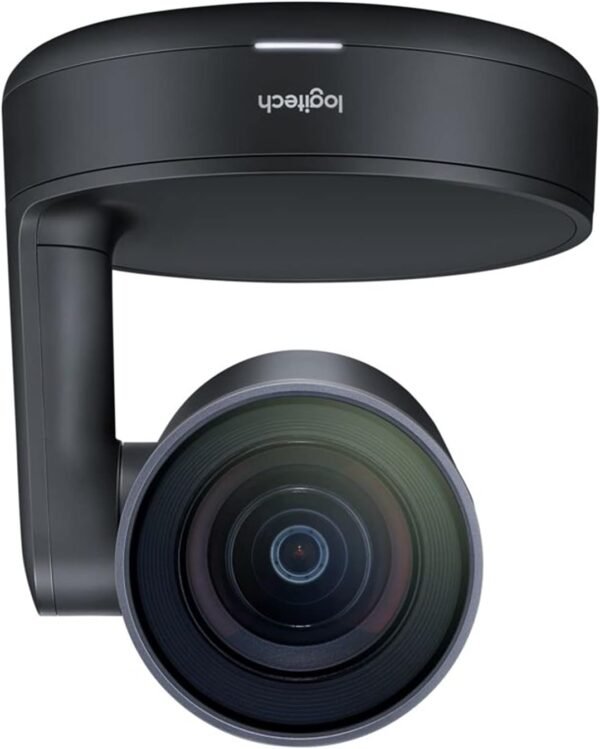
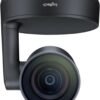
Three mounting positions are named: on a table, on a tripod, or secured to a wall using hardware that Logitech states is included. The fourth scenario, overhead installation, is handled by the camera itself. Logitech says that when the camera detects it has been mounted inverted, it automatically corrects both image orientation and the camera control directions, so pan and tilt commands still move the shot the way an operator expects. That is a small feature with a real effect on installation flexibility, because it removes the need for a firmware setting or a bracket workaround in rooms where the camera has to hang.
One practical consequence of that flexibility is that the camera can be specified before the room layout is final, because the same unit works on a credenza, on a stand at the back of the room, or above a display. Installers generally value that more than a single extra feature, since it reduces the number of product decisions that have to be made in the right order.
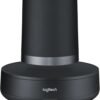
The camera is a substantial object rather than a clip on webcam. The specification lists a weight of 7.4 pounds and dimensions of 10.43 by 11.38 by 7.01 inches, in a graphite or black finish. Logitech describes the design as sleek and understated with high end materials, positioned for formal spaces and custom installations, which is consistent with a product expected to be mounted once and left alone.
Highlights
- Motorized pan, tilt and zoom coverage for whole room framing.
- Ultra HD imaging system as described by Logitech.
- RightLight automatic light balance and color optimization.
- RightSight automatic participant framing.
- Table, tripod and wall mounting, hardware included.
- Automatic image and control correction for inverted overhead installs.
- Stated compatibility with most conferencing services.
- Understated finish intended for formal rooms and custom installation.
Things To Consider
Beyond the resolution contradiction described above, the specification table carries an obvious error: it lists a standing screen display size of 3 inches for a product that has no screen. That field can be ignored. The listing also does not state the field of view in degrees, the zoom factor, the frame rate or the connection type, all of which are basic questions for a room camera. Those gaps have to be filled from manufacturer documentation.
- No microphones and no speakers. Room audio is an additional purchase.
- Resolution is given as both 1080p and up to 4K on the same page.
- Field of view, zoom range and frame rate are not stated in the listing.
- At 7.4 pounds this needs proper mounting, not a monitor clip.
- The 3 inch screen size field in the specification table is meaningless here.
- This is a room product. It is oversized and overpriced for a single user at a desk.
Who Should Buy It And Who Should Not
The Rally Camera is aimed at organizations fitting out real meeting rooms, particularly where an audio system already exists or is being specified separately by an installer. Automatic framing and light balance are the features that pay off in shared rooms, and the inverted mount correction makes ceiling installation practical. It also suits custom installations where the camera has to look discreet, and it works alongside room peripherals from the webcams category.
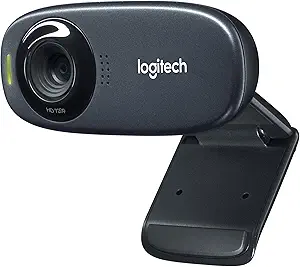
It is the wrong product for a home desk, for a solo remote worker, or for anyone who needs microphones and speakers in the same box. Those buyers should look at a personal webcam such as the Logitech C310, an all in one bar like the Yealink UVC34 video bar, or a headset such as the Logitech Zone 900 for calls taken at a desk.