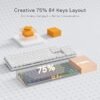
Description
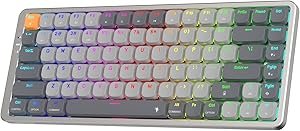
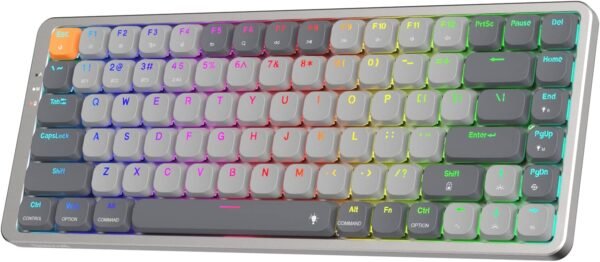
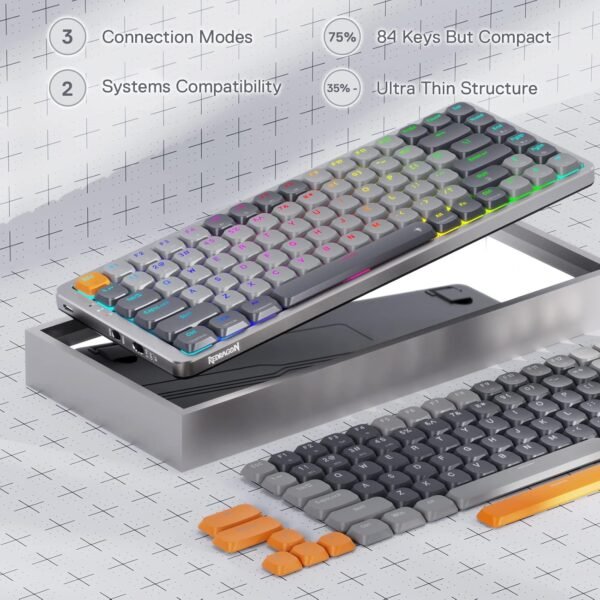
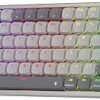
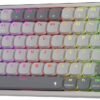
The Redragon K652 is a 75 percent mechanical keyboard with 84 keys, tri-mode connectivity, RGB backlighting and low profile brown switches under an aluminum top plate. Redragon lists it as supporting both Windows and Mac systems. The board measures 12.7 by 5 by 0.67 inches, weighs a listed 2.2 pounds, and ships with a lithium polymer battery. The listing dates to March 2023.
The 75 Percent Layout
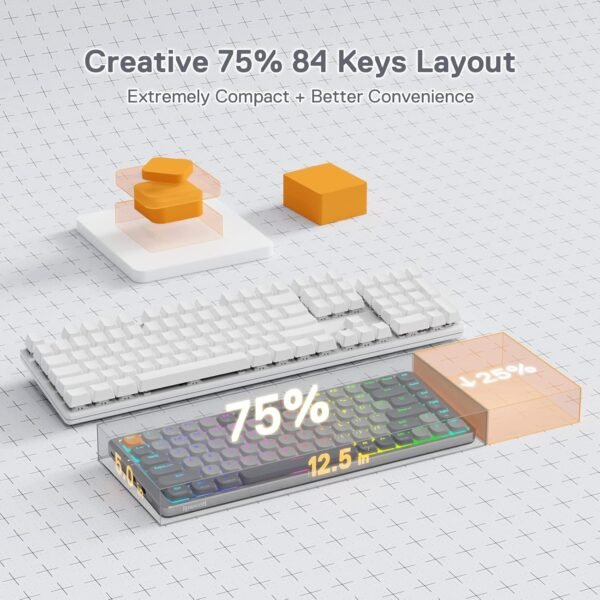
Layout is the first decision in any mechanical keyboard purchase and it deserves explaining. A full size keyboard has around 104 keys including a number pad. A tenkeyless drops the number pad. A 75 percent layout goes further: it keeps the function row and the arrow keys but compresses everything, pushing the navigation cluster into a single column at the right edge and removing the gaps between key groups.
The reason people choose it is desk space, and specifically mouse space. Removing the number pad moves your mouse hand several inches closer to your body, which over a long session is a genuine ergonomic improvement and in games gives room for wide low sensitivity movements. Keeping the function row and arrows means you lose almost nothing functionally, which is why 75 percent has become the popular compromise between compact and complete.
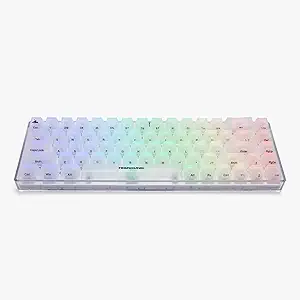
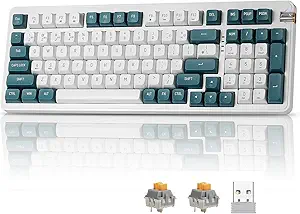
The cost is the number pad. If you enter numeric data regularly, in accounting, data entry or CAD, a 75 percent board will slow you down and no amount of layer shortcuts fixes it. That is the trade, and it is worth being honest with yourself about how much you use the number pad before ordering. A full size board such as the darkFlash DF98 keeps it, and the Higround Basecamp 65 goes smaller still.
Low Profile Brown Switches
Two things are being said here, and both matter.
Brown describes the switch behavior. Mechanical switches are commonly grouped as linear, tactile and clicky. Brown switches are tactile: there is a small bump partway through the keypress that tells your finger the key has registered, without the loud click of a clicky switch. That makes them the usual recommendation for a keyboard used for both typing and gaming, and for an office where a clicky board would annoy everyone nearby.
Low profile describes the physical height. A low profile switch has a shorter total travel and a shorter housing than a standard mechanical switch, which is what allows the 0.67 inch overall thickness Redragon lists. Shorter travel means a faster keypress and a typing feel closer to a laptop keyboard, though with the tactile response of a mechanical switch. It also means the board sits low enough that a wrist rest is usually unnecessary, which is the ergonomic argument Redragon is making with the ultra-thin description.
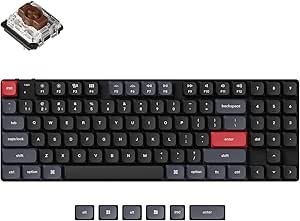
Be aware that low profile switches are less standardized than full height ones. Keycap availability is more limited, and switch replacement options are narrower. The listing does not say whether the switches are hot swappable, so do not assume they can be changed. A board such as the Keychron Q1 takes the opposite approach, with full height hot swappable switches and a wide customization ecosystem.
Tri-Mode Connectivity
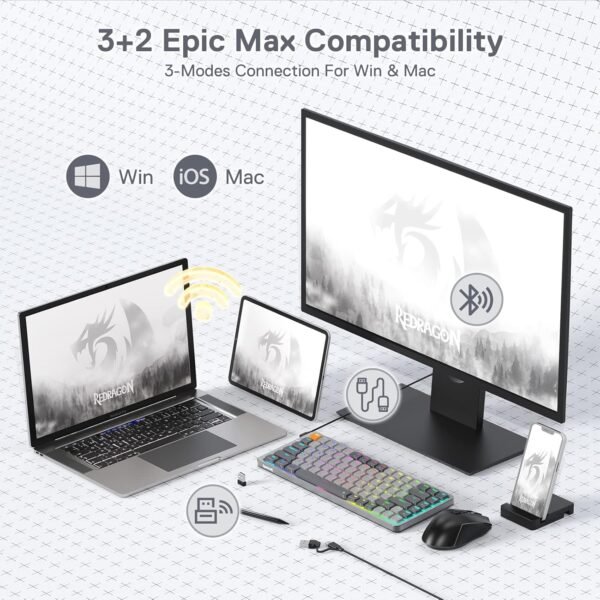
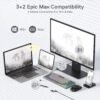
Three connection options cover three situations. USB-C wired gives the lowest latency and never runs out of power, which is what competitive players use. A 2.4 GHz wireless connection through a receiver gives near wired latency without the cable, at the cost of a USB port. Bluetooth needs no receiver and works with phones, tablets and laptops with no spare port, at the cost of higher latency.
Most tri-mode boards let you pair several Bluetooth devices and switch between them with a key combination, which turns one keyboard into the input device for a desktop, a laptop and a tablet. The listing does not state how many devices can be stored or how switching works, so confirm that if it is part of why you are buying.
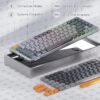
The aluminum top plate is worth a note. The plate is the layer the switches mount into, and a metal plate makes the board more rigid and changes the sound and feel compared with a plastic one. It also adds weight, which is why a compact board lists 2.2 pounds; on a desk, weight is a virtue because the board stays where you put it.
Highlights
- 75 percent layout with 84 keys, keeping the function row and arrow keys.
- Tri-mode connectivity: USB-C wired, Bluetooth and 2.4 GHz wireless.
- Low profile brown mechanical switches, tactile without a click.
- Aluminum top plate in a body listed at 0.67 inches thick.
- RGB backlighting across the board.
- Stated support for both Windows and Mac systems.
- Rechargeable lithium polymer battery included.
Things To Consider
The listing omits several specifications that matter on a wireless mechanical keyboard:
- No battery capacity and no runtime figure. On a keyboard with RGB lighting this matters a great deal, because backlighting is the dominant power draw and runtime with lighting on can be a small fraction of runtime with it off. Ask for both figures.
- No polling rate for either wireless mode.
- No statement on whether switches are hot swappable.
- No keycap material. ABS keycaps develop a shine with use; PBT resists it. On a low profile board the keycaps are proprietary and hard to replace, so material matters more than usual.
- No mention of configuration software for remapping keys or setting macros. Earlier copy on this page referenced software support and a specific gray and orange colorway; neither appears in the listing data and both have been removed.
- No switch actuation force or travel distance figures.
Two further points. The Windows and Mac support claim is worth checking in practice: keyboards that support both usually ship with alternate keycaps for the modifier keys or provide a switching mode, and the listing does not say which arrangement is used. And the listed weight of 2.2 pounds is heavy for a compact board, which is good for desk stability and less good if you intend to carry it in a bag.
Who Should Buy It, and Who Should Not
Buy the K652 if you want a compact mechanical keyboard that keeps the function row and arrows, you prefer the shorter travel of low profile switches, and you move between a desktop, a laptop and a tablet. Tactile brown switches are the sensible default for mixed typing and gaming, and an aluminum plate at this size gives a more solid board than plastic construction.
Do not buy it if you need a number pad, if you want hot swappable switches and a wide keycap ecosystem, or if you need documented battery runtime before purchase. Full height alternatives worth comparing include the Keychron K13 Pro, and if you are building a matching desk setup the Keychron M3 wireless mouse is the companion piece. Our gaming keyboards category covers layouts from full size down to 65 percent.