Description
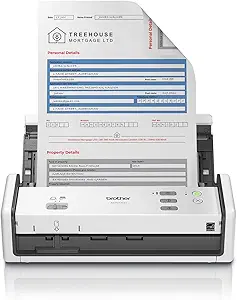
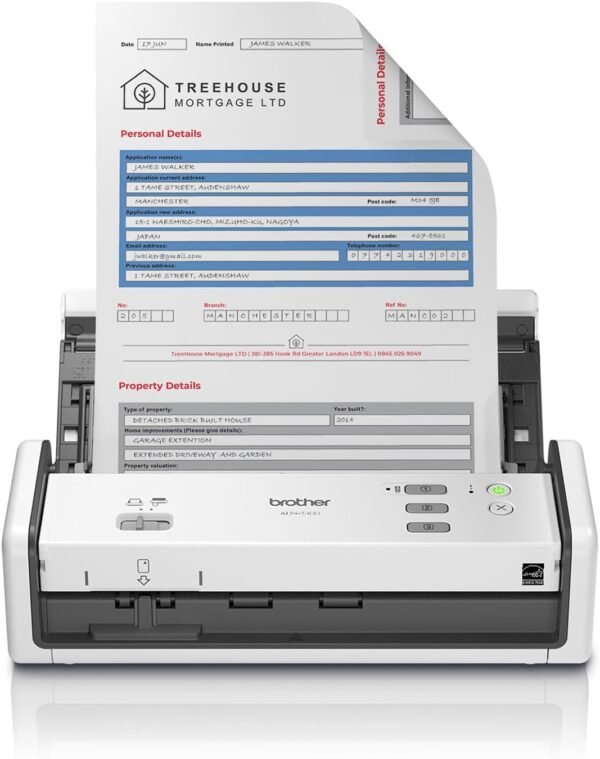
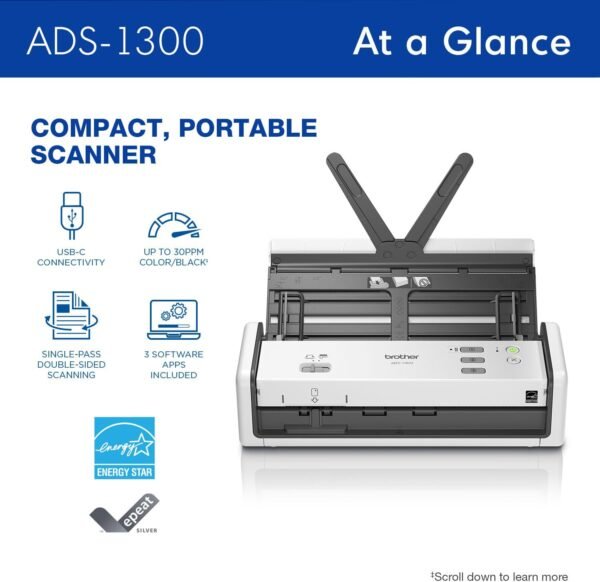
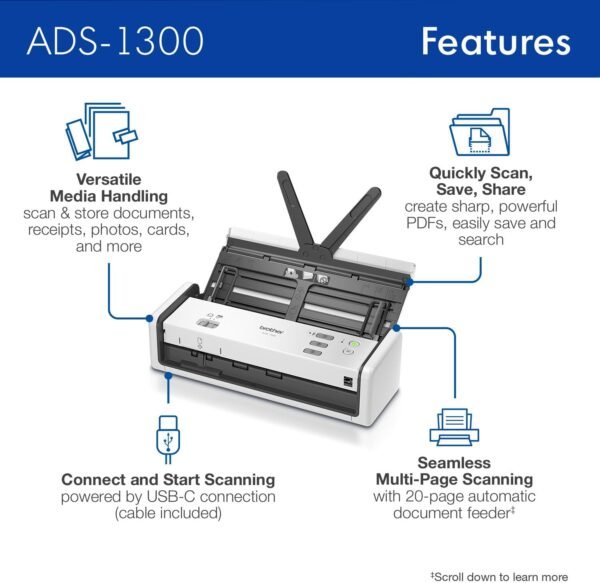
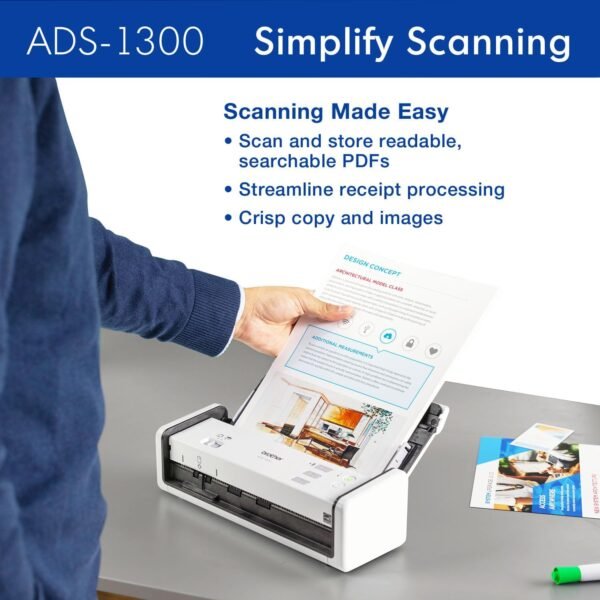
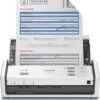
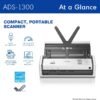
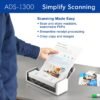
The Brother ADS-1300 is a compact desktop document scanner aimed at digitizing paperwork: receipts, contracts, business cards, ID cards and photographs. Brother lists scanning speeds of up to 30 pages per minute, a 20-page automatic document feeder, single pass double sided scanning, 600 x 600 dpi resolution and a dedicated card slot. The unit measures 4 by 11.3 by 3.3 inches and weighs 3 pounds, and it draws its power from the computer over USB-C rather than from a wall outlet.
What Makes This a Practical Desk Scanner
Single pass duplex
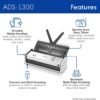
Single pass double sided scanning is the feature that separates a serious document scanner from a cheap one. It means the scanner captures both sides of a page in one trip through the mechanism, using two sensors, rather than scanning one side and then asking you to reload the stack. On a twenty page double sided document that is the difference between one operation and three. If you scan contracts, forms or anything printed on both sides, this specification matters more than the headline speed.
Bus power over USB-C
The ADS-1300 is powered directly through the USB-C connection to your computer, with the cable in the box. There is no separate power adapter to find an outlet for and nothing extra on the desk. For a scanner that might live in a bag, on a hot desk or on a small home office table, that is a genuine design advantage. The practical requirement is a USB-C port that supplies adequate power, which any modern laptop or desktop port should, though older machines or unpowered hubs may not.
The card slot
A separate slot for plastic cards is a small feature that solves a real annoyance. ID cards, driver licenses, membership cards and business cards do not feed reliably through a paper feeder designed for 20 pound sheets. A dedicated path for rigid cards means they go through straight and undamaged. Brother lists it as handling almost any type of plastic card.
Image Processing and Software
Brother specifies 600 x 600 dpi for both color and monochrome scans, and lists several processing features: automatic color detection and adjustment, image rotation on PC only, bleed-through and background removal, and text enhancement. Bleed-through removal is the one worth calling out, because it addresses the specific problem of thin paper where the reverse side shows through; it is what makes a scan of a double sided receipt readable rather than muddy.
Note the “PC only” qualifier attached to image rotation. Software feature parity between Windows and Mac is uneven across the scanner market, and this listing flags at least one difference explicitly. The bundled software list makes the same point: Brother iPrint&Scan is listed for both Windows and Mac, Kofax PaperPort 14SE with OCR is listed for Windows only, and Kofax Power PDF is listed for Windows and Mac. Since PaperPort is the optical character recognition component that turns scans into searchable text, Mac users should check what OCR route is available to them before buying. Brother also notes that the software requires an additional download, that compatibility varies by device and operating system, and that a wireless network connection may be required.
The scanner handles documents up to 8.5 by 14 inches from the feeder, which covers letter and legal sizes. It is ENERGY STAR 3.0 and EPEAT SILVER certified with a sleep mode, and Brother includes a one year limited warranty with ongoing support for the life of the scanner.
Highlights
- Up to 30 pages per minute in color and monochrome, at 300 dpi on letter paper with advanced features off.
- 20-page automatic document feeder, rated with 20 pound paper.
- Single pass double sided scanning, capturing both sides in one pass.
- 600 x 600 dpi optical resolution.
- Dedicated card slot for ID cards, business cards and other plastic cards.
- Handles documents up to 8.5 by 14 inches from the feeder.
- USB-C bus powered with the cable included, so no mains adapter is needed.
- Automatic color detection, bleed-through and background removal, and text enhancement.
- ENERGY STAR 3.0 and EPEAT SILVER certified, with a one year limited warranty.
Things To Consider
Read Brother’s own disclaimers, because they qualify the headline numbers. The 30 pages per minute figure applies with all advanced features turned off, scanning letter size at 300 dpi. Turn on color detection, deskewing, bleed-through removal or OCR, or raise the resolution to 600 dpi, and throughput drops. That is normal and it is not a criticism, but it means the 30 ppm figure describes the best case rather than typical use. Similarly, the 20-page feeder capacity is based on 20 pound paper; thicker stock, photographs or mixed batches reduce it.
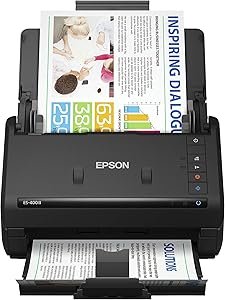
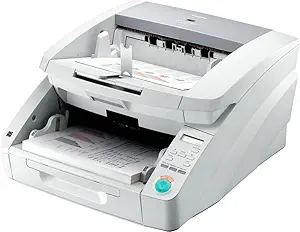
The bigger structural consideration is connectivity. This scanner connects by USB-C to one computer and that is it. The listing describes no wireless, no Ethernet, no scan-to-cloud without a host computer and no standalone operation. For a single user at a desk, that is fine and simpler. For an office where several people need to scan, or where you want to send documents from the scanner itself to a cloud folder, it is the wrong shape of machine. Larger network scanners such as the Epson ES-400 II and the high volume Canon DR-G1100 serve that role.
A third point: a document scanner is not a photo scanner. Brother mentions photographs, and the feeder will handle them, but a feed based scanner pulls originals through a mechanism and reads them at 600 dpi. For delicate prints, film or negatives, a flatbed or a dedicated film scanner such as the Plustek OpticFilm 8100 is the correct tool.
Finally, factor in the maintenance most people forget: feed rollers and separation pads wear, and a scanner that starts pulling multiple sheets usually needs cleaning or a roller replacement rather than repair. Check parts availability if you plan high volume use.
Who Should Buy It, and Who Should Not
Buy the ADS-1300 if you have paperwork to digitize, you work from one computer, and you want a scanner that takes up little desk space and needs no power outlet. The single pass duplex feeder and the card slot cover the two jobs that make cheap scanners frustrating, and the bundled software gives a working route from paper to searchable PDF on Windows.
Do not buy it if you need networked or wireless scanning, if several people will share it, or if your main need is photographs or film. Mac users who require OCR should confirm the software path first. If your requirement is scanning alongside printing and copying, an all-in-one such as the Brother MFC-L2700DW covers all three functions in one machine. Our document scanners category and laser printers category cover both routes.