

Description
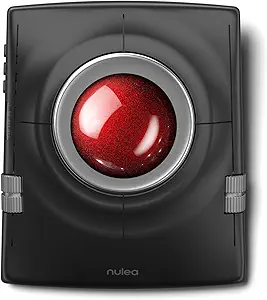
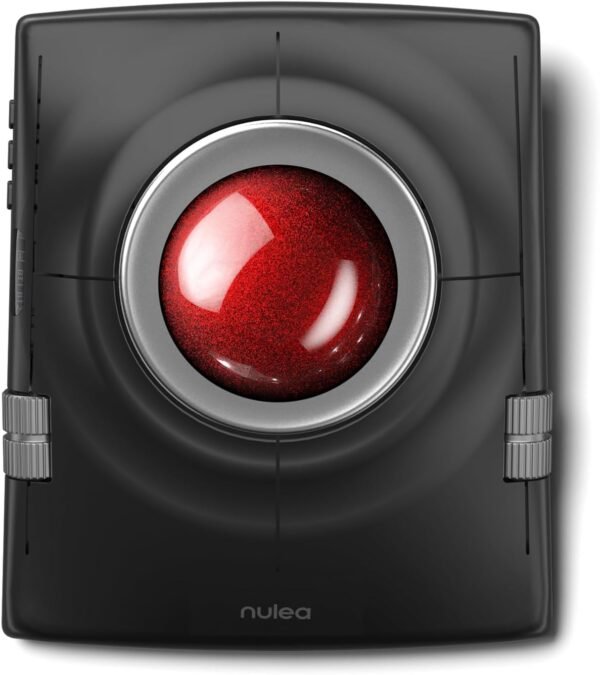
The Nulea M512 is a wireless trackball mouse. Instead of moving the whole device across a desk, you rotate a ball with your fingers while the body stays still. Nulea specifies a 55 mm trackball, adjustable DPI, compatibility with both left and right hands, a rechargeable battery, and dual wireless over Bluetooth and a 2.4 GHz connection with multi-device switching. The model number is M512, the listed weight is 14.8 ounces, and the listing dates to February 2025.
The description field on this listing is empty and the specification block contains only packaging measurements, weight, a model number and a date. Everything below comes from the product title, and the gaps are identified rather than filled.
Why a Trackball
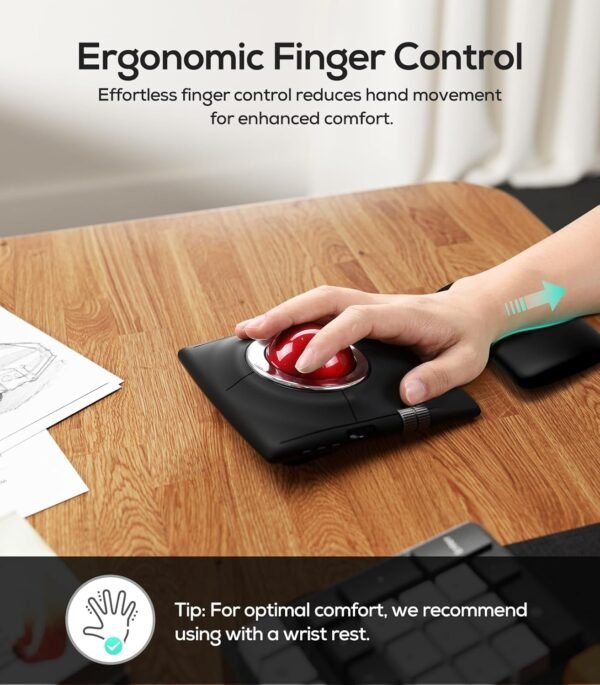
Trackballs solve a specific problem and are not simply an unusual mouse. Because the device does not move, your wrist and forearm stay still and only your fingers work. For people with limited desk space, for anyone working from a couch or a cluttered surface, and for people who find repetitive arm movement uncomfortable, that is the entire argument. It is also why trackballs appear in control rooms and on machinery where there is nowhere to sweep a mouse.
The trade is precision at speed. A conventional mouse maps arm movement to cursor movement across a large physical range, which suits fast wide movements. A trackball maps finger rotation instead, which is excellent for controlled small movements and takes practice for fast wide ones. Most people need a week or two before a trackball feels natural, and some never prefer it. If you have not used one before, that adjustment period is the real consideration, not any specification.
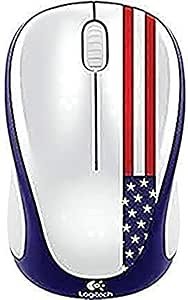
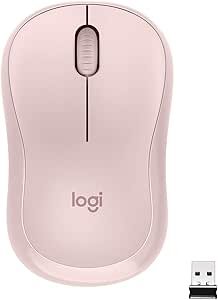
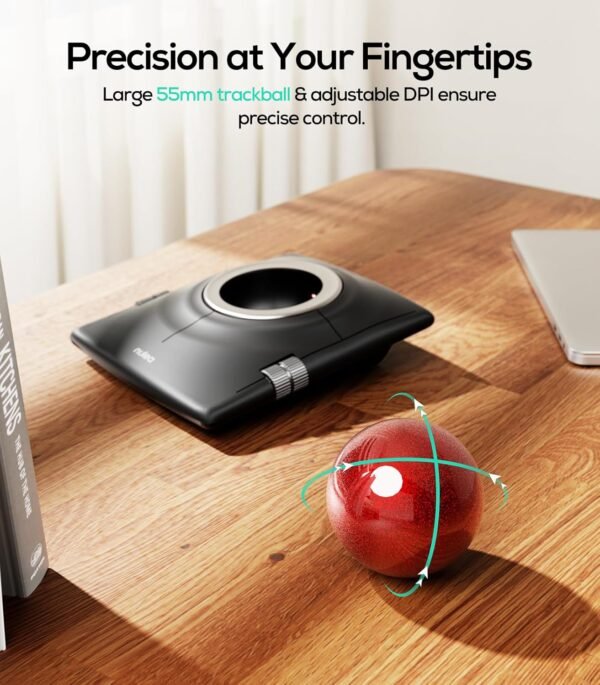
Ball size matters here. At 55 mm this is a large ball by trackball standards, which generally means finger operation with the whole hand resting on the device rather than a small thumb operated ball. Larger balls give finer control over a given cursor distance and take more space. If you want a conventional mouse instead, the Logitech M317 and the quiet Logitech M220 Silent are the straightforward alternatives.
Connectivity
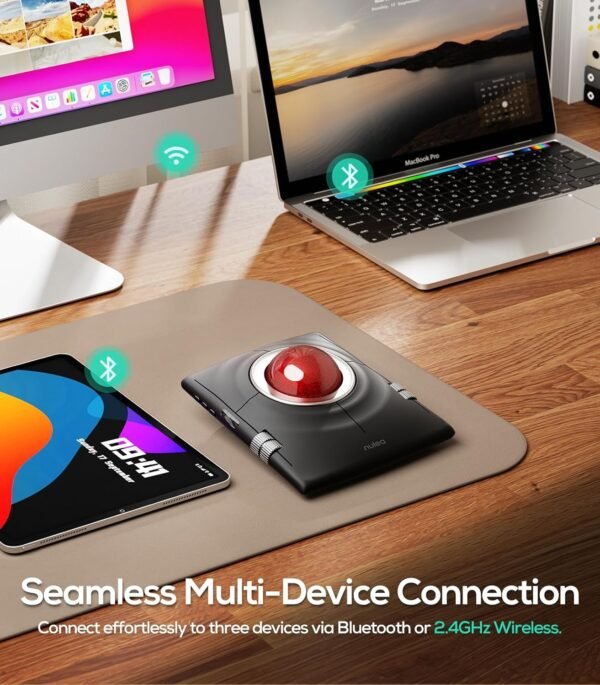
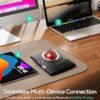
Nulea lists both Bluetooth and 2.4 GHz wireless, with multi-device support. Having both is genuinely useful and the two are not equivalent. A 2.4 GHz connection uses a small USB receiver, works before an operating system loads, and is the more reliable option in a crowded radio environment. Bluetooth needs no receiver and no free USB port, which matters on a laptop with two ports or on a tablet.
Multi-device switching means the same trackball can be paired to more than one computer and moved between them with a button rather than by re-pairing. For anyone with a work laptop and a personal desktop on the same desk, that is a daily convenience. The listing does not state how many devices can be stored, so do not assume a particular number. It also does not say whether the USB receiver stores inside the body, which is the detail that decides whether the device travels well.
Compatibility is listed as PC, laptop and Mac. There is no mention of tablets, phones, Linux or games consoles, and no mention of configuration software for remapping buttons or setting DPI steps. On a trackball, button remapping is more valuable than on a mouse, because the layout is unfamiliar and the ability to move a function to a comfortable finger is worth a lot. Ask about software support before buying if that matters.
Highlights
- 55 mm trackball, large enough for finger rather than thumb operation.
- Adjustable DPI for changing cursor speed, though no DPI values are stated.
- Bluetooth and 2.4 GHz wireless with multi-device switching.
- Listed as compatible with left or right hands.
- Rechargeable battery, so no disposable cells to replace.
- Listed compatibility with PC, laptop and Mac.
- Listed weight of 14.8 ounces, which for a stationary device is a stability advantage rather than a burden.
Things To Consider
The listing leaves a lot unstated, and for a pointing device several of the omissions matter:
- No DPI values are given, only that DPI is adjustable. The useful range and the number of steps are unknown.
- No battery capacity and no runtime figure are stated, so there is no way to judge how often it needs charging.
- The charging connector type is not stated.
- The button count and layout are not described, and neither is scroll wheel behavior.
- Whether the ball is removable for cleaning is not stated. This is a practical point rather than a trivial one, because trackballs accumulate skin oil and dust in the ball housing and need periodic cleaning to roll smoothly. A ball that pops out easily is far better to live with.
- No configuration software is mentioned.
On the ambidextrous claim, take it at face value but check the button positions in the product images. A device can be physically symmetric and still place its extra buttons where only one hand reaches them comfortably. Left handed users in particular should look closely, since genuinely left friendly pointing devices are rare and the claim is worth verifying.
Finally, consider the desk. A trackball this size occupies a fixed footprint permanently, whereas a mouse can be pushed aside. Measure the space before buying if your desk is shared with a keyboard, a graphics tablet or paperwork.
Who Should Buy It, and Who Should Not
Buy the M512 if desk space is limited, if arm movement is uncomfortable for you, or if you work in a position where there is nowhere to move a mouse. The dual wireless arrangement and multi-device switching make it a sensible desk device for someone who alternates between machines, and a 55 mm ball is the size most people find comfortable for all day use.
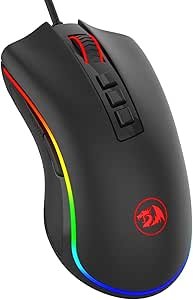
Do not buy it if you play games that need fast, wide aiming movements, where a conventional mouse such as the Redragon M711 Cobra or the wireless Keychron M3 is the right tool. Do not buy it if you need published DPI and battery specifications before purchase, and be prepared for an adjustment period if this is your first trackball. Our mice category covers conventional and trackball designs, and the keyboards category covers the other half of the desk.