

Description
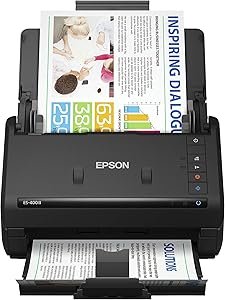
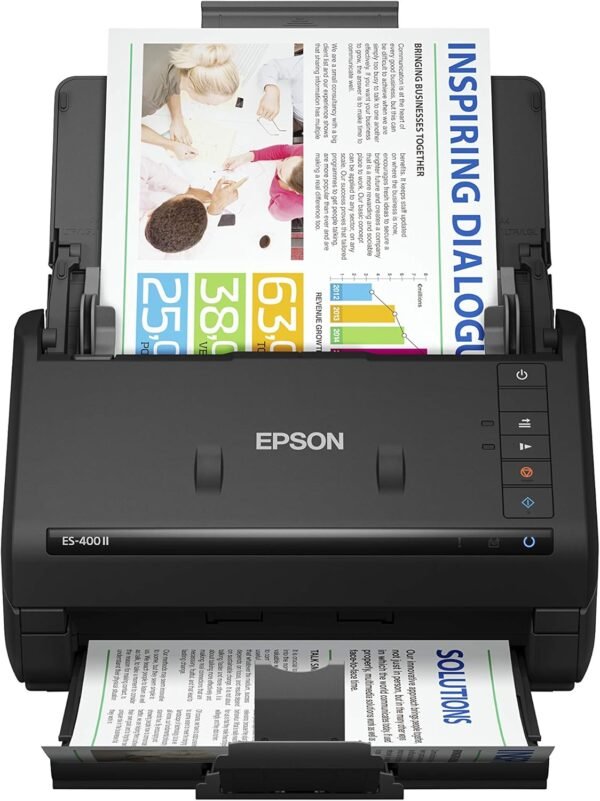
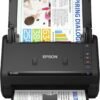
The Epson WorkForce ES-400 II is a desktop document scanner built for paperwork rather than photographs. It is a sheetfed design with a 50 sheet automatic document feeder, it captures both sides of a page in a single pass, and Epson rates it at up to 35 pages per minute. The intended user is an office, a home office or anyone digitizing a filing cabinet.
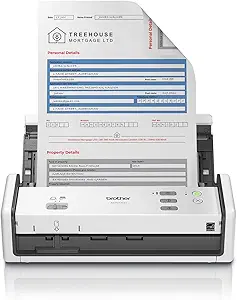
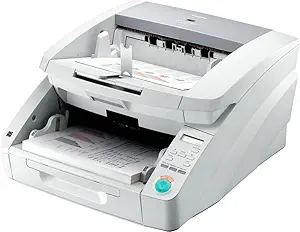
Anyone who needs to scan film, bound books or delicate originals should look elsewhere, since a sheetfed scanner pulls pages through rollers. Film digitizing is covered by the Plustek OpticFilm 8100, while other document scanners include the compact Brother ADS-1300 and the high volume Canon DR-G1100.
Speed And Duplex Scanning
Epson quotes up to 35 pages per minute and, importantly, states the conditions: letter sized scans at 300 dpi in black and white, grayscale or color mode. Publishing the test conditions alongside the number is good practice and makes the figure meaningful, because scan speed collapses at higher resolutions and Epson is not hiding that.
The scanner captures both sides at once, which is the single biggest workflow difference between this and a cheaper single sided unit. Double sided documents go through in one pass rather than being scanned, flipped and scanned again, and blank page skip removes the empty reverse sides automatically. There is a slight ambiguity in how the speed is expressed, since a duplex scanner producing 35 pages per minute is capturing 70 images per minute, and the listing does not separate the two figures.
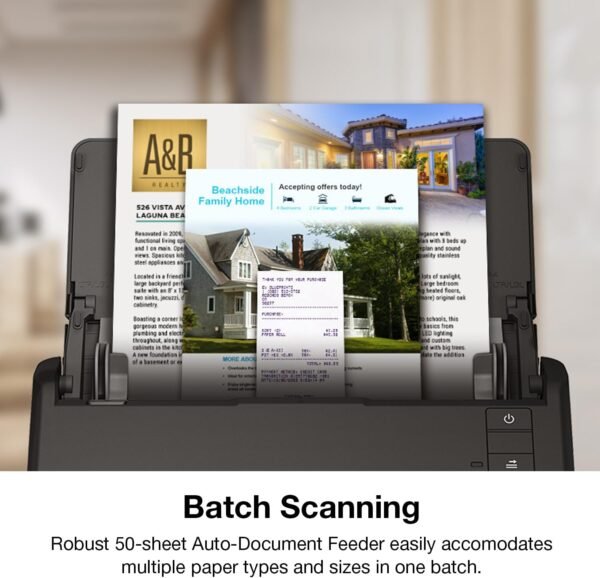
The 50 sheet feeder handles various document sizes, which Epson emphasizes. Mixed batch scanning, where receipts, letters and legal pages go through together, is where a feeder either works well or jams constantly, and the automatic paper skew correction listed among the image tools is aimed at exactly that.
Software And File Handling
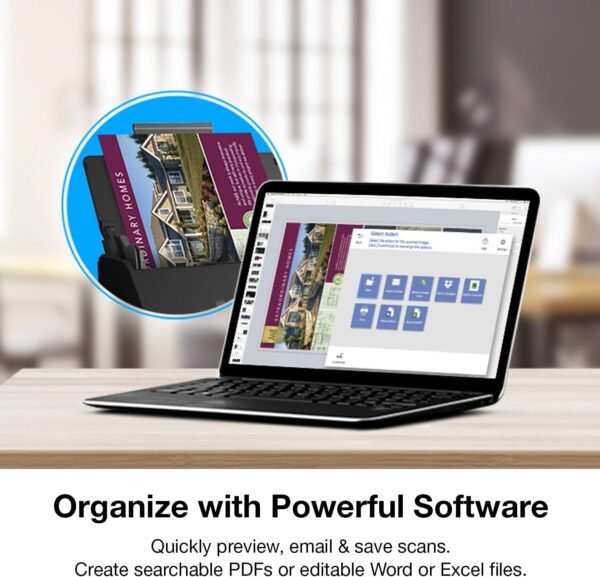
Epson ScanSmart is the bundled software, and it handles preview, emailing, cloud upload and automatic file naming. Automatic file naming is a small feature that saves a great deal of time on a large scanning job, because the alternative is typing a name for every document.
The optical character recognition capability turns scans into searchable PDFs, and Epson states scans can also be converted into editable Word or Excel files. That second claim should be read with realistic expectations. OCR into Word works well on clean typed text and poorly on complex layouts, and conversion into Excel depends heavily on how cleanly the source table is ruled.
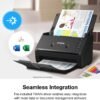
Direct upload targets named on the listing are Dropbox, Evernote, Google Drive and OneDrive. Those integrations are useful and they are also the part of any scanner most likely to break over time as cloud service APIs change.
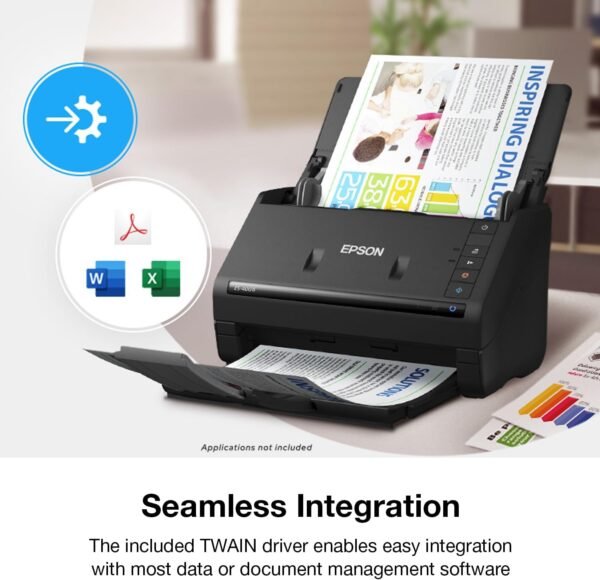
The included TWAIN driver is the most important item for business buyers and the least glamorous. TWAIN is the long standing standard interface between scanners and software, and its presence means this scanner can be driven by third party document management systems rather than only by Epson’s application. Any organization with an existing document workflow should confirm that compatibility first, and this listing addresses it directly.
Image Adjustment Tools
Epson lists auto crop, blank page skip, background removal, dirt detection and paper skew correction. Each of these solves a specific practical problem: auto crop trims to the document edge rather than the scanner width, blank page skip discards empty reverse sides, background removal cleans up colored or textured paper, dirt detection flags speckles from a dirty scanner glass or roller, and skew correction straightens pages that entered the feeder at an angle.
Collectively these are the difference between a usable archive and a folder of crooked, oversized files. They run in software rather than in the scanner, so they depend on Epson’s application remaining supported.
Highlights
- Single pass two sided scanning.
- Up to 35 pages per minute at 300 dpi on letter paper, per Epson.
- 50 sheet automatic document feeder for mixed sizes.
- Epson ScanSmart software with automatic file naming.
- OCR for searchable PDFs plus Word and Excel conversion.
- Direct scanning to Dropbox, Evernote, Google Drive and OneDrive.
- TWAIN driver for third party document management software.
- Auto crop, blank page skip, background removal, dirt detection and skew correction.
Things To Consider
Several standard scanner specifications are missing from this listing. There is no optical resolution figure, which is the maximum detail the sensor can capture and the specification most often compared between scanners. There is no daily duty cycle, which tells a buyer how many pages the mechanism is rated for per day and matters enormously when digitizing an archive. There is no interface specification, so whether the connection is USB 2.0, USB 3.0 or USB-C is not stated. There is no bit depth figure and no warranty term.
The design also carries the standard sheetfed limitations. There is no flatbed glass, so bound books, passports, fragile documents and anything thicker than a sheet of paper cannot be scanned. Photographs can be fed through but risk roller marks. Rollers and separation pads are consumable parts that wear and eventually need replacing, and the listing does not mention them.
Physically the unit is compact at 6.6 by 11.6 by 6.9 inches and 8.14 pounds, which fits on a desk beside a computer without dominating it. Customer feedback is strong and well sampled at 4.6 stars across 1,076 ratings, and the scanner ranks highly within its category, on a listing first available in November 2020. Readers can compare alternatives in the document scanners category, and offices that also need printing should look at the laser printers category.
Who It Suits
The ES-400 II suits an office, a professional practice or a household digitizing paperwork in volume, where documents are loose sheets, both sides matter, and the output needs to be searchable. The combination of duplex capture, a 50 sheet feeder, OCR and a TWAIN driver covers the whole workflow from paper to filed document.
It is the wrong scanner for books, film, photographs or anything that cannot go through a roller feed, for buyers who need a documented optical resolution and duty cycle before purchase, and for anyone scanning only a handful of pages a month, where a phone camera application would do the job for nothing.