


Description
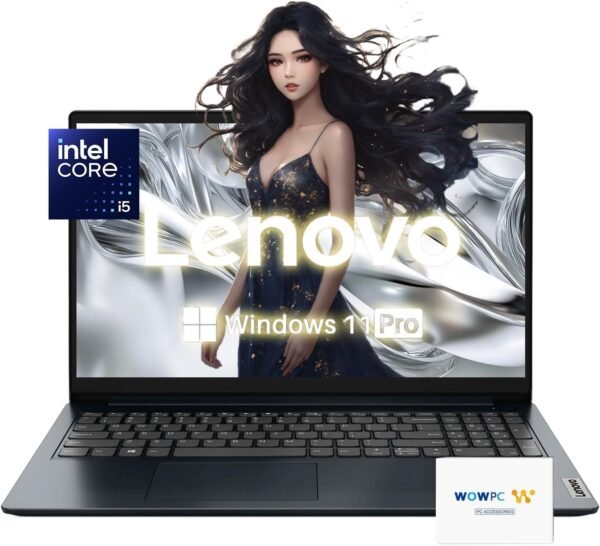
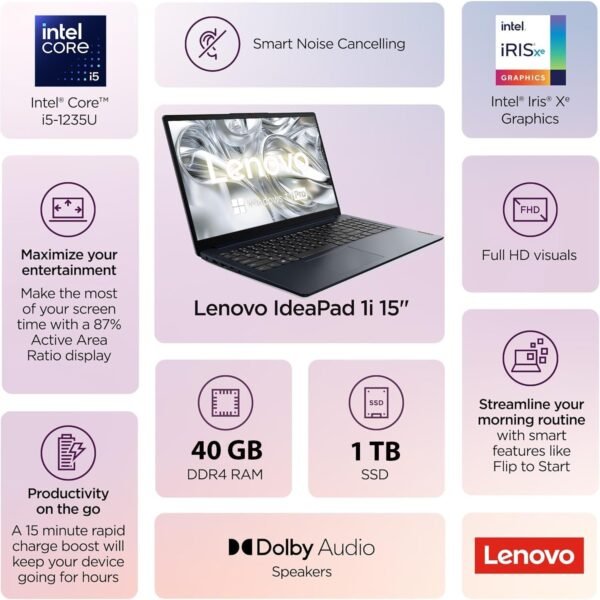
This is a 15.6 inch Lenovo laptop sold in a heavily upgraded configuration: an Intel Core i5-1235U with 40GB of DDR4 memory and a 1TB NVMe SSD, running Windows 11 Pro. The listing does not name a Lenovo model line, giving the Series and Item model number fields simply as Business Laptop, and it ships with a recovery USB stick branded WOWPC rather than by Lenovo. Both details point to a reseller assembled configuration rather than a standard Lenovo product.
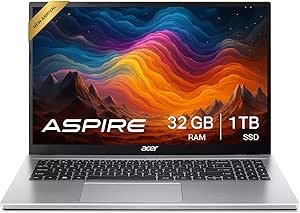
Buyers who want a named model with a documented service path should compare the Lenovo ThinkPad E16 Gen 2 or the Dell Latitude 5420, and those wanting a mainstream consumer machine can look at the Acer Aspire 3.
Processor And Memory
The Core i5-1235U is a 10 core, 12 thread hybrid processor with a 1.3 GHz base clock, a maximum turbo of 4.4 GHz and 12 MB of L3 cache. The core count is made up of two performance cores and eight efficiency cores, which is why 10 cores produce only 12 threads rather than 20. The U suffix again indicates a low power part designed for battery life. Graphics are integrated Intel Iris Xe, which is a step above basic Intel UHD graphics and adequate for video playback and light editing but not for gaming.
The memory quantity is the giveaway on this listing. 40GB is not a configuration Intel or Lenovo ships as standard; it is what results when a soldered 8GB is joined by a 32GB module in the single free slot. The listing does not explain this, does not say whether the memory is upgradeable further, and does not say whether the original factory seal was opened. Buyers who care about warranty coverage on the memory should ask before ordering. Storage is a 1TB PCIe NVMe M.2 drive on a PCIe x4 interface.
The Display
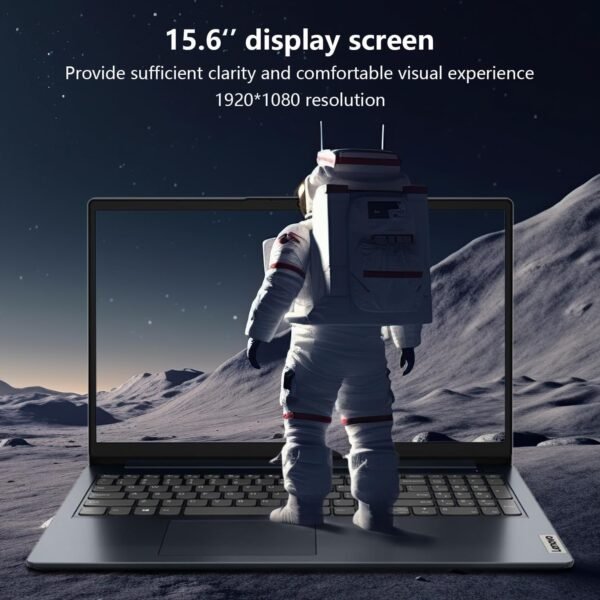
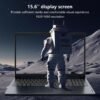
The panel is the specification that should decide this purchase, and the listing is refreshingly honest about it. The screen is 15.6 inches at 1920 by 1080 with an anti glare coating, using TN technology and rated at 220 nits.
TN panels have narrower viewing angles and weaker color reproduction than IPS panels, with color and contrast shifting noticeably as the viewing position changes. 220 nits is also dim by current standards, where 250 to 300 nits is the common floor for a business machine. Combined, that means this display is acceptable for a person sitting square in front of it in a controlled indoor light, and poor for anyone sharing the screen, working near a window, or caring about color. Anyone using the machine at a desk should plan on an external monitor, and the monitors category covers options including the Dell P2219H.
Ports, Battery And Everyday Details
Port selection is modest and carries one important caveat. The listing gives one USB-C 3.2 Gen 1 that supports data transfer only, one USB 3.2 Gen 1, one USB 2.0, a separate barrel power connector, one HDMI 1.4b output, a headphone and microphone combo jack and a card reader. Two limits follow from that. The USB-C port cannot charge the laptop or drive a display, so the barrel charger is mandatory and USB-C docking is not possible. HDMI 1.4b caps 4K output at 30 Hz, which is uncomfortable for desktop use, so an external 4K monitor should be driven at 1080p or run at 30 Hz.
The battery is a 42 Wh lithium polymer cell that the listing rates at up to 10 hours. That is a manufacturer figure under light conditions and should be treated as a ceiling. Wireless is Wi-Fi 6 in a 2×2 configuration with Bluetooth 5.2. Audio is stereo speakers rated at 1.5 watts each with Dolby Audio processing. The keyboard is a full size US English layout and is explicitly not backlit, which is worth knowing for anyone who works in low light. The webcam is 720p with a physical privacy shutter, and the color is listed as Abyss Blue.
Highlights
- Intel Core i5-1235U with 10 cores, 12 threads and up to 4.4 GHz turbo.
- 40GB DDR4 3200 MHz memory with a 1TB PCIe NVMe SSD.
- Intel Iris Xe integrated graphics.
- Wi-Fi 6 2×2 with Bluetooth 5.2.
- 720p webcam with a physical privacy shutter.
- SD card reader, HDMI, USB-C, USB-A and USB 2.0.
- 3.59 pounds with a 42 Wh battery rated at up to 10 hours.
Things To Consider
The unnamed model is the first concern. A laptop sold with Series and model number both reading Business Laptop cannot be looked up on Lenovo’s support site, cannot be matched to a driver page and cannot be checked against a warranty database. That is a practical problem, not a cosmetic one, and it is the single strongest reason to prefer a named model.
The specification block also lists Chipset Brand as Lenovo, which is meaningless since Lenovo does not make chipsets, and Number of Processors as 10, which is the core count in the wrong field. Dimensions are given as 14.14 by 9.29 by 0.70 inches in the description and 14.18 by 9.29 by 0.7 in the specifications, a minor discrepancy but another sign the data was not checked.
Customer feedback is thin at 4.2 stars across 19 ratings, on a listing first available in January 2025. The non backlit keyboard, the TN panel and the data only USB-C port are the three limitations most likely to be felt daily, and none of them can be fixed later. Against that, 40GB of memory and a 1TB drive is a lot of capability for a machine in this class. Readers can compare the wider traditional laptops category.
Who It Suits
This configuration suits someone who needs a lot of memory and storage for the money, works mostly with documents, spreadsheets, browsers and video calls, and is comfortable buying from a reseller who has upgraded the machine. The processor and the SSD are both perfectly capable for that workload, and the card reader and privacy shutter are useful practical touches.
It is the wrong laptop for anyone who needs color accuracy, works in bright environments, types in low light, wants USB-C charging or docking, or wants to be able to look the machine up on the manufacturer’s support site. Those buyers should pay more for a named model with an IPS panel.