Description
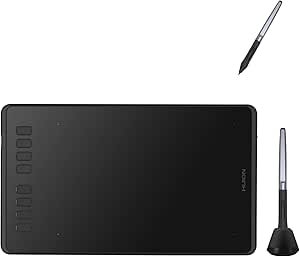
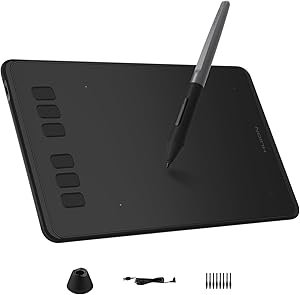
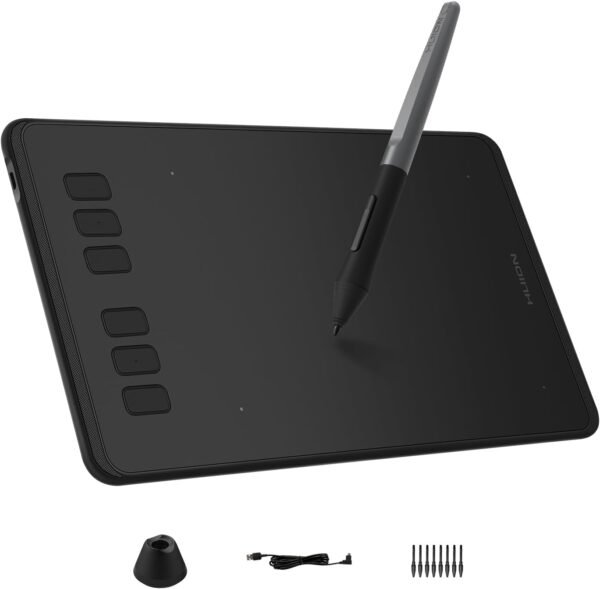
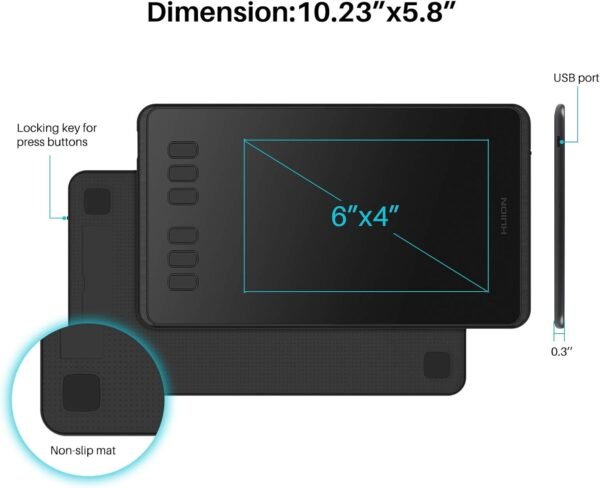
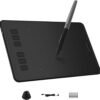
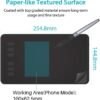
The HUION Inspiroy H640P is an entry level pen tablet with a 6 by 4 inch drawing area, a battery free stylus rated at 8192 pressure levels, and six programmable hot keys. HUION lists it for Mac, PC and mobile use, aimed at drawing, writing, design and teaching. The tablet measures 10 by 5.98 by 0.31 inches, weighs 9.6 ounces, and has been listed since September 2017.
What a Pen Tablet Is, and Who It Suits
This is a drawing surface without a screen. The pen moves on the tablet on your desk while you watch the cursor on your monitor. That separation feels strange for the first hour and becomes automatic within a few sessions for most people. It is a fundamentally different product from a pen display, where you draw directly on the screen and pay several times more for the privilege.
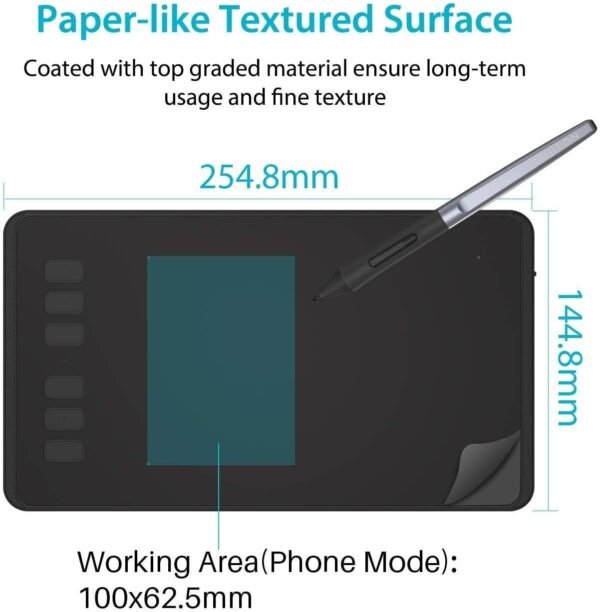
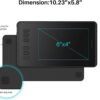
The 6 by 4 inch active area is the standard entry size. It maps the whole width of your monitor to a hand sized area, which suits precise small movements and travels easily. Someone drawing large gestural strokes will find it restrictive, and the larger HUION Inspiroy H950P exists for that reason. Note that the listed 10 by 5.98 inch overall dimension is the whole tablet including the hot key strip and the bezel, so the drawing area is a subset of that footprint.
The teaching use HUION names in the title is worth pulling out. A pen tablet is an excellent tool for annotating during a screen share or a recorded lesson, writing equations, marking up documents and drawing diagrams live. For that job the drawing skill barrier is much lower than it is for illustration, and the payoff is immediate.
The Six Hot Keys
This is the feature that distinguishes the H640P from the cheapest tablets in the category, which often have none. Six programmable keys along one edge can be assigned to whatever you reach for constantly: undo, brush size up and down, eraser toggle, pan and zoom, layer switching.
Why that matters more than it sounds: on a pen tablet, your other hand is normally on the keyboard reaching for modifier keys. Moving the most used shortcuts onto the tablet itself keeps both hands near the drawing area and removes the constant glance back to the keyboard. Six is enough for the shortcuts you use every minute without becoming a layout you have to memorize.
The listing does not state whether the hot keys are configured through HUION’s driver software, whether per application profiles are supported, or whether the keys can be reversed for left handed use with the tablet rotated. Those are worth checking with HUION, particularly the left handed question, since a fixed hot key strip on the wrong side is awkward.
The Pen
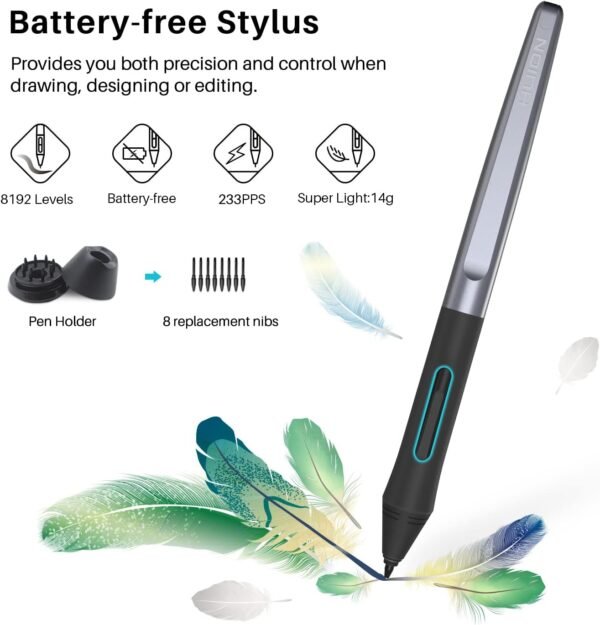
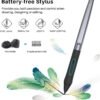
The stylus is battery free, drawing power from the tablet surface rather than from an internal cell. Nothing to charge, nothing to replace, and a lighter pen in the hand. This is the standard approach now and its presence is expected rather than remarkable, but it is the right design.
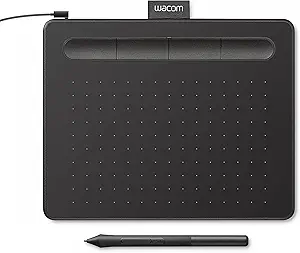
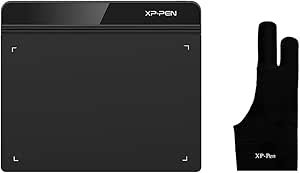
Eight thousand one hundred and ninety two pressure levels is the number every manufacturer in this class quotes, and it has become close to meaningless as a differentiator because everyone reached it. What actually separates pens at this level is the feel of the nib on the surface, how the pressure curve behaves at very light pressure, and the quality of the driver. None of those appear on a specification sheet. The XP-PEN StarG640 quotes the same figure at the same size, and the Wacom Intuos Small does not publish a pressure figure on its listing at all.
Highlights
- 6 by 4 inch active drawing area, in a tablet measuring 10 x 5.98 x 0.31 inches.
- Six programmable hot keys for shortcuts on the tablet itself.
- Battery free stylus with 8192 levels of pen pressure.
- Listed compatibility with Mac, PC and mobile devices.
- Listed weight of 9.6 ounces, light enough to carry in a laptop bag.
- Aimed at drawing, writing, design and teaching.
- Listed as a current product rather than discontinued, since September 2017.
Things To Consider
The specification block on this listing is very short and omits most of what a buyer would compare on: report rate, pen resolution in lines per inch, tilt support, connector type and cable length, driver requirements, whether spare nibs are included, and what the mobile compatibility actually covers.
That last one deserves attention. “Work with Mac, PC and Mobile” is a broad claim. Android device support for drawing tablets depends on the phone or tablet supporting USB host mode and on the specific adapter used, and it varies widely between devices. iOS support is generally more restricted still. If connecting to a phone or tablet is part of your reason for buying, check HUION’s own device compatibility list for your exact model before ordering rather than relying on the word “mobile”.
Two more practical points. First, nibs are consumables. They wear down with use, faster on a textured surface, and a tablet is only as usable as its supply of replacement nibs. Check what is included and what replacements cost. Second, driver quality is the main practical difference between budget drawing tablets and it changes over time as operating systems update. Confirm that current drivers exist for your operating system version before buying, particularly on macOS where driver signing requirements have caught out several manufacturers.
Finally, the age of the listing is worth noting. September 2017 is a long time ago in peripherals, and while the hardware design has not needed to change, software support for a product this old is a fair question to ask.
Who Should Buy It, and Who Should Not
Buy the H640P if you are starting digital drawing, photo editing or online teaching, you want programmable shortcut keys rather than reaching for the keyboard constantly, and a compact tablet suits your desk. Among entry level tablets, six hot keys at this size is a genuine advantage, and the battery free pen removes a whole category of annoyance.
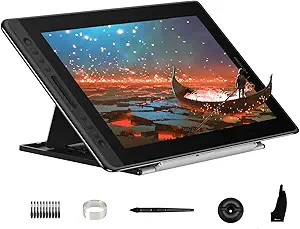
Do not buy it if you need a large drawing area, if you want to draw directly on a screen, or if mobile connection to a specific phone is the main use and you cannot confirm compatibility first. If a tablet computer is what you actually want for drawing on the go, a device such as the Samsung Galaxy Tab A8 is a different and simpler answer, and for professional pen display work the HUION Kamvas Pro 16 is the step up. Our graphics tablets category covers the whole range.