
Description
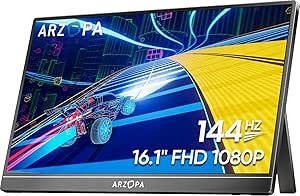
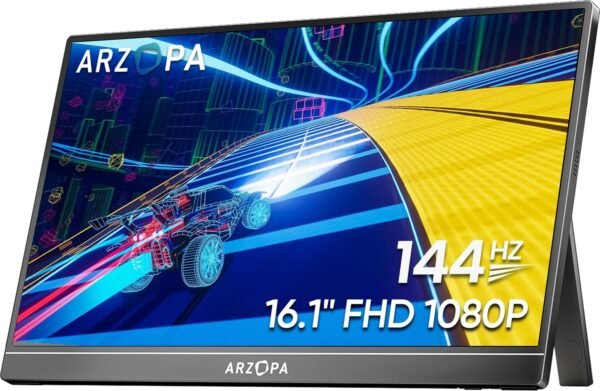
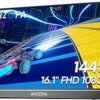
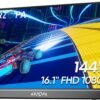
The ARZOPA Z1FC is a portable monitor: a thin 16.1 inch display with its own kickstand, intended to travel with a laptop or to sit next to a console. Its distinguishing specification is a 144 Hz refresh rate, which is uncommon in this category, where 60 Hz panels are the norm. ARZOPA lists a 1920 x 1080 resolution in a 16:9 aspect ratio, 106 percent sRGB coverage, HDR support, a brightness of 300 cd/m2 and a weight of 3.12 pounds, with two USB ports. The model number is Z1FC and the listing dates to May 2022.
The product description field on this listing is empty, so the facts below come from the product title and the specification block. Where a specification a monitor buyer needs is absent, this review says so.
What a Portable Monitor Is For
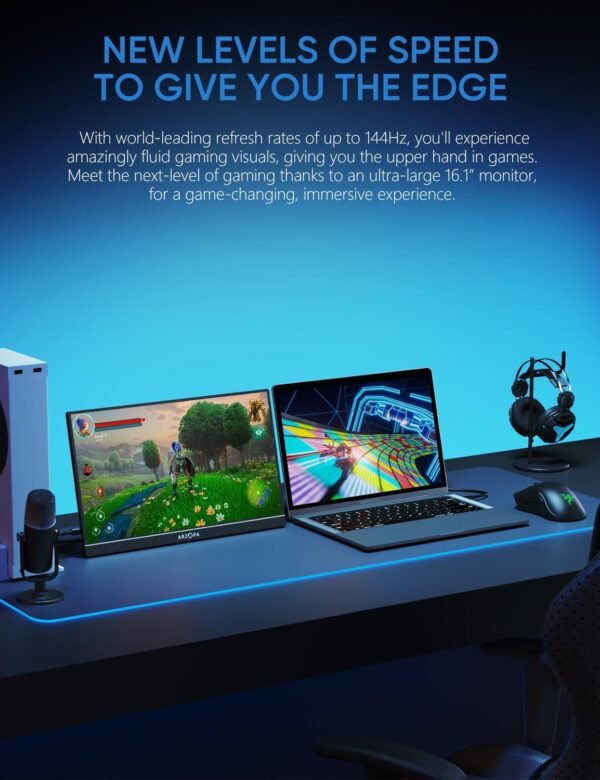
A portable monitor solves one problem: you have a laptop and you want a second screen somewhere that is not your desk. Hotel rooms, client sites, shared workspaces, a kitchen table. It also has a secondary use as a compact console display, which is why ARZOPA names PS5 and Xbox in the product title alongside laptops and Mac.
The 144 Hz refresh rate is what separates this from an ordinary travel screen. On a 60 Hz panel, motion in games and even cursor movement looks less fluid, and a console or gaming laptop capable of higher frame rates is wasted. At 16.1 inches and 1080p, the pixel density is comfortable for a screen viewed at desk distance, and 1080p is also a resolution that a laptop’s integrated graphics can drive at high refresh rates without difficulty. Pairing it with a gaming laptop such as the ASUS ROG Strix G16, or with a compact desktop such as the HP Elite Mini 800 G9, is the intended use.
The Panel Specifications
Color and brightness
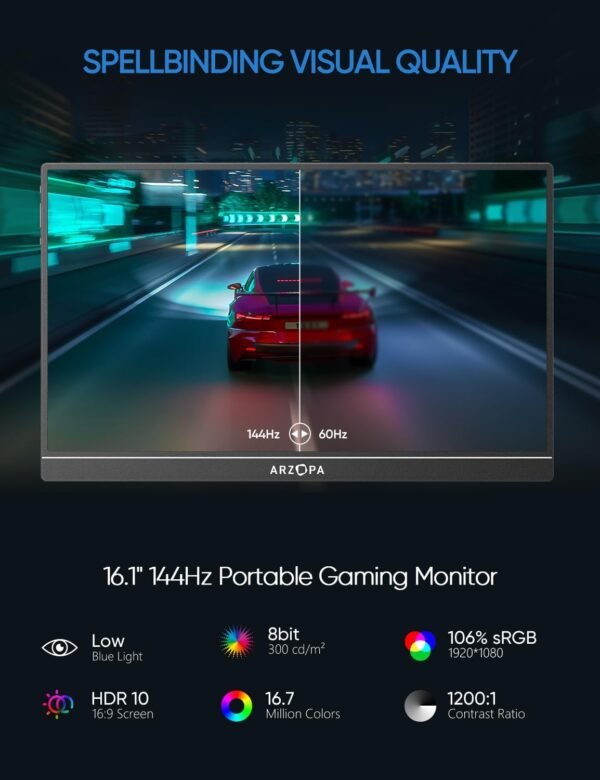
ARZOPA claims 106 percent sRGB coverage. sRGB is the standard color space for most web and general purpose content, and covering all of it means the panel can display the full range of colors that content is authored in. Figures above 100 percent indicate the panel reaches beyond the space rather than that it is more accurate within it, so read 106 percent as adequate coverage rather than as a professional grade claim. The listing states no Delta E accuracy figure and no factory calibration, so no color accuracy claim is made here.
Brightness is listed at 300 cd/m2, which is a normal figure for a portable display and is enough for indoor use. It is not enough for direct sunlight, and it is worth weighing against the HDR support the product title advertises. HDR benefits substantially from higher peak brightness, and a 300 cd/m2 panel is at the lower end of what carries the label. Treat HDR here as a signal compatibility feature rather than as a visible improvement, and judge the screen on its standard dynamic range behavior.
What the listing does not state
The panel technology is not stated anywhere in the listing data. There is no mention of IPS, VA or TN, and this review will not assume one. Panel type governs viewing angles and contrast, and on a screen you will use from varying positions it matters. Also absent: response time, contrast ratio, adaptive sync support such as FreeSync or G-Sync, and whether the 144 Hz mode is available over every input. Ask before buying if any of those matter to you.
Connections, Stand and Portability
The specification block states two USB ports and nothing more about connectivity. It does not identify whether they are USB-C or USB-A, and it does not mention an HDMI input at all, which most portable monitors have in mini or micro form. This is the most important gap on the page, because how you connect the monitor determines whether it works with your device.
Two things to establish before ordering. First, whether the monitor accepts video over USB-C, and if so whether your laptop’s USB-C port supports DisplayPort Alt Mode. Many laptops have USB-C ports that carry data and power only, and those will not drive a display. Second, whether a single cable carries both video and power, or whether a separate power connection is needed. A portable monitor that needs two cables is meaningfully less portable, and consoles in particular do not supply video over USB-C, so an HDMI input is required for PS5 and Xbox use.
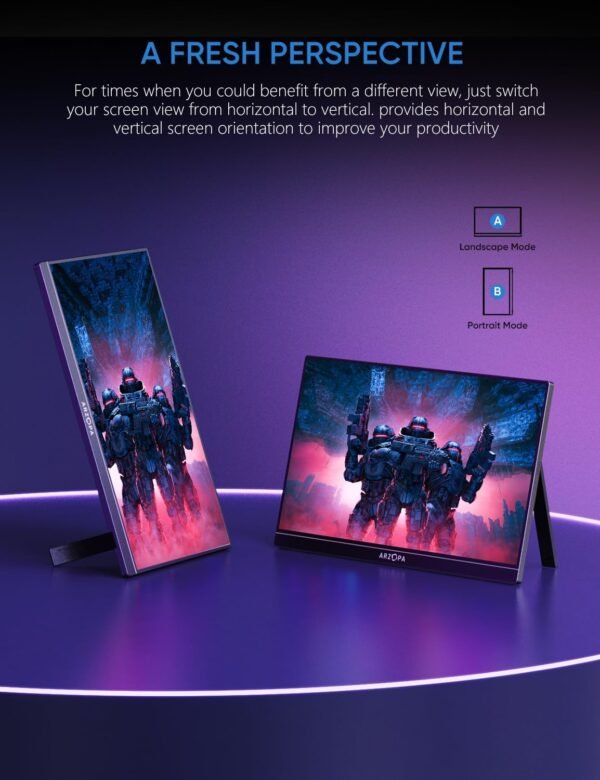
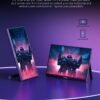
ARZOPA describes a built-in kickstand and an ultra slim design. A built-in stand is preferable to the folio case arrangement many competitors use, since there is one less item to carry and lose. The listed 3.12 pound weight is on the heavy side for a portable display, though it may describe the shipped package rather than the screen alone; the listed dimensions of 8.27 x 14.96 x 19.29 inches certainly describe packaging rather than a 16.1 inch panel.
Highlights
- 16.1 inch screen at 1920 x 1080 in a 16:9 aspect ratio.
- 144 Hz refresh rate, which is unusual for a portable display.
- Claimed 106 percent sRGB color coverage.
- Listed brightness of 300 cd/m2, with HDR support advertised.
- Built-in kickstand and a slim chassis, listed at 3.12 pounds.
- Two USB ports, with eye care features referenced in the product title.
- Marketed for laptops, PCs, Mac, PS5 and Xbox as a second screen.
Things To Consider
The connectivity gap above is the main practical risk. A portable monitor that does not connect to your particular laptop or console is useless, and the listing does not give enough detail to be certain. Confirm the exact port list and the cables included in the box before ordering.
Second, portable monitors of this type usually have limited built-in speakers or none, and the listing says nothing about audio. If you plan to use it with a console, budget for headphones or speakers separately.
Third, understand what 144 Hz requires. The refresh rate is only realized if the connected device outputs 144 Hz at 1080p and the connection carries it. A console locked to 60 Hz output in a given game, or a laptop connected through an adapter that limits refresh rate, will not benefit. The specification is real; whether you see it depends on the whole chain.
Fourth, be realistic about durability. Portable monitors travel, and a thin panel with a built-in kickstand has no protection in a bag. The listing does not mention a case or cover. Factor a sleeve into the purchase.
Who Should Buy It, and Who Should Not
Buy the Z1FC if you want a second screen that travels, you play games on a laptop or console away from a main setup, and the 144 Hz refresh rate is the reason you are looking at this rather than a cheaper 60 Hz panel. For a mobile worker who also games, it covers both jobs in one item, and the built-in kickstand makes it quicker to set up than folio case designs.
Do not buy it as a primary display, where a larger desktop monitor gives more screen area and better specifications for the money; the Dell E2423H is the straightforward desk alternative and the AOC Q27G3XMN is the gaming one. Do not buy it if you need documented panel specifications, or if your laptop’s USB-C port does not carry video and you have no HDMI option. For a large desk display with docking built in, the Dell C3422WE sits at the opposite end of the category, and our monitors category covers the range in between.