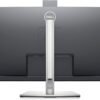
Description
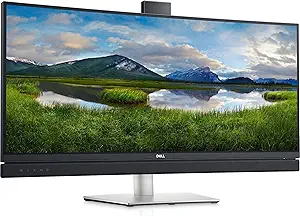
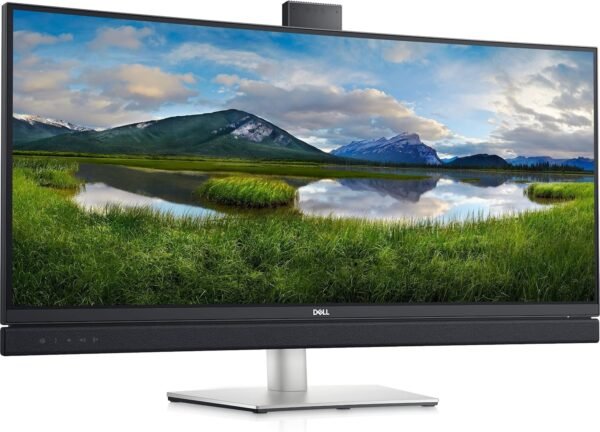
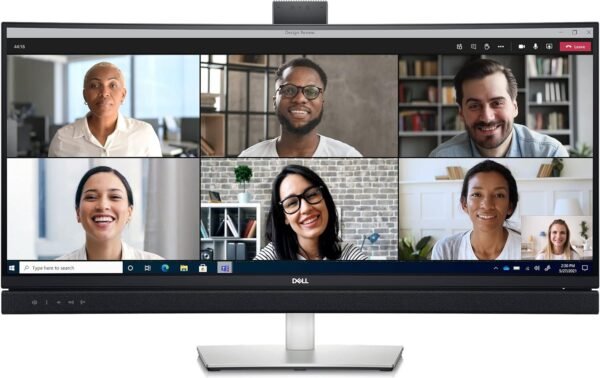
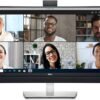
The Dell C3422WE is a 34.1 inch curved monitor built around video calls rather than gaming or photo work. Dell lists it as the company’s first 34 inch curved video conferencing display certified for Microsoft Teams, and the hardware reflects that focus: a pop-up 5MP infrared camera, dual 5W speakers, a noise canceling microphone array and a dedicated Teams button sit alongside a 3440 x 1440 WQHD panel. It is a desk appliance for people who spend a large part of the working day in meetings and want the camera, the audio and the second screen to be one device instead of four.
What the C3422WE Is, and Who It Suits
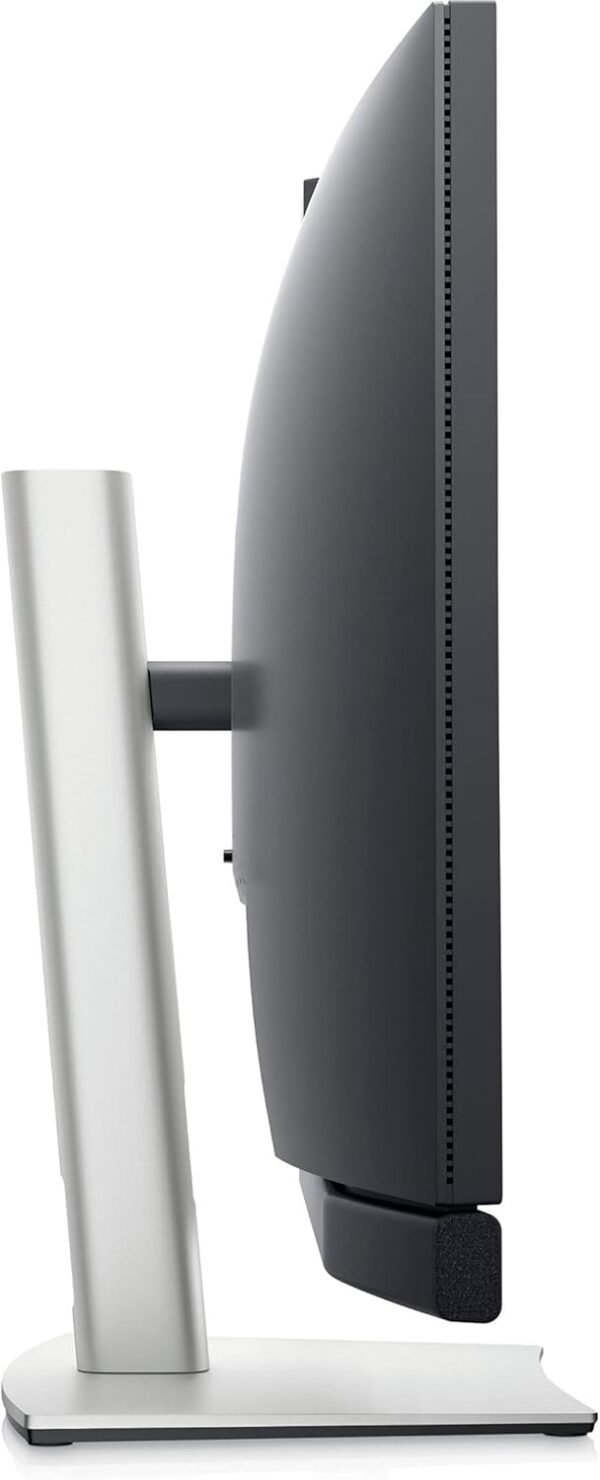
This is an ultrawide productivity monitor with conferencing hardware bolted in. The listed resolution is 3440 x 1440 in a 21:9 shape, which gives roughly the horizontal working space of two side by side windows without a bezel running down the middle. Dell specifies a 34.1 inch standing screen size, an Edge WLED backlight and a Platinum Silver finish, with a listed item weight of 25 pounds and product dimensions of 9.1 x 18 x 32.1 inches.
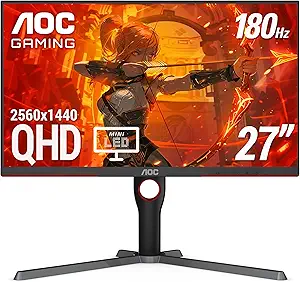
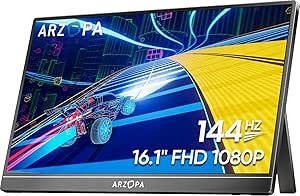
The people this suits are hybrid and remote office workers, team leads who run calls all day, and anyone in a small office who wants a single monitor to replace a webcam, a speakerphone and a USB dock. It is not aimed at competitive gamers. The listing quotes no refresh rate, no response time and no adaptive sync standard, and the camera specification quotes 30 frames per second video, which is a conferencing number rather than a gaming one. If refresh rate is your priority, the AOC Q27G3XMN gaming monitor is the more appropriate shape of product, and the ARZOPA Z1FC portable gaming monitor covers the travel case.
The Conferencing Hardware
Camera and sign-in
Dell specifies a 5MP infrared camera that pops up out of the top bezel and retracts out of sight when it is not in use, which doubles as a physical privacy measure. The company claims more than twice the detail and zoom of a 2MP webcam, and quotes a 178 degree by 178 degree viewing angle for the panel itself. The infrared sensor also drives Windows Hello facial recognition, so sign-in happens without typing a password. Dell describes the biometric layer as enterprise-level security, which is a manufacturer claim rather than a measured result.
One point worth reading carefully: the listing describes hands free voice commands through Cortana. Microsoft has substantially changed Cortana’s availability since this monitor launched in March 2021, so that particular feature should be treated as a claim tied to the software of its era rather than a reason to buy the monitor today. Similarly, the Teams certification refers to the Teams client as it existed at certification time.
Audio
Dell lists dual 5W integrated speakers and a noise canceling microphone. Five watts per channel is respectable for a monitor and is the reason the specification is called out at all; most monitors either omit speakers or fit 2W units that are only useful for system sounds. For a person on calls, that means the C3422WE can plausibly stand in for a separate speakerphone. It will not replace a dedicated headset in a shared room where privacy matters, and for that scenario an office headset such as the Jabra Evolve2 65 remains the more sensible tool.
Connectivity and Docking
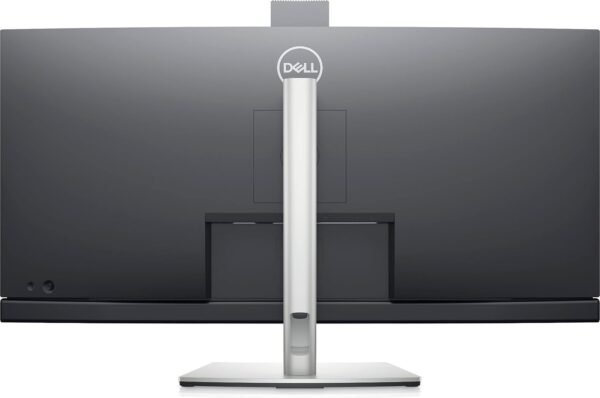
The docking side is the strongest part of the specification. Dell lists USB-C with up to 90W power delivery, including an Always On Power Delivery feature that continues charging a connected laptop while the monitor itself is powered down. There is an RJ45 Ethernet port on the monitor, so a laptop connected over that single USB-C cable also picks up wired networking. Two USB 5Gbps (USB 3.2 Gen 1) quick access ports are listed, one of which is a USB-C port rated for up to 15W of phone charging.
For IT departments the listing also calls out MAC address pass-through, PXE boot and Wake-on-LAN, which are the features that make a docking monitor manageable at scale. An Auto KVM function is described as detecting a second connected PC and switching keyboard and mouse control across automatically. Dell’s power sync feature, which starts the monitor and a connected Dell PC from the monitor’s power button even with the laptop lid closed, is explicitly listed as compatible with select Dell PCs only.
Highlights
- 3440 x 1440 WQHD resolution on a 34.1 inch curved 21:9 panel.
- Pop-up 5MP IR camera with Windows Hello facial recognition and a retract-to-hide privacy position.
- Dual 5W speakers and a noise canceling microphone, so the monitor can serve as the call audio device.
- USB-C docking rated at up to 90W power delivery, with Always On charging when the display is off.
- Built-in RJ45 Ethernet, two USB 5Gbps ports and a 15W USB-C charging port.
- Certified for Microsoft Teams with a hardware Teams button and an LED notification indicator.
- Fleet management features listed: MAC address pass-through, PXE boot, Wake-on-LAN and Auto KVM.
Things To Consider
The listing is silent on several specifications a buyer would normally want. There is no stated refresh rate, no response time, no panel technology beyond Edge WLED backlighting, no contrast ratio, no brightness figure in nits, no HDR certification and no curvature radius. Those omissions matter: a monitor described only as curved WQHD could sit anywhere across a wide range of panel behavior, and this review will not guess at numbers the listing does not provide.
The 25 pound listed weight is heavy for a 34 inch display, which is consistent with a metal stand and integrated hardware but does mean a monitor arm needs to be rated appropriately before you remove the stand. The listed 9.1 x 18 x 32.1 inch dimensions appear to describe the monitor on its stand, so measure your desk depth against the 9.1 inch figure rather than assuming a slim footprint.
Two more practical points. First, the 90W power delivery figure is a ceiling, not a promise for every laptop; workstation class notebooks that ship with much larger adapters will charge slowly or not at all under sustained load. Second, this display first appeared in March 2021, so it predates several later conferencing standards, and anyone buying for a long deployment cycle should check current Teams certification status with Dell before committing to a fleet purchase.
Who Should Buy It, and Who Should Not
Buy the C3422WE if your day is meetings and documents, you want one cable to your laptop, and you would otherwise be buying a webcam, a speakerphone, a dock and an ultrawide monitor separately. In that comparison the integration is the value, not the panel specification. It also makes sense for organizations already standardized on Dell hardware, where the power sync behavior and the management features actually get used.
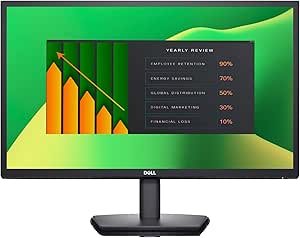
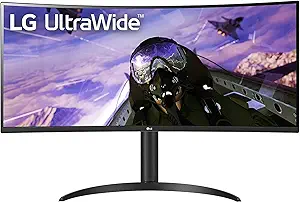
Skip it if you want a gaming or color critical display, since the listing gives none of the specifications those uses depend on. Skip it too if you already own good conferencing peripherals, because you would be paying for a camera and speakers you do not need; a straightforward panel such as the Dell P2219H or the wider LG 34WP65C-B UltraWide covers screen space at lower complexity. Our monitors category covers the alternatives in more detail, and the webcams category is the place to look if a separate camera is the better route for your setup.