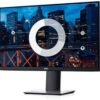
Description
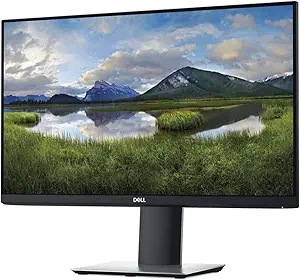
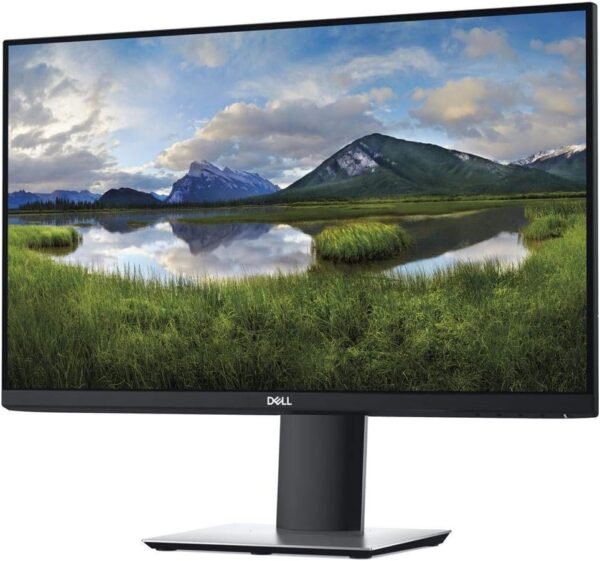
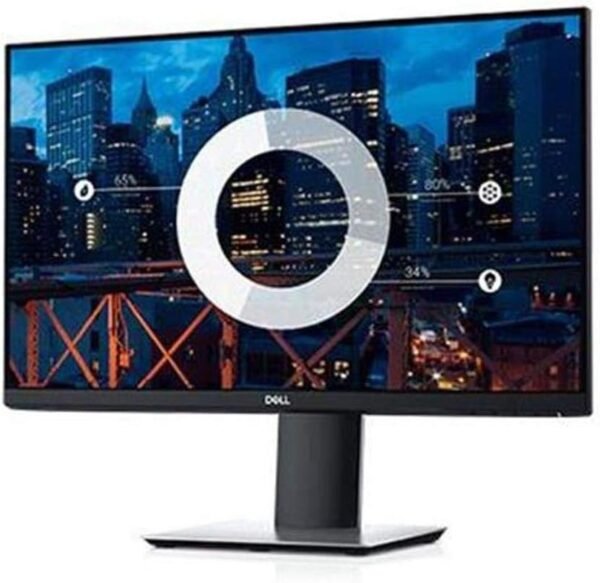
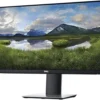
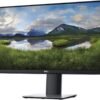
The Dell P2219H is a 21.5 inch Full HD office monitor from Dell’s P series, which sits above the entry level E series and below the professional U series. It uses an IPS panel at 1920 by 1080, carries three video inputs plus a USB hub, and mounts on a fully adjustable stand. It is a well specified and well documented product, which in this catalog is worth noting on its own.
Buyers comparing office displays should look at the Dell E2423H from the cheaper E series, which is larger but far less capable and far less documented, or the LG 34WP65C-B UltraWide for more screen area at one desk.
Panel And Image Quality
Dell states the panel technology directly, which is IPS, or in plane switching. That matters more than any other specification on an office monitor because IPS delivers consistent color and contrast across a wide viewing angle, where cheaper TN panels shift noticeably as the head moves. Dell quotes 178 degrees horizontally and vertically, which is the standard IPS figure and means the image holds up from almost any position at a desk.
Resolution is 1920 by 1080 on a 21.5 inch screen, which Dell notes produces 102 pixels per inch. That is a comfortable density for this size: sharp enough for clean text without requiring display scaling, and it is a better balance than 1080p stretched across a larger panel.
Contrast ratio is quoted at 1000 to 1, brightness at 250 candelas per square meter, and color support at up to 16.7 million colors, which indicates an 8 bit panel. Response time is 8 milliseconds, which Dell says can be shortened to 5 milliseconds in fast mode, and the refresh rate is stated as 60 hertz. Those figures place it squarely as an office display rather than a gaming one, and Dell does not pretend otherwise.
Connections
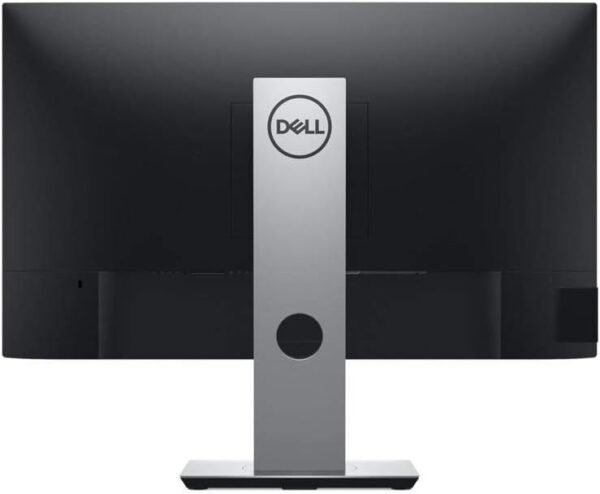
Three video inputs are provided: HDMI, DisplayPort and VGA. Three inputs is genuinely useful, allowing a desktop, a laptop and a third device to stay connected simultaneously, and the inclusion of VGA means older equipment such as a legacy machine or a presentation system still connects without an adapter.
The monitor also includes USB connectivity so peripherals can plug directly into the display rather than into the computer. The specification block lists three USB 3.0 ports. A monitor with a USB hub reduces desk cable clutter considerably, since a keyboard, a mouse and a headset can all terminate at the screen with one cable running back to the computer. Devices such as the Logitech M220 Silent mouse receiver plug in neatly this way.
There is no USB-C input, so single cable laptop connection with charging is not available on this model. Buyers who need that should look at a USB-C equipped display.
Ergonomics And Eye Comfort
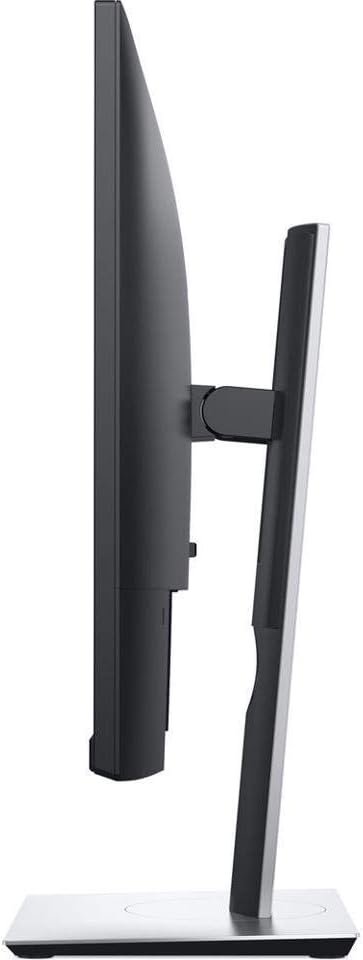
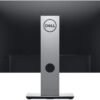
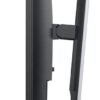
The stand is the strongest practical feature. Dell states the monitor tilts, swivels, pivots and adjusts for height. All four adjustments together are what allow a display to be set correctly for an individual rather than accepted at whatever height the stand happens to be, and height adjustment in particular is the one most often missing from cheaper monitors. Pivot means the panel rotates to portrait orientation, which suits reading long documents and code.
VESA mounting is supported, so the panel can move onto an arm or a wall mount, and multiple monitors can be assembled into an array. The three sided ultrathin bezel design is aimed at exactly that: a narrow border on three sides minimizes the visual gap between adjacent screens in a multi monitor setup.
Dell states the monitor is TUV certified with a flicker free screen and its ComfortView mode, which reduces blue light emissions. Those features address eye comfort over long sessions, and TUV certification means the claim has been tested by an independent body rather than asserted by the manufacturer.
Highlights
- 21.5 inch IPS panel at 1920 by 1080, 102 pixels per inch.
- 178 degree horizontal and vertical viewing angles.
- 1000 to 1 contrast ratio and 250 candelas per square meter brightness.
- 60 Hz with an 8 ms response time, 5 ms in fast mode.
- HDMI, DisplayPort and VGA inputs.
- Three USB 3.0 ports for connecting peripherals.
- Tilt, swivel, pivot and height adjustable stand with VESA support.
- TUV certified flicker free screen with ComfortView blue light reduction.
Things To Consider
This is an older product, first listed in July 2018, and it is listed as not discontinued. In monitors that matters less than in computing hardware, since panel technology at this tier has changed little, but buyers should expect a design from that era rather than current features. There is no USB-C, no HDR, no high refresh rate and no built in speakers mentioned anywhere.
The color gamut is also not stated. Dell publishes the color count as up to 16.7 million but does not give an sRGB or DCI-P3 coverage percentage, so anyone doing color sensitive work cannot judge it from this listing. For general office work that is not a concern.
At 21.5 inches this is a small monitor by current standards, where 24 and 27 inch displays have become the default. That is a deliberate choice for constrained desks and for multi monitor arrays, and buyers who want a single large screen should look at a bigger panel.
Customer feedback is strong and well sampled at 4.5 stars across 1,124 ratings. Physically the monitor weighs 6.06 pounds with listed dimensions of 6.54 by 19.19 by 18.58 inches including the stand, which is light enough to reposition easily. Readers can compare other displays in the monitors category and pair it with a compact machine from the minis category.
Who It Suits
The P2219H suits an office desk, a home office, a reception position or a multi monitor array where consistent color from any angle, correct ergonomic positioning and multiple inputs matter more than size or refresh rate. The four way adjustable stand and the USB hub are the two features that justify it over a cheaper display, and both are used every day.
It is the wrong monitor for gaming, for HDR content, for color critical creative work given the undocumented gamut, for laptop users who want USB-C docking, and for anyone who wants the largest screen possible for the money. Those buyers are better served by a newer or larger panel.