Description
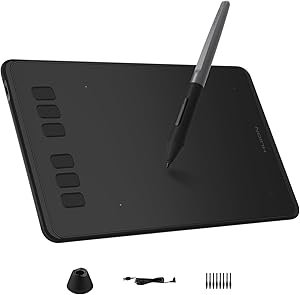
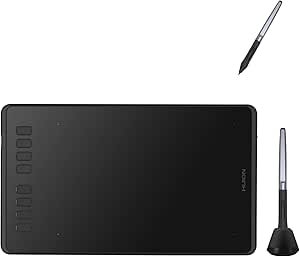
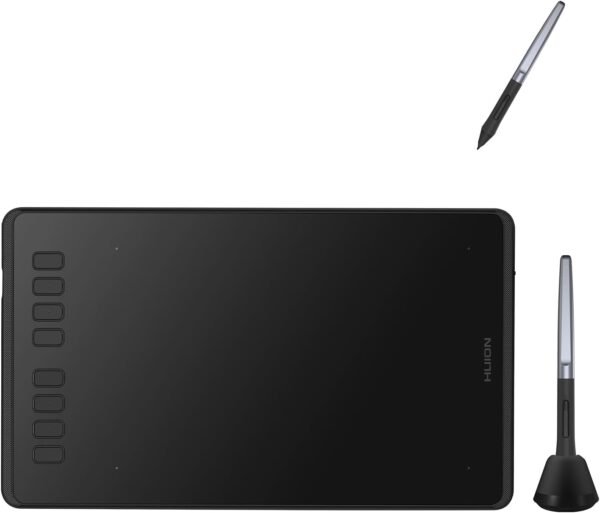
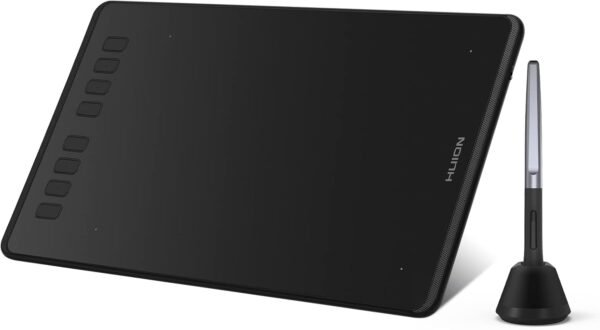
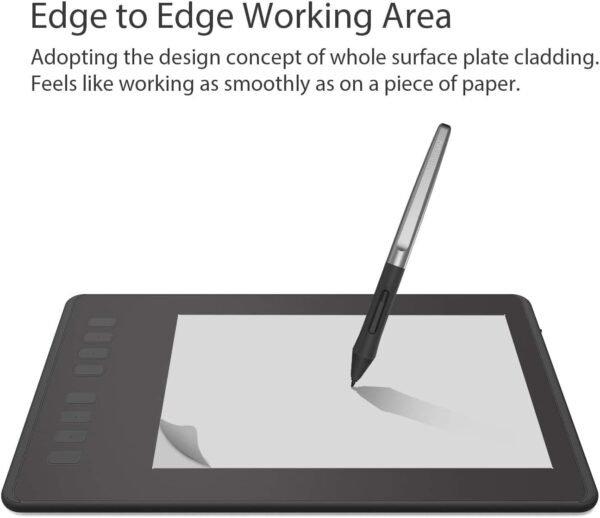
The HUION Inspiroy H950P is a screenless graphics tablet: a flat pressure sensitive pad that connects to a computer, where the artist draws on the pad while watching a separate monitor. It comes bundled with HUION’s PW100 battery free stylus, has eight programmable keys along one edge, and supports Mac, Windows, Linux and Android.
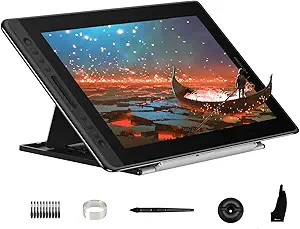
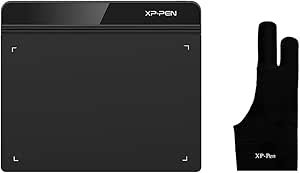
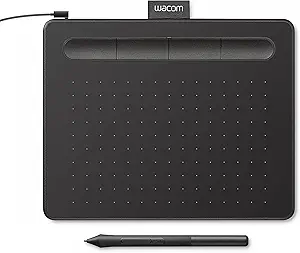
The screenless format is the fundamental decision. It costs far less than a pen display and requires the user to build coordination between the hand on the pad and the cursor on the screen, which most people adapt to within a few hours. Buyers who want to draw directly on the image should look at the HUION Kamvas Pro 16 instead. Comparable screenless tablets include the Wacom Intuos Small and the HUION Inspiroy H640P.
The Pen
The bundled PW100 stylus is battery free, which means it draws power inductively from the tablet surface and never needs charging or a cell replacing. That is the standard approach on modern tablets and it makes the pen lighter and better balanced than a battery powered one.
Pressure sensitivity is quoted at 8192 levels. That figure has become the industry standard across most current tablets, and it is more than enough resolution for line weight and opacity control in any drawing application. HUION describes the pen as light and easy to control with the feel of a standard pen.
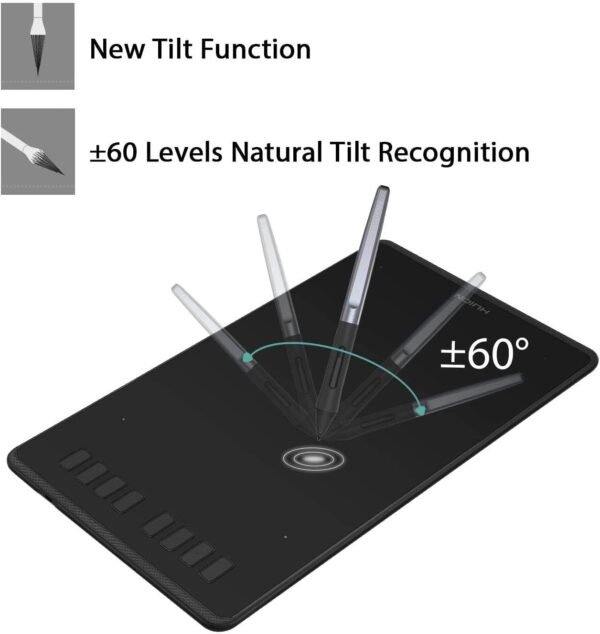
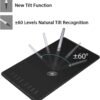
Two side buttons sit on the barrel and switch between pen and eraser, which saves reaching for the keyboard during sketching. HUION does not state whether the pen supports tilt recognition anywhere on the listing, which is a specification serious users compare and its absence should be checked before purchase if brush angle matters.
Press Keys And Workflow
Eight press keys run along one edge of the tablet, and HUION states each can be assigned to a preferred shortcut, with different shortcut sets configurable for different applications in the HUION driver. Per application profiles are the genuinely useful part: a shortcut layout for a painting application and a different one for photo editing, switching automatically as the active program changes.
Eight keys is a reasonable count for this class. Enough for undo, brush size, zoom, layer navigation and a couple of modifiers, without the row becoming difficult to find by touch.
HUION also states the tablet is available for left handed users, which normally means the tablet can be rotated 180 degrees in the driver so the key row sits on the right. That is a small feature that matters a great deal to the people who need it and is not universal in this category.
Compatibility And Portability
HUION lists compatibility with Mac, Windows and Linux computers, plus Android smartphones and tablets running OS version 6.0 or later. Linux support and Android support are both worth flagging because neither is universal in this category, and Android support in particular allows a phone or tablet to become the drawing host.
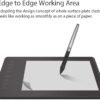
The tablet is 0.3 inches thick and HUION lists a weight of 1.76 pounds, describing it as easy to carry between home, work and class. That thickness is genuinely slim and slides into a laptop bag alongside a machine. The weight figure looks high for a compact tablet and may include packaging, since 1.76 pounds is substantial for a device that thin.
One further note on the Android support. Using a phone or tablet as the drawing host changes what the tablet is for: it turns a pocket device into a sketching setup without carrying a laptop, and it works with the drawing applications available on that platform rather than with desktop software. HUION sets the floor at Android 6.0, which is a low bar that most current devices clear comfortably, but the practical limitation is usually screen size rather than operating system version.
Highlights
- Screenless graphics tablet with the PW100 battery free stylus included.
- 8192 levels of pen pressure sensitivity.
- Eight programmable press keys with per application profiles.
- Pen side buttons for switching between pen and eraser.
- 0.3 inch thickness for portability.
- Mac, Windows, Linux and Android 6.0 or later support.
- Left handed orientation supported.
Things To Consider
The listing omits the specifications that matter most on a graphics tablet, and the omissions are significant enough to make an informed comparison impossible from this page alone.
There is no active drawing area size. That is the single most important specification on a screenless tablet, because it determines how much arm movement maps to how much screen movement, and it is the main difference between a small, medium and large model. There is no report rate, which affects how smoothly fast strokes are captured. There is no resolution figure in lines per inch, which affects fine detail. There is no tilt recognition statement. There is no connection type given, so it is unclear whether the tablet uses USB-C or micro USB, and no cable is listed among the contents. There is no statement about whether an OTG adapter is required for Android use, which it normally is.
The customer feedback provides no help either: one rating at 5.0 stars, on a listing first available in April 2024. There is effectively no peer evidence.
The product description field simply repeats the product title, and the first feature bullet repeats it again, so three of the listing’s fields carry the same sentence. This is a sparsely documented listing for a product category where buyers compare on numbers.
None of that reflects on the hardware, which comes from an established manufacturer in this category. It does mean a buyer should get the drawing area dimensions and the connection type from HUION directly before ordering. Readers can compare better documented alternatives in the graphics tablets category, and those working on a tablet computer instead can look at the tablets category.
Who It Suits
The Inspiroy H950P suits a student, hobbyist or working illustrator who wants a portable screenless tablet with a generous set of shortcut keys, works across more than one operating system, or wants to draw from an Android device. Battery free pen operation and per application key profiles are both features that matter daily.
It is the wrong purchase for anyone who wants to draw directly on the artwork, for buyers who need the drawing area dimensions confirmed before committing, for those who require documented tilt support, and for anyone who relies on customer reviews, since this listing has only one.