
Description
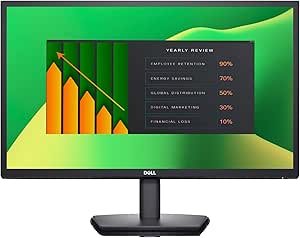
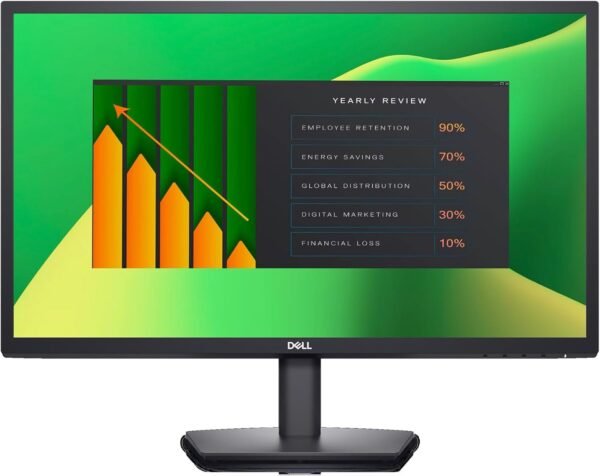
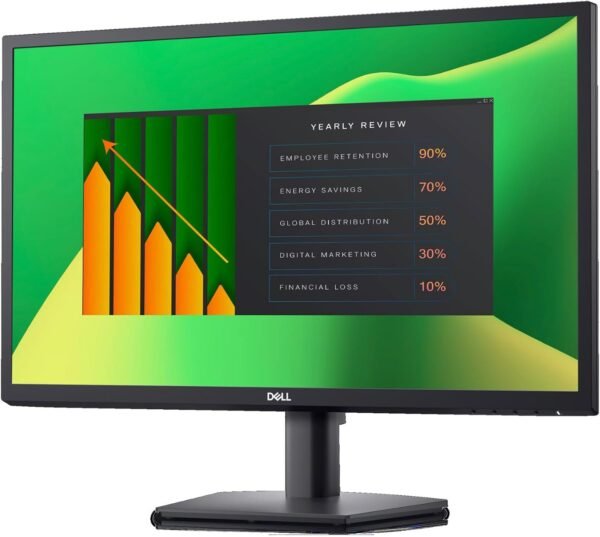
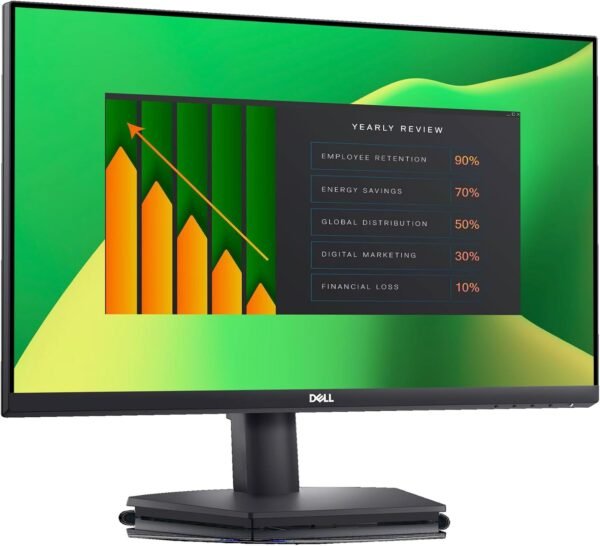
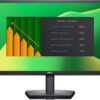
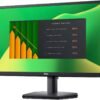
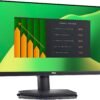
The Dell E2423H is a 23.8 inch Full HD monitor from Dell’s E series, which is the company’s entry level office line. E series monitors are bought in quantity by businesses fitting out desks, and they are designed around cost, reliability and a small feature set rather than around color accuracy or gaming performance. This listing confirms the essentials, a 23.8 inch LED backlit LCD panel at 1920 by 1080 in 16:9, and then leaves out most of what a buyer would want to know.
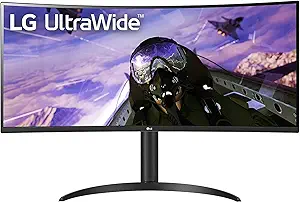
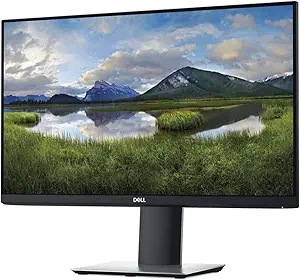
Buyers comparing office displays should look at the Dell P2219H from the higher specified P series, and anyone wanting more screen area at one desk should consider an ultrawide such as the LG 34WP65C-B.
What The Listing Confirms
Screen size is 23.8 inches with a native resolution of 1920 by 1080 in a 16:9 aspect ratio. Dell notes that a 23.8 inch screen at 1920 by 1080 displays Full HD video sources natively without down sampling, which is accurate: matching the source resolution to the panel resolution avoids scaling artifacts.
Response time is given as 5 ms grey to grey, which Dell labels as fast. In practice 5 ms grey to grey is a mid range figure. It is fine for office work, video and casual gaming, and it is well behind the 1 ms class panels marketed for competitive gaming. Dell’s own bullet describing it as excellent for the latest action films, sports or gaming is optimistic for the last of those three.
Brightness is listed at 250 nits, which is the standard figure for an office display. It works well in normal indoor lighting and struggles opposite a bright window. Dell also emphasizes power efficiency with minimal heat production, which for a fleet buyer running dozens of monitors is a genuine operating cost consideration rather than marketing filler.
What The Listing Does Not Say
Three specifications matter enormously on a monitor and none of them appear on this listing.
The panel type is not stated anywhere. IPS, VA and TN panels behave very differently in viewing angle, contrast and color, and the difference is visible from the moment a monitor is switched on. This listing says only LED LCD, which describes the backlight rather than the panel technology. Anyone who cares about viewing angles or color should confirm the panel type with Dell before ordering rather than assume.
The refresh rate is not stated either. An office monitor of this class is almost always 60 Hz, but the listing does not say so, and a buyer choosing between displays cannot verify it here.
The video inputs are not listed at all. There is no mention of HDMI, DisplayPort, VGA or USB-C, no port count and no statement about whether cables are included. Connectivity is the first practical question when a monitor arrives, and a listing that omits it entirely is a real problem. Buyers should confirm the inputs against Dell’s own product page before ordering, particularly if they intend to connect a laptop over USB-C, which E series monitors generally do not support.
Physical Design And Fleet Considerations
The monitor weighs 8.47 pounds with listed dimensions of 2 by 21.8 by 13.1 inches. Those figures describe the panel and stand assembly rather than a fully extended stand height, and the 2 inch depth is the panel depth. The color is listed as grey. There is no information on whether the stand tilts, swivels, pivots or adjusts for height, and no VESA mount specification, which are all standard details for an office display where desk ergonomics matter.
For anyone deploying several of these, the power efficiency claim and the low weight are both practical positives, and the E series exists precisely for that kind of volume purchase. Pairing a monitor like this with a compact desktop such as the Dell OptiPlex 5070 SFF or a mini PC produces a tidy standard desk build. A separate keyboard and mouse are needed, and the mice category covers quiet office options such as the Logitech M220 Silent.
Highlights
- 23.8 inch LED backlit LCD at 1920 by 1080 in 16:9.
- 5 ms grey to grey response time.
- 250 nits rated brightness.
- Native Full HD display without down sampling.
- Power efficient with low heat output per Dell.
- 8.47 pounds, in Dell’s entry level E series line.
Things To Consider
The missing panel type, refresh rate and port list are the main issues with this listing and they are worth repeating because they are unusual omissions on a monitor. A buyer cannot responsibly choose between two displays without knowing whether one is IPS and the other VA, and this page does not answer that.
The specification block also contains an obvious error. Voltage is listed as 240 volts, which is a European or Asian mains figure and not what a monitor sold into a 120 volt market would be described by. Most monitor power supplies are universal input, so the practical impact is likely nil, but it indicates the data came from a different regional listing. The description field consists of the two words Dell Monitor, which is no description at all.
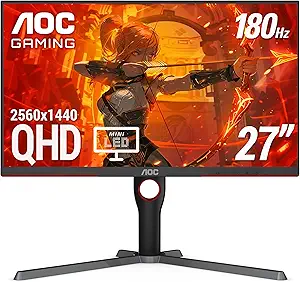
Customer feedback is thin at 4.4 stars across 36 ratings, on a listing first available in November 2022. Dell’s E series is also, by design, the least featured line in the range. There is no USB hub, no height adjustment mentioned, no speakers mentioned and no color gamut figure. Buyers who want those things should step up to the P series or a comparable line from another vendor. Readers can compare the alternatives in the monitors category, including the gaming focused AOC Q27G3XMN.
Who It Suits
The E2423H suits an office, a school, a reception desk or a home office where the requirement is a reliable, efficient, ordinary 1080p display at a sensible size, bought in quantity or as a straightforward replacement. For documents, email, spreadsheets and video calls it does everything asked of it.
It is the wrong monitor for photo or video editing, for competitive gaming, for anyone who needs USB-C connectivity to a laptop, and for buyers who require height adjustable ergonomics. It is also difficult to recommend confidently over a competing display, because this listing withholds the panel type, refresh rate and inputs that any comparison depends on.