Description
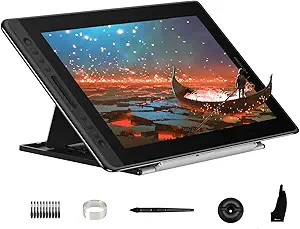
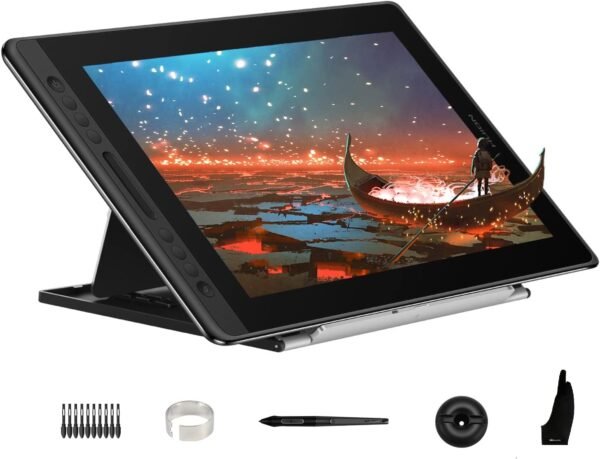
The HUION Kamvas Pro 16 is a 15.6 inch pen display: a drawing tablet with a screen built into it, so the artist draws directly on the image rather than on a blank surface while watching a separate monitor. HUION states plainly in its own listing that this is not a standalone product and must be connected to a computer or laptop to work, which is the single most important thing a first time buyer needs to understand about it.
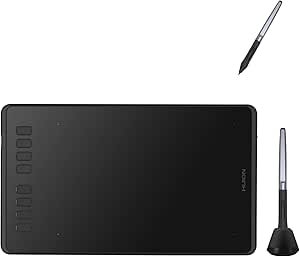
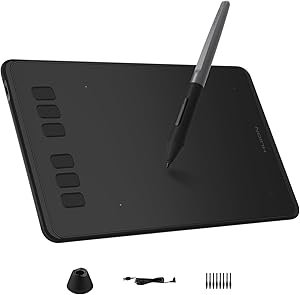
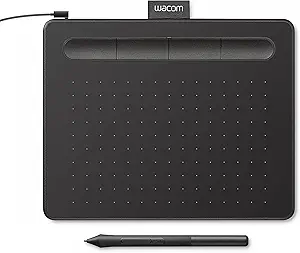
That distinction separates this product from screenless tablets like the HUION Inspiroy H950P and the Wacom Intuos Small, which cost far less and ask the user to build hand and eye coordination between a pad and a monitor. The Kamvas Pro 16 removes that translation step, and the price reflects it.
The Display
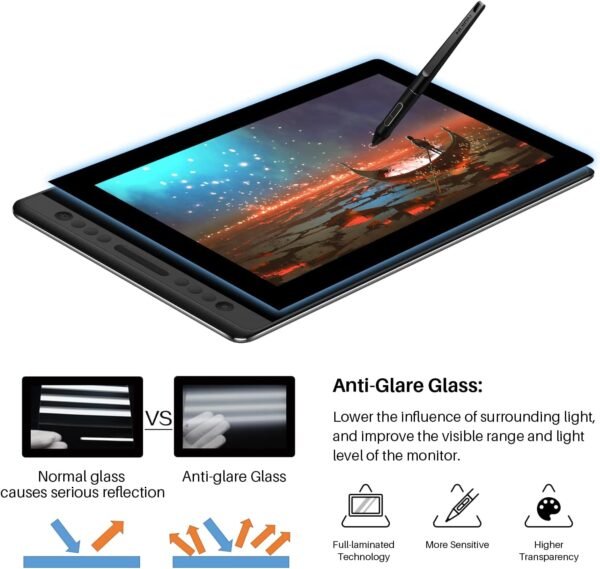
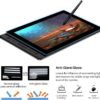
The panel is 15.6 inches, fully laminated, and covered with anti glare glass. Full lamination means the glass and the LCD layer are bonded together with no air gap, which reduces the visible offset between the pen tip and the cursor. That parallax gap is the most common complaint about cheaper pen displays, so lamination is a specification worth paying for rather than a marketing line.
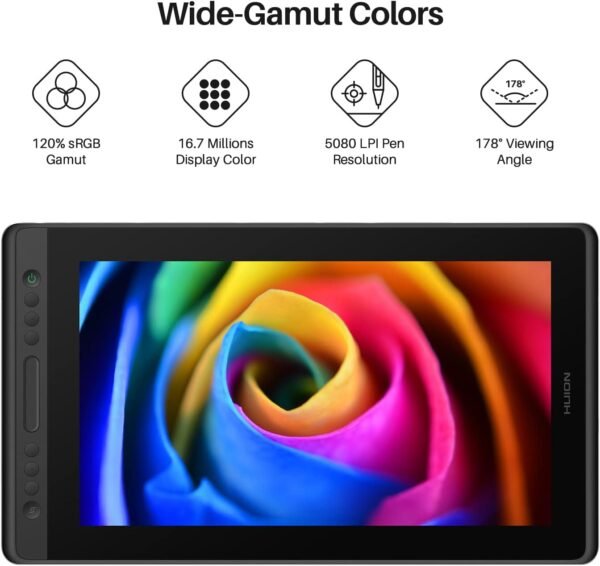
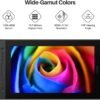
HUION quotes 120 percent sRGB coverage, which it also expresses as 92 percent Adobe RGB, on a 16.7 million color 8 bit panel. Contrast ratio is given as 1000 to 1. Those are respectable figures for a working display and adequate for illustration and design, though a photographer working to a print standard would want a higher bit depth and a calibrated reference monitor alongside it. HUION also mentions a slight surface texture on the glass, which gives the nib something to bite against instead of skating on smooth glass.
Pen, Express Keys And Workflow
The bundled pen is battery free, which HUION credits for accurate and responsive tracking with what it describes as virtually lag free performance. Tilt recognition is quoted at 60 degrees, meaning the pen can be angled that far off vertical and still register the tilt for brush shaping. Two side buttons on the pen are programmable to software shortcuts. Notably, the listing does not state a pressure sensitivity level anywhere, which is unusual for a pen display and a figure buyers normally compare directly, so it should be confirmed before purchase rather than assumed.
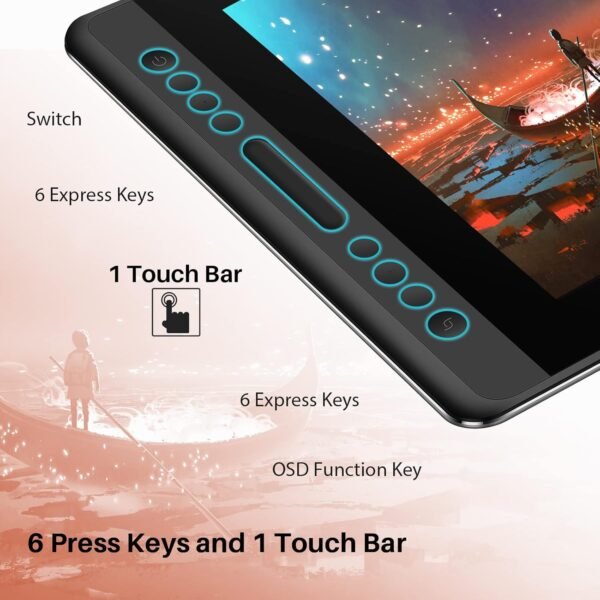
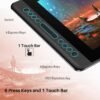
Six customizable express keys sit alongside a touch bar on the tablet body. HUION gives zooming in and out and adjusting brush size as example assignments. In practice these replace the keyboard hand entirely for common operations, which is the reason a pen display feels faster than a mouse and keyboard once the shortcuts are configured.
The bundled ST200 stand adjusts between 20 and 60 degrees. HUION frames that as reducing neck, shoulder and back tension and providing a better viewing angle for both drawing and typing, which is a reasonable ergonomic argument: drawing flat on a desk for hours is hard on the neck.
Connection And Software Compatibility
Connection is over a three in one USB-C cable carrying an HDMI signal, which HUION presents as tidier than the separate video, data and power cables older pen displays required. The single cable still splits at the computer end, so a machine needs an available HDMI or DisplayPort output plus a USB port. Laptop owners with only USB-C ports should confirm what adapters are required.
HUION lists support for Windows 7 or later, macOS 10.12 or later, and Linux on Ubuntu. Named creative software compatibility covers Adobe Photoshop, Clip Studio Paint, SAI and Lightroom. Linux support on a pen display is worth flagging because it is far from universal in this category, though HUION does not specify which driver features are available there.
Highlights
- 15.6 inch fully laminated panel with anti glare glass and a slight drawing texture.
- 120 percent sRGB, 92 percent Adobe RGB, 16.7 million colors, 1000 to 1 contrast.
- Battery free pen with 60 degree tilt recognition and two programmable buttons.
- Six programmable express keys plus a touch bar.
- ST200 stand adjustable from 20 to 60 degrees.
- Single three in one USB-C cable carrying the HDMI signal.
- Windows, macOS and Linux support, with Photoshop, Clip Studio Paint, SAI and Lightroom named.
Things To Consider
The computer requirement is the first thing to plan around. This device has no processor and no operating system of its own, so it is a second screen with a digitizer, and it needs a host machine with the right outputs. Anyone hoping to draw on the couch with no computer attached is looking at the wrong product category entirely, and should consider a tablet from the tablets category such as the Samsung Galaxy Tab S6 Lite, which runs its own drawing apps.
The listing is unusually sparse on data for a product at this level. The description field is completely empty, no pressure sensitivity figure is given, no resolution is stated for the 15.6 inch panel, no refresh rate is quoted, no brightness figure appears, and there is no report of what ports sit on the tablet itself. Weight is listed at 2.98 pounds and dimensions at 17.24 by 9.88 by 0.47 inches, and the manufacturer is given as Shenzhen Huion Animation Technology LTD. That is nearly all the hard data the listing provides.
The product also has some age on it, with a first availability date of May 17, 2019. That is not automatically a problem for a pen display, since panel and digitizer technology moves slowly in this category, but newer models in the Kamvas range exist and buyers should check what has replaced it. Customer feedback is strong, at 4.5 stars across 4,788 ratings, which is the best supported figure on the whole listing. Readers comparing alternatives can browse the full graphics tablets category, including the entry level HUION Inspiroy H640P.
Who It Suits
The Kamvas Pro 16 suits an illustrator, concept artist, retoucher or designer who already works on a computer, has outgrown a screenless tablet, and wants to draw directly on the artwork with usable color accuracy. The full lamination, the tilt support and the express keys are the features that justify the step up.
It is not for beginners testing whether they enjoy digital art, since a screenless tablet answers that question for far less. It is also wrong for anyone who needs a portable standalone device, for photographers who need a calibrated high bit depth display, and for buyers who want a documented pressure sensitivity figure before committing.