Description
What The DYMO LabelManager 210D Is
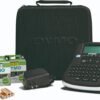
The DYMO LabelManager 210D is a handheld electronic label maker with a computer style QWERTY keyboard. It is one of the longest running products of its kind, first listed in 2008 according to the product page, and its appeal has not changed: type a label, choose a size and style, press print, and cut. There is no phone app, no pairing step and no software to install. That self contained design is why this format still sells alongside newer Bluetooth models such as the Phomemo D30 and the Nelko PM220.
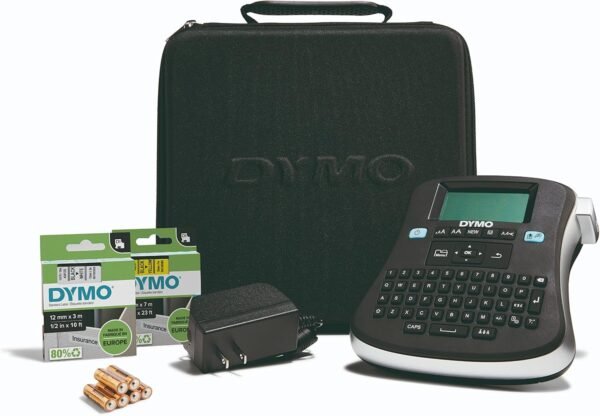
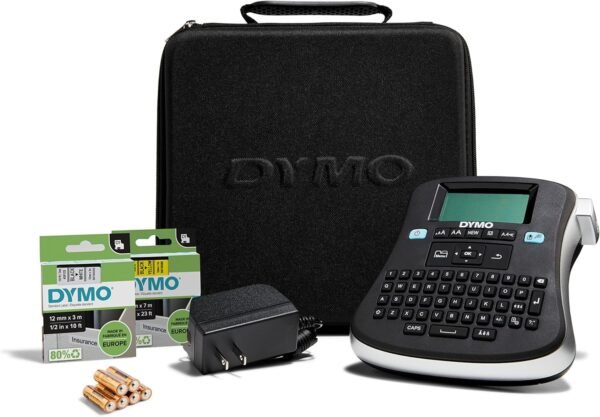
DYMO describes it as labeling made easy for an entire office, and the layout supports that: a large screen, a full keyboard rather than a phone dial pad arrangement, quick access buttons for punctuation, currency symbols and a symbol library, and straightforward menu navigation. The product name lists it as a two line machine, so a single label can carry two rows of text.
Formatting Options
The formatting toolkit is fixed and finite, which is normal for a standalone labeler. The listing specifies six font sizes, seven text styles and eight different box borders, together with a symbol set. Nine labels can be stored in memory for reuse, and up to ten copies of a label can be printed in one run. For an office that repeatedly prints the same shelf tags, folder titles or equipment IDs, the stored label memory is the feature that saves the most time.
There is a ceiling to this. Because everything is designed on the device itself, there is no way to import a logo, generate a barcode from a spreadsheet or lay out a complex label. Any workflow that needs those things belongs on a computer connected printer such as the Brother QL-820NWB, not on a handheld unit.
Display And Power
The display is listed as an LCD described as large and graphical, which in this class means it shows the formatting as it will print rather than plain characters. Power is flexible: six AA batteries are included for portable use and an AC adapter is also in the box for desk use. That combination is a practical detail, because AA powered labelers left in a drawer for months are a familiar source of dead batteries and leaked cells.
Tape And Running Costs
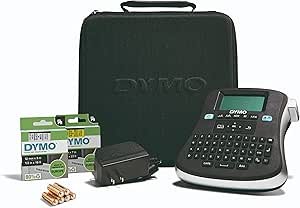
This is the part that decides the real cost of owning any label maker, and it deserves separating from the machine itself. The 210D uses DYMO D1 label cassettes. The kit ships with two of them: black print on white at half inch by 10 feet, and black print on yellow at half inch by 23 feet. Those two cassettes are a starter supply, not a long term one, and every label printed after that requires buying more D1 tape. D1 cassettes come in several widths and color combinations, and the machine’s supported widths should be confirmed before stocking up.
Unlike a direct thermal label printer, where the label stock itself is heat sensitive and can fade, D1 tape is a laminated plastic tape intended to survive handling. That is the trade off in this format: consumables cost more per label than thermal rolls, but the printed label is more durable. Buyers who care mainly about running cost should compare against the thermal roll approach used by the NIIMBOT B1, and buyers who want laminated tape with computer connectivity can look at the Brother P-touch PT-D610BT.
Highlights
- Self contained handheld labeler that needs no phone or computer.
- Computer style QWERTY keyboard with quick access symbol buttons.
- Large graphical LCD display.
- Two line labels with six font sizes, seven styles and eight box borders.
- Nine label memory and up to ten copies per print run.
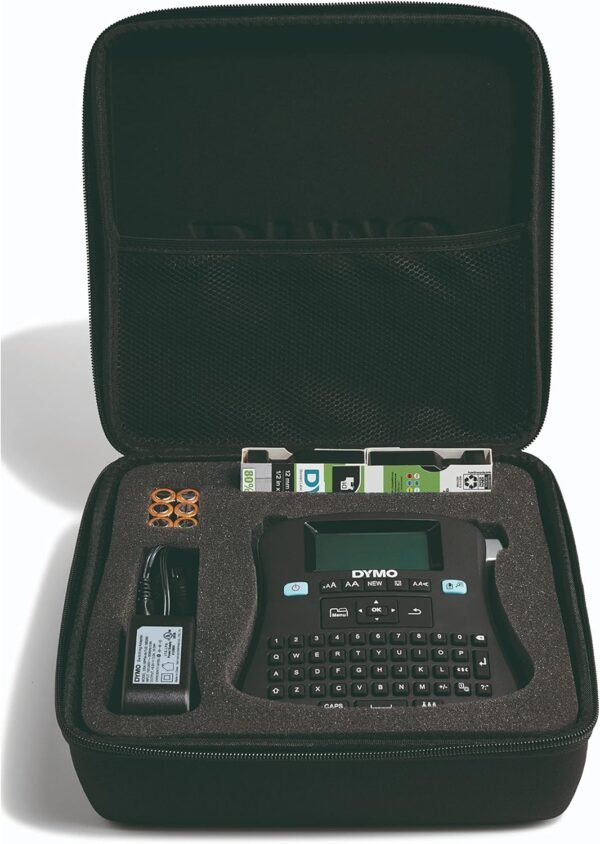
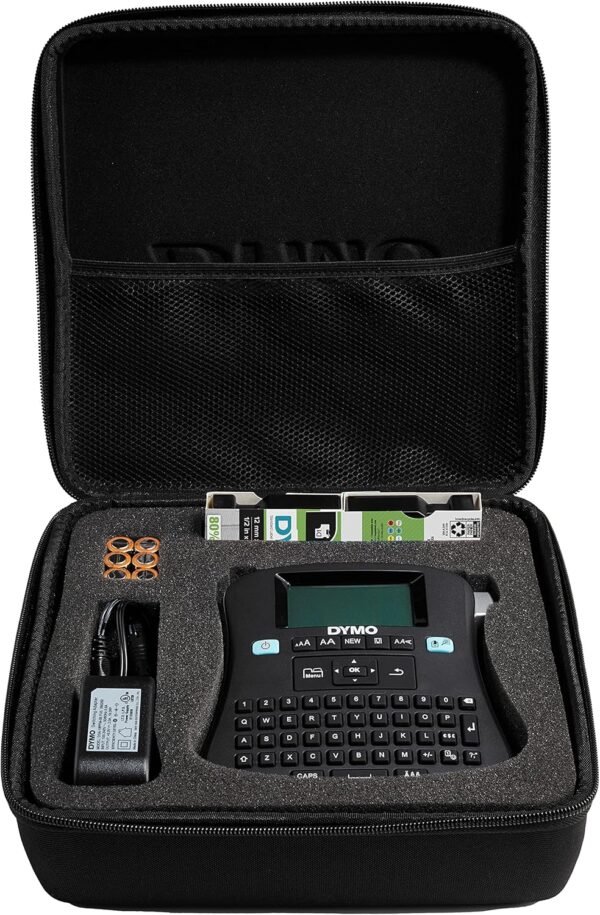
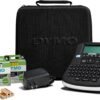
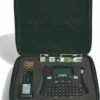
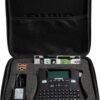
- Two D1 cassettes, six AA batteries, AC adapter and storage case in the kit.
- Dual power, batteries or mains.
- Laminated D1 tape is more durable than thermal label stock.
Things To Consider
The specification table for this listing mixes several unrelated figures and should be read carefully. It states a maximum media size of 3 by 5 inches and a sheet size of 0.26 inches, neither of which matches the half inch D1 cassettes described in the kit contents, so the media figures disagree with each other. It also lists a hardware interface of USB and compatible devices of PC, while the product itself is described throughout as a standalone keyboard operated labeler. A memory storage capacity of 1 GB is listed against a machine that stores nine labels. Product dimensions of 11.63 by 3.13 by 10.31 inches describe the kit packaging, while the product name gives the machine as roughly 6.1 inches wide by 6.5 inches deep by 2.5 inches high.
- Ongoing cost depends entirely on buying DYMO D1 cassettes, which are sold separately.
- Formatting is limited to the built in fonts, styles and boxes. No logos, no imported artwork.
- No barcode generation from a data file and no computer design workflow.
- Two lines of text per label is the stated limit.
- Six AA batteries add weight and eventually need replacing.
- The USB and PC fields in the specification table are inconsistent with the rest of the listing.
Who Should Buy It And Who Should Not
The 210D suits an office, classroom, workshop or home that wants durable labels typed directly on the device by anyone who walks up to it. The QWERTY keyboard removes the learning curve, the kit arrives ready to print, and laminated D1 tape holds up on drawers, cables, bins and equipment. It is a sensible pick where a shared tool has to be usable without instructions, and it sits alongside the other keyboard driven units in the label makers category.
It is not the right buy for high volume work, for barcodes generated from inventory data, or for anyone who wants to design labels on a phone. Those buyers should look at app driven thermal printers or at a computer connected desktop model. It is also the wrong choice for anyone who wants the lowest possible cost per label, because laminated cassettes are more expensive per foot than thermal rolls, and for anyone who needs labels wider than the D1 range supports.