Description
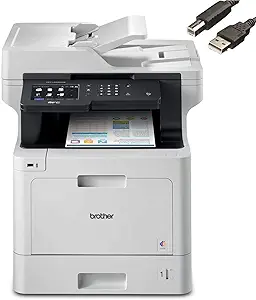
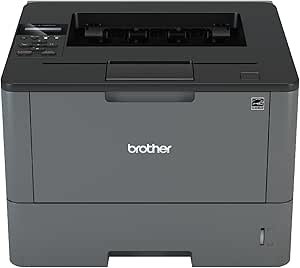
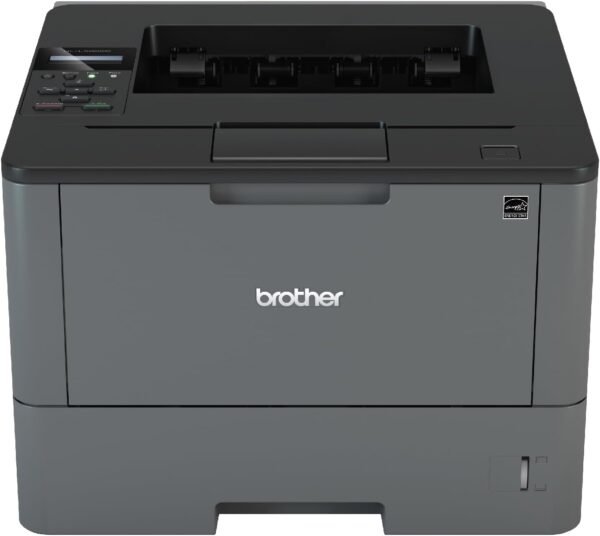
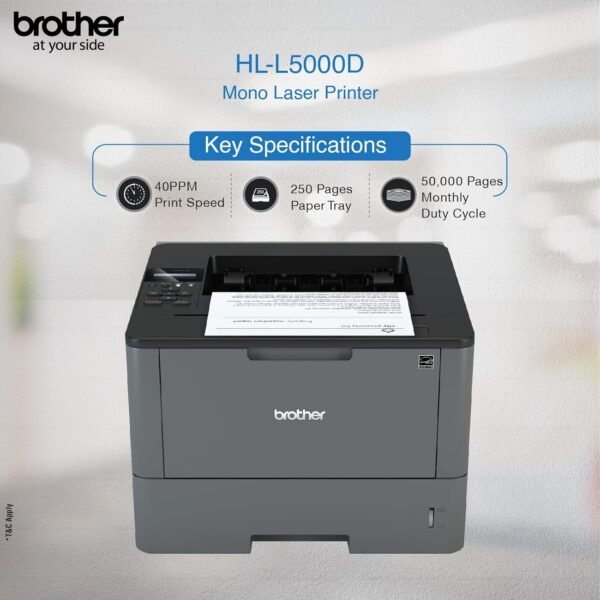
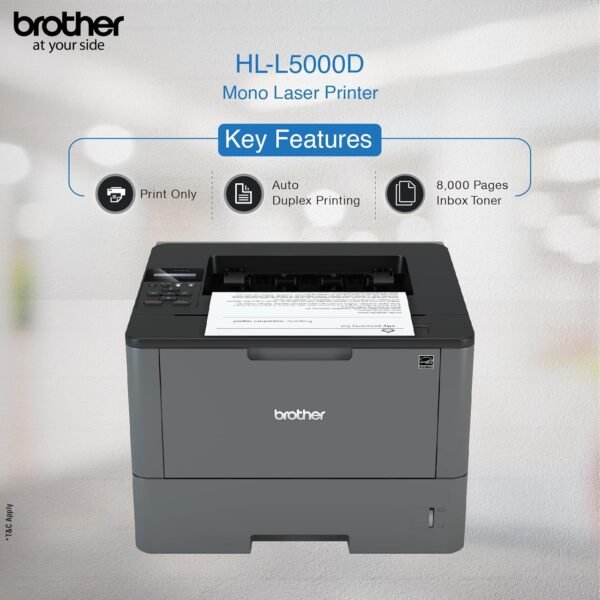
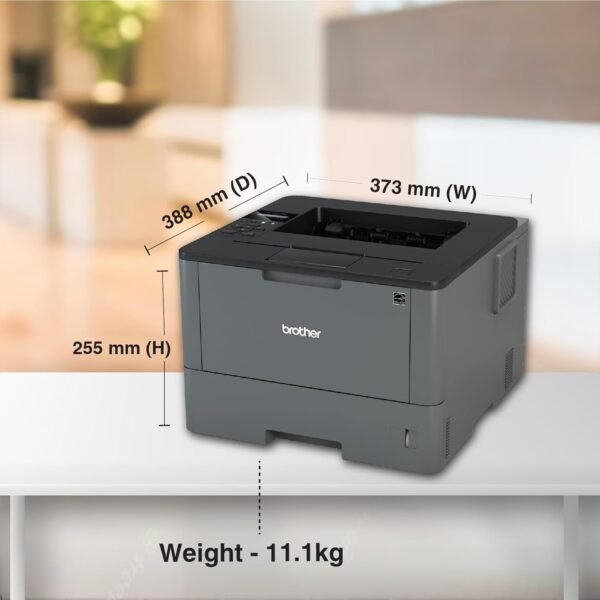
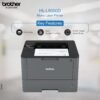
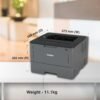
The Brother HL-L5000D is a monochrome laser printer for business use. The specification lists print speeds up to 42 pages per minute, automatic two sided printing, a 250 sheet input tray, media handling up to 8.5 by 14 inches, 1200 dpi resolution and 512 MB of memory. The unit weighs a listed 23.1 pounds. The listing dates to February 2016 and the description field contains only the characters “NA”, so the specification block is the only source available.
The Connectivity Is the Defining Constraint
Read this section before anything else, because it decides whether the printer suits you at all.
The hardware interface field on this listing names USB and nothing else. There is one USB port listed, the compatible devices field names PC only, and there is no mention anywhere of Ethernet, wireless, mobile printing or cloud services. Brother’s HL naming for this generation distinguishes models by suffix, and a D suffix denotes duplex without networking, while models with an N or a W in the code add wired and wireless networking respectively.
What that means practically: this printer connects to one computer by cable. It cannot be shared over a network in the normal way, cannot be printed to from a phone, and cannot sit in a cupboard away from the machine driving it. For a single user with a fixed desk, none of that matters and the simplicity is arguably a virtue. For anyone else it is disqualifying, and the networked variants in the same family are the ones to look for.
Confirm the exact model suffix before ordering. If networking matters and the listing shows the D variant, this is the wrong product for you regardless of everything else on the page.
Speed and Paper Handling
The specification block gives 42 pages per minute, though it appears in a copy speed field on a machine that does not copy. Taken as a print speed, 42 pages per minute is genuinely fast for a desktop machine and is a workgroup class figure. It is the specification that justifies buying this rather than a cheaper household laser: at that speed, a hundred page document is a two and a half minute job rather than a coffee break.
The 250 sheet input tray is standard, and it is worth noting that a printer capable of 42 pages per minute will empty a 250 sheet tray in six minutes of continuous printing. If you regularly produce long documents, check whether an additional tray is available for this model, because the tray becomes the bottleneck rather than the engine.
Media handling runs to 8.5 by 14 inches, covering letter and legal. Automatic two sided printing is included, which on a machine producing this much paper is a meaningful saving. Print resolution is listed at 1200 dpi, which is appropriate for text and business graphics.
Power consumption is listed at 640 watts, which describes peak draw during fusing rather than idle consumption. Laser printers draw the most power in short bursts when warming up and fusing toner.
What Print Only Means
There is no scanner, no copier and no fax on this machine. That is a positive as often as it is a limitation. The scanner assembly and its document feeder are the components most likely to jam, wear or fail on an all-in-one, and removing them removes that maintenance entirely. A machine that only prints has fewer parts to go wrong and generally costs less to buy for the same print engine.
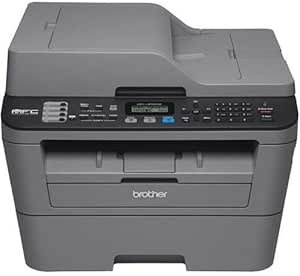
If you need scanning as well, an all-in-one such as the Brother MFC-L2700DW covers all four functions, or a separate dedicated document scanner alongside a print only machine gives better results at both jobs. That combination is often the better arrangement for anyone who scans seriously.
Highlights
- Monochrome laser printer, print only, with no scan, copy or fax functions.
- Listed at up to 42 pages per minute, a workgroup class speed.
- Automatic two sided printing as standard.
- 250 sheet input tray with media handling up to 8.5 by 14 inches.
- 1200 dpi print resolution and 512 MB of memory.
- USB connection, listed for PC use.
- 23.1 pounds, with a single line control display.
Things To Consider
The specification block for this product contradicts the product itself in several places, and the entries below should be ignored:
- The included components field reads “Laser Multifunction Office Machine, Multi Function Laser Printers”, and an additional printer functions field reads “Scan”. This is a print only machine; there is no scanner.
- The ink color field reads “Primary Colors” on a monochrome laser printer that uses black toner.
- The control method field reads “App” while the display type is a one line panel and the only interface is USB.
- Product dimensions of 17.8 x 19.2 x 14.8 inches are likely to describe the shipping carton.
On consumables, which decide the real cost of any laser printer: this listing does not state which toner cartridge the HL-L5000D takes, what its yield is, whether a starter cartridge ships in the box, or whether a separate drum unit is required. Brother monochrome lasers of this class use a toner cartridge and a separate drum unit with different service lives, and both need to be in your cost calculation. Look up the cartridge and drum part numbers for this exact model before buying, and check current availability, since a 2016 era machine relies on consumables that remain in production. Our toner cartridges category shows what equivalent consumables look like across brands, and the Brother TN660 page illustrates how tightly Brother ties cartridge families to specific printer models.
Two further points. The listing gives no monthly duty cycle or recommended print volume, which on a fast machine is the figure that tells you whether it will survive your workload. And the age of the listing means driver support for current operating systems should be verified on Brother’s site before purchase.
Who Should Buy It, and Who Should Not
Buy the HL-L5000D if you are one person at one desk producing a lot of black and white documents, you want a fast, simple machine with automatic duplexing, and you have no need to share it. The absence of a scanner and networking means fewer parts to fail and a lower purchase price for a print engine that would otherwise cost considerably more.
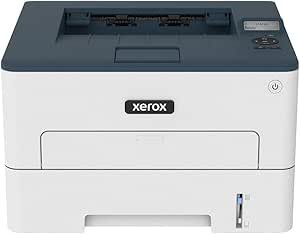
Do not buy it if more than one person needs to use it, if you want to print from a phone, or if you need color or scanning. A networked monochrome machine such as the Xerox B230 covers the shared use case at lower speed, and the HP LaserJet Pro M426fdw adds scanning and networking. Our laser printers category covers the range from desktop to workgroup.