Epson ES-400 II Scanner Review Discover the Ultimate Document Scanning Experience


Epson ES-400 II Scanner Review Discover the Ultimate Document Scanning Experience
- Speed is a standout feature, with the ability to scan up to 35 pages per minute, effortlessly handling large document batches.
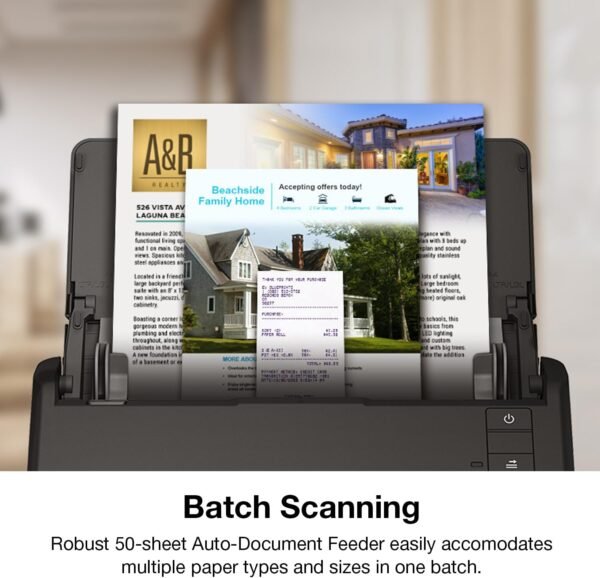
- Versatility shines through its 50-sheet Auto Document Feeder, accommodating various document sizes with ease.
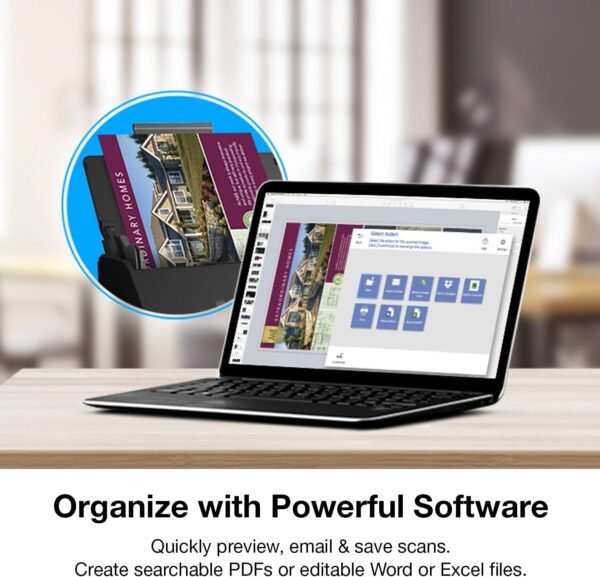
- User-friendly software enhances productivity, allowing for quick previews, easy emailing, and direct uploads to cloud services.
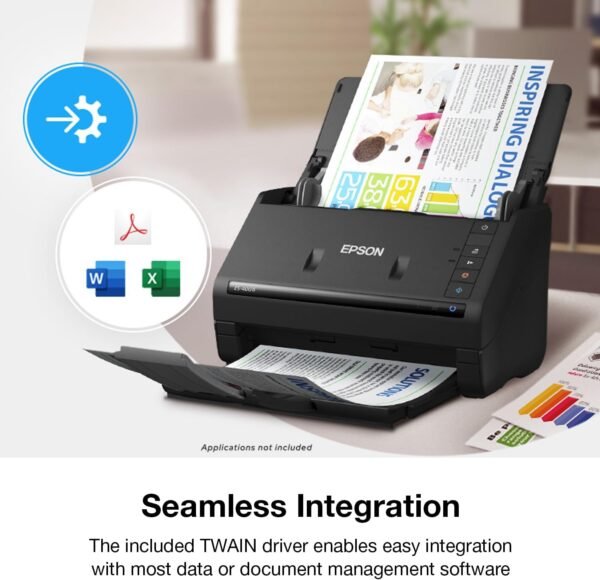
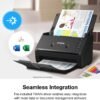
- Seamless integration into existing workflows is ensured by the included TWAIN driver, making it compatible with most document management systems.
As an Amazon Associate I earn from qualifying purchases.
Description
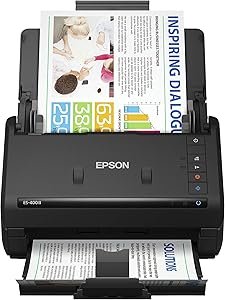
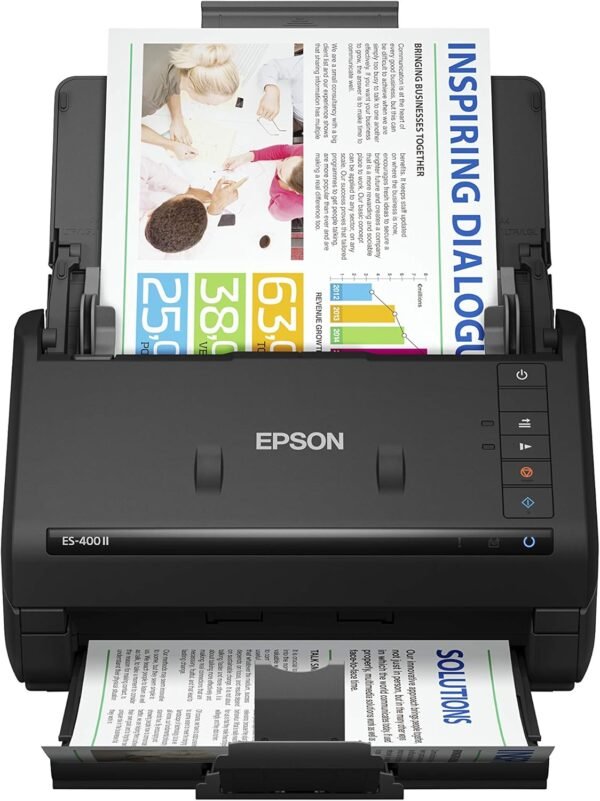
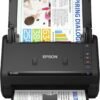
The Epson Workforce ES-400 II Color Duplex Desktop Document Scanner has become an essential part of my daily routine. After testing this model, I can confidently say that it excels in many areas, making it a solid choice for anyone needing fast and reliable document scanning. This scanner stands out with its 50-sheet Auto Document Feeder (ADF) and impressive scanning speed of up to 35 pages per minute.
Design and Build Quality
The first thing I noticed about the ES-400 II was its sleek and compact design. Measuring just 6.6 x 11.6 x 6.9 inches, it fits comfortably on my desk without taking up too much space. It weighs 8.14 pounds, which makes it portable enough to move around if needed. The durable construction gives off a professional vibe, and I appreciate how it looks in my office setup.
Performance and Speed
Speed is crucial for a scanner, especially in a busy environment. The Epson Workforce ES-400 II doesn’t disappoint here. I tested the scanner on various document types, from thin receipts to thicker pages, and it handled everything with ease. The duplex scanning capability allows it to capture both sides of a document simultaneously, saving me precious time. It’s particularly useful when dealing with double-sided papers, such as contracts or reports.
User-Friendly Features
Navigating through the Epson ScanSmart Software has been a breeze. The software allows for easy previewing of scans, and I can quickly email files or upload them to cloud storage services like Dropbox or Google Drive. The automatic file naming feature is a nice touch, as it saves me from the tedious task of renaming files manually. Other features like auto crop, blank page skip, and background removal ensure that I get high-quality scans every time.
Versatile Document Management
One of the standout features of this scanner is its ability to create searchable PDFs. Thanks to Optical Character Recognition (OCR) technology, I can convert scans into editable Word or Excel documents effortlessly. This has proven invaluable, particularly when I need to extract specific information from scanned documents for reports or presentations.
Advantages
- The 50-sheet ADF significantly boosts productivity.
- Scanning directly to cloud storage is seamless, making sharing easy.
- The software provides a user-friendly experience with powerful editing tools.
- The ability to create searchable PDFs adds a layer of convenience for document management.
Key Benefits
- High scanning speed of up to 35 pages per minute.
- Supports various document types and sizes with effortless handling.
- Excellent image quality with features for adjustment and correction.
- Compact and portable design suitable for home or office use.
Drawbacks
Despite its many positives, the Epson Workforce ES-400 II does have some limitations to consider.
- The scanner can occasionally struggle with extremely glossy or textured documents.
- While the setup is straightforward, some users may find the software updates a bit cumbersome.
- The interface, while intuitive, could benefit from additional features for advanced users.
Limitations to Consider
- Occasionally struggles with highly glossy or textured documents.
- Software updates can be a hassle for some users.
- A more advanced interface could enhance user experience.
Competitors
In the market, several competitors vie for attention, including the Fujitsu ScanSnap iX1500 and the Canon imageFORMULA R40. The Fujitsu model, while often praised for its robust feature set, tends to be pricier and may not offer the same speed. On the other hand, the Canon scanner has a slightly slower performance but is recognized for its software simplicity.
What truly sets the Epson Workforce ES-400 II apart is its combination of speed, build quality, and user-friendly features. It strikes a balance that caters well to both home and professional users.
Value Proposition
Investing in the Epson Workforce ES-400 II is worth it for anyone needing a reliable scanner. While it may not be the cheapest option available, the features it offers, such as high-speed scanning and excellent document management capabilities, justify the price. It provides a solid price to quality ratio, ensuring that you’re getting your money’s worth.
In summary, my experience with the Epson Workforce ES-400 II has been overwhelmingly positive. It’s a game-changer in terms of how I manage my documents, and I would recommend it to anyone looking for a dependable scanner that delivers on its promises. Whether for home use or in a busy office setting, this scanner is a worthy addition to your arsenal.
Additional information
| Product Dimensions | 6.6 x 11.6 x 6.9 inches |
|---|---|
| Item Weight | 8.14 pounds |
| Item model number | ES-400 II |
| Is Discontinued By Manufacturer | No |
| Manufacturer | Epson |